
1. Produit terminéview
The JREN Tablet for Kids, Model JR-J10, is a 10.1-inch tablet designed for children. It operates on Android 14 and features an Octa-Core processor, 8GB RAM (4 real + 4 virtual), and 64GB of internal storage, expandable up to 1TB. The tablet is equipped with Google GMS certification, providing access to the Google Play Store and Google Kids Space. It includes a durable, kid-proof EVA case with a built-in stand and handle, along with front and rear cameras.

Image 1.1: JREN Tablet for Kids with its protective case, showcasing l'écran.
2. Contenu de la boîte
- Tablette pour enfants de 10.1 pouces
- Kid-proof EVA Case with Built-in Stand
- Câble USB Type-C
- Chargeur
- Guide de l'utilisateur
3. caractéristiques du produit
- Système opérateur: Android 14 with Google GMS certification.
- Processeur: Octa-Core processor (2 GHz).
- Mémoire: 8GB RAM (4 real + 4 virtual).
- Stockage: 64GB internal storage, expandable up to 1TB via microSD card.
- Afficher: 10.1-inch HD touchscreen with 1280 x 800 pixel resolution and eye-care mode.
- Caméras : 2MP front camera, 5MP rear camera.
- Connectivité : WiFi (802.11ac) and Bluetooth.
- Batterie: 6000mAh, providing up to 12 hours of continuous use.
- Cas: Kid-proof EVA case with ergonomic handle and built-in stand.

Image 3.1: Visual representation of the tablet's long-lasting battery performance.
4. Guide de configuration
4.1 Mise sous tension initiale
- Ensure the tablet is fully charged before first use. Connect the provided USB Type-C cable to the tablet's charging port and the charger to a power outlet.
- Press and hold the power button located on the side of the tablet for 3-5 seconds until the screen lights up.
- Suivez les instructions à l'écran pour sélectionner votre langue, vous connecter à un réseau Wi-Fi et configurer votre compte Google.
4.2 Connexion Wi-Fi
- Depuis l'écran d'accueil, appuyez sur l'icône « Paramètres ».
- Select 'Network & internet' > 'Wi-Fi'.
- Toggle Wi-Fi 'On'. The tablet will scan for available networks.
- Select your desired Wi-Fi network and enter the password if prompted. Tap 'Connect'.
5. Mode d'emploi
5.1 Navigation de base
- Écran tactile : Touchez pour sélectionner, faites glisser pour faire défiler, pincez pour zoomer.
- Bouton d'accueil: Retourne à l'écran d'accueil.
- Bouton Retour : Revient à l'écran précédent.
- Bouton Applications récentes : Affiche les applications récemment utilisées.
- Boutons de volume : Régler le volume audio.
- Bouton d'alimentation : Appuyez pour allumer/éteindre l'écran, maintenez la pression pour éteindre ou redémarrer l'appareil.
5.2 Using Google Kids Space
The tablet comes pre-installed with Google Kids Space, offering a curated library of age-appropriate content including educational games, videos, and stories. Access it from the home screen or app drawer.

Image 5.1: Google Kids Space interface on the JREN Tablet.
6. Contrôle parental
The JREN Tablet integrates with Google Family Link, allowing parents to manage screen time, app downloads, and content filtering from their own device. This ensures a safe and controlled learning and entertainment environment for children.
- Limites de temps d'écran : Définir des limites quotidiennes d'utilisation de la tablette.
- Gestion des applications : Approve or block app downloads from the Google Play Store.
- Filtrage du contenu : Contrôler l'accès à websites and content within apps.
- Rapports d'activité : Monitor your child's activity on the tablet.
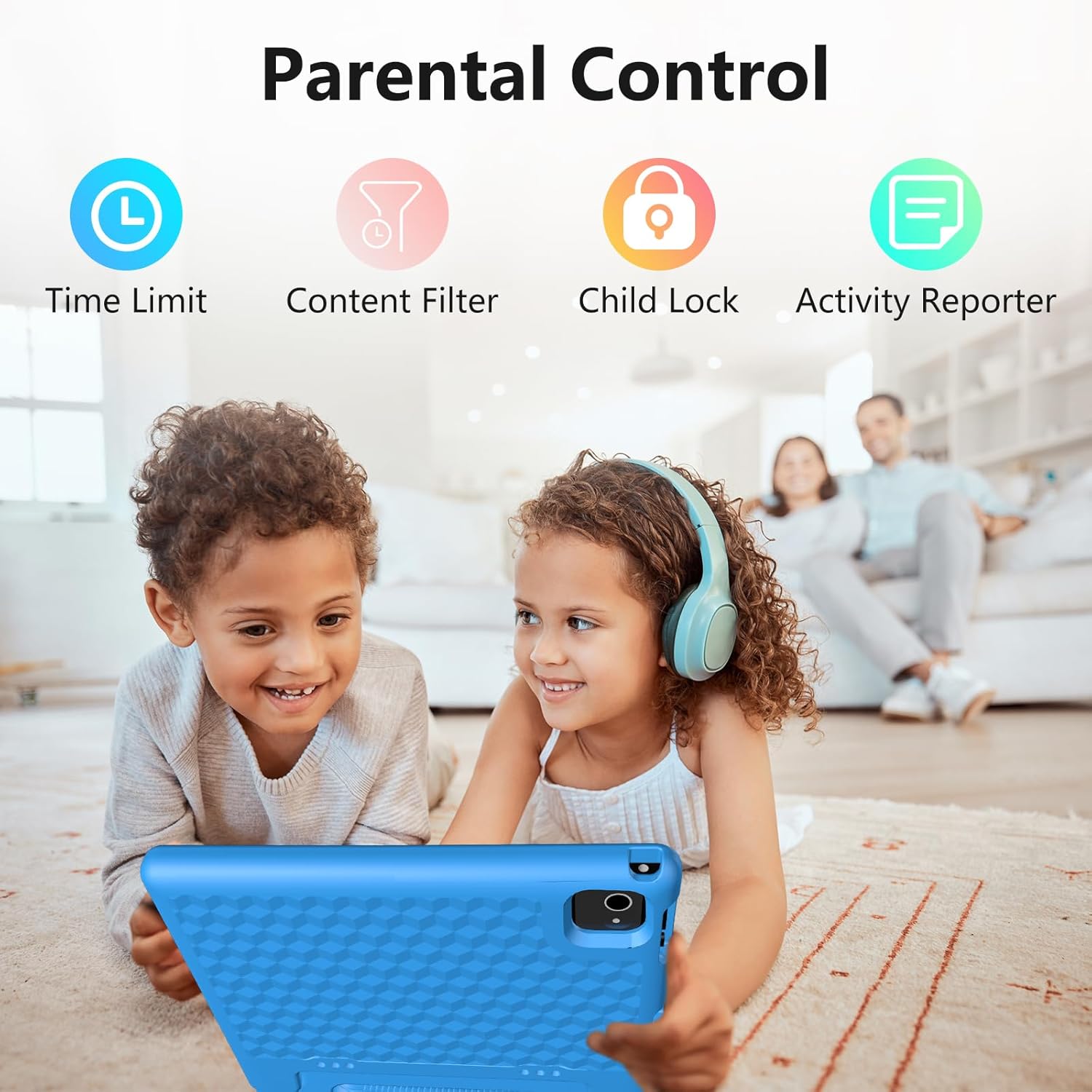
Image 6.1 : Terminéview of parental control features.
7. Intégration des médias
7.1 Images du produit

Image 7.1: The tablet's durable case with its integrated stand for hands-free viewing.
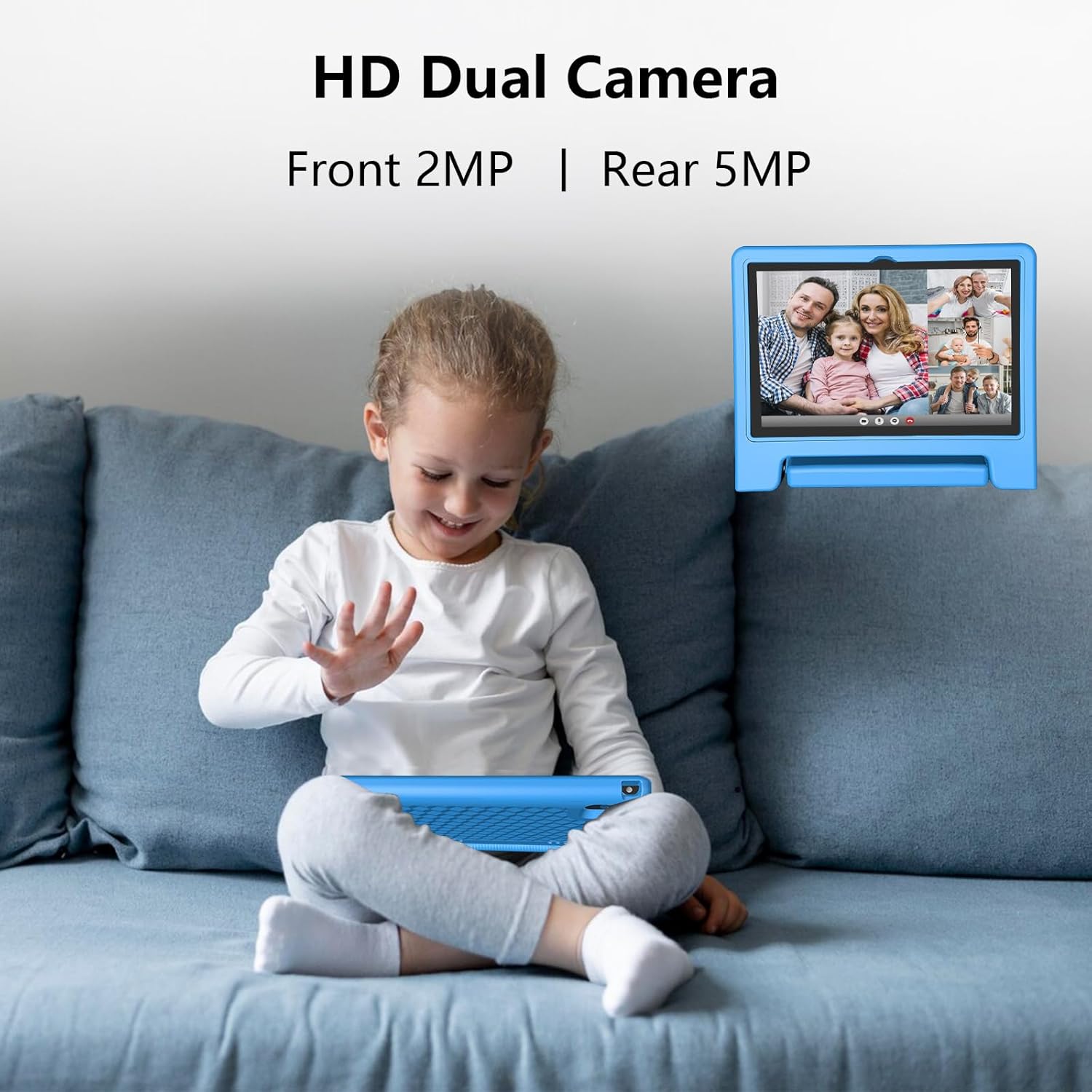
Image 7.2: Detail of the HD dual cameras (2MP front, 5MP rear) for photos and video calls.
7.2 Vidéos officielles du produit
Vidéo 7.1 : Un overview of the JREN 10-inch kids Android tablet, highlighting its features and suitability as a gift. This video demonstrates the tablet's design and basic functionality.
8. Entretien
- Nettoyage: Utilisez un chiffon doux non pelucheux pour nettoyer l'écran et le boîtier de la tablette. Évitez les nettoyants abrasifs et les solvants.
- Mises à jour logicielles : Vérifiez et installez régulièrement les mises à jour système pour garantir des performances et une sécurité optimales. Accédez à « Paramètres » > « Système » > « Mise à jour système ».
- Entretien de la batterie: To prolong battery life, avoid fully discharging the tablet frequently. Charge it when the battery level is low.
- Gestion du stockage: Nettoyez périodiquement les éléments inutiles files et applications pour libérer de l'espace de stockage et maintenir les performances.
9. Dépannage
- La tablette ne s'allume pas : Assurez-vous que la tablette est chargée. Branchez-la au chargeur et attendez quelques minutes avant de tenter de la rallumer.
- Problèmes de connexion Wi-Fi : Check if other devices can connect to the Wi-Fi network. Restart your router and the tablet. Re-enter the Wi-Fi password in settings.
- Plantages/blocages d'applications : Close and reopen the app. If the issue persists, clear the app's cache (Settings > Apps > [App Name] > Storage > Clear cache). Restart the tablet if necessary.
- Performances lentes : Fermez les applications inutilisées. Videz le cache et les fichiers inutiles. files. Consider performing a factory reset if performance issues continue (backup data first).
10. Spécifications
| Fonctionnalité | Spécification |
|---|---|
| Taille d'affichage de l'écran debout | 10.1 pouces |
| Résolution de l'écran | 1280 x 800 pixels |
| Processeur | 2 GHz Octa-Core (Allwinner) |
| BÉLIER | 8 GB (4 real + 4 virtual) |
| Capacité du disque dur / de la mémoire flash | 64 Go |
| Système opérateur | Android 14 |
| Type sans fil | 802.11ac |
| Durée de vie moyenne de la batterie | 10-12 Hours (6000mAh) |
| Poids de l'article | 1.56 livres |
| Dimensions du produit | 10.5 x 10.5 x 0.6 pouces |
| Couleur | Bleu |
11. Garantie et assistance
The JREN Tablet for Kids comes with a 2-year worry-free guarantee. For warranty registration and customer support, please visit the official JREN website or contact support directly.
- Enregistrement de la garantie : Visite www.jren.us
- Service client: support@jren.us