
ENOMIR IDW19
Manuel d'utilisation de la montre connectée ENOMIR
Modèle : IDW19
Introduction
Welcome to the user manual for your new ENOMIR Smart Watch. This guide provides essential information on setting up, operating, maintaining, and troubleshooting your device to ensure optimal performance and a seamless user experience. Your smart watch is designed to be a versatile companion for fitness, health monitoring, and staying connected.
Qu'y a-t-il dans la boîte
- ENOMIR Smart Watch (Model IDW19)
- Câble de charge magnétique
- Manuel de l'utilisateur (ce document)
Installation
1. Charger votre montre connectée
Before initial use, fully charge your ENOMIR Smart Watch. Connect the magnetic charging cable to the charging points on the back of the watch. Plug the USB end into a compatible power adapter (not included) or a computer USB port. A full charge typically takes about 2 hours and provides up to 7 days of typical usage.
2. Téléchargement et couplage de l'application
To unlock the full potential of your smart watch, download the 'VeryFit' app from your smartphone's app store (Google Play Store for Android or Apple App Store for iOS). Once installed, open the app and follow the on-screen instructions to create an account and pair your device via Bluetooth 5.3. Ensure Bluetooth is enabled on your phone during the pairing process.

Figure 1: The ENOMIR Smart Watch, showcasing its sleek design and call function.
Vidéo 1 : Un officiel surview of the ENOMIR Smartwatch, demonstrating its features and user interface.
Mode d'emploi
1. Affichage et navigation
The ENOMIR Smart Watch features a vibrant 1.8-inch HD touchscreen for intuitive navigation. Swipe left/right or up/down to access different menus and functions. The side button can be used to wake the screen or return to the home screen.
2. Bluetooth Call Function & Notifications
With Bluetooth 5.3, your smart watch allows you to answer and make calls directly from your wrist. You will also receive instant notifications for texts, social media alerts (Facebook, WhatsApp, etc.), and other app messages. Note that while you can receive texts, you cannot reply directly from the watch.

Figure 2: Seamless Bluetooth 5.3 connectivity enables making and receiving calls directly on your smart watch.
3. Alexa intégrée
Leverage the power of Alexa with built-in voice commands. Ask questions, set alarms, check the weather, and control smart home devices directly from your wrist, providing convenient hands-free assistance.

Figure 3: Utilize Alexa's intelligent assistance for quick queries and commands.
Suivi de la santé et de la forme physique
Your ENOMIR Smart Watch is equipped with high-performance optical sensors for comprehensive 24/7 health monitoring.
1. Surveillance de la santé 24h/24 et 7j/7
- Fréquence cardiaque : Continuously tracks your heart rate, providing insights into your cardiovascular health.
- Oxygène sanguin (SpO2) : Mesure votre taux de saturation en oxygène dans le sang.
- Stresser: Surveille votre niveau de stress tout au long de la journée.
- Dormir: Analyse vos cycles de sommeil, notamment le sommeil profond, le sommeil léger et le sommeil paradoxal.tages, to help you improve sleep quality.

Figure 4: The smart watch provides 24/7 health management, including heart rate, blood oxygen, and stress tracking.
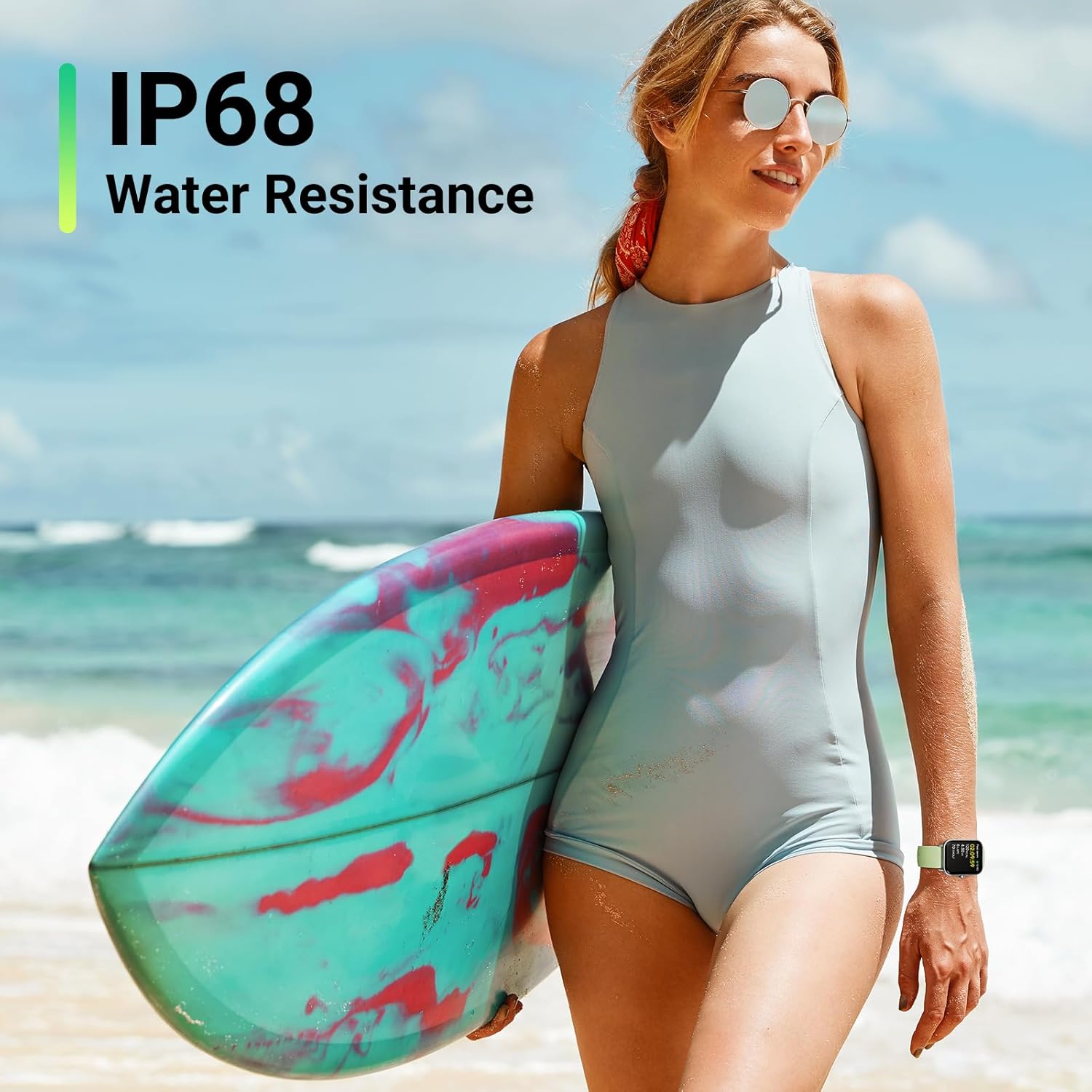
Figure 5: Detailed sleep stage analysis helps you understand and improve your sleep quality.
2. Plus de 110 modes sportifs
Track your workouts with over 110 sports modes, including running, swimming, cycling, and more. The watch records essential metrics like calories burned, distance covered, steps taken, and real-time heart rate during your activities.

Figure 6: Explore over 100 sports modes to accurately track your diverse physical activities.
Résistance à l'eau
The ENOMIR Smart Watch boasts an IP68 waterproof rating, making it suitable for daily wear, showering, and swimming in pools. It is built to withstand splashes, rain, and even submersion up to a certain depth, ensuring durability for active lifestyles.

Figure 7: The IP68 water resistance ensures your smart watch is protected during water activities.
Autonomie de la batterie
The 2025 upgraded battery provides impressive longevity. Enjoy up to 7 days of typical usage on a single 2-hour charge, with a standby time of up to 30 days. This ensures your smart watch stays powered longer, reducing the need for frequent recharging.
Caractéristiques
| Fonctionnalité | Détail |
|---|---|
| Dimensions du produit | 10.63 x 3.54 x 0.79 pouces |
| Poids de l'article | 3.2 onces |
| Numéro de modèle de l'article | IDW19 |
| Piles | 1 piles Lithium Polymère requises (incluses) |
| Compatibilité du système d'exploitation | Android, iOS |
| Communication sans fil | Bluetooth 5.3 |
| GPS | Pas de GPS |
| Caractéristiques spéciales | Bluetooth Call (Answer/Make Call), TEXT&APP Message notification, Alexa Built-in, Weather Forecast, Music Control, 24-Hour Heart Rate, Blood Oxygen (SpO2), Sleep Stress Health Guard, 110+ Sports Modes, IP68 Water Resistance, Calories, Steps, Distance, Game, Female menstrual cycle, Pedometer, Alarm Clock, Stopwatch, Calendar, Brightness Adjustment, 105+ Dial selection, Custom dial, Removable 22mm strap |
| Entrée de l'interface humaine | Écran tactile |
| Couleur | Vert |
| Taille de l'écran | 1.8 pouces |
| Capacité de stockage de la mémoire | 32 Go |
Entretien
To ensure the longevity and optimal performance of your ENOMIR Smart Watch, follow these maintenance guidelines:
- Nettoyage: Regularly wipe the screen and strap with a soft, damp chiffon. Évitez d'utiliser des produits chimiques agressifs ou des matériaux abrasifs.
- Séchage: Après exposition à l'eau, assurez-vous que la montre soit complètement sèche avant de la recharger ou de l'utiliser de façon prolongée.
- Stockage: Rangez la montre dans un endroit frais et sec, à l'abri de la lumière directe du soleil et des températures extrêmes.
- Évitez les impacts : Bien que résistante, évitez de faire tomber la montre ou de la soumettre à des chocs violents.
Dépannage
If you encounter any issues with your ENOMIR Smart Watch, please refer to the following common solutions:
- La montre ne s'allume pas : Assurez-vous que la montre est complètement chargée. Appuyez longuement sur le bouton latéral pour l'allumer.
- Problèmes de connectivité (Bluetooth) : Ensure Bluetooth is enabled on your phone and the watch is within range (10m). Try unpairing and re-pairing the device in the 'VeryFit' app. Restart both your phone and the watch.
- Notifications non reçues : Check notification settings in the 'VeryFit' app and your phone's system settings to ensure app notifications are enabled for the watch.
- Heart Rate/SpO2/Stress Monitoring Inaccurate: Assurez-vous que la montre est bien ajustée à votre poignet, ni trop serrée ni trop lâche. Nettoyez les capteurs situés au dos de la montre.
- 'Raise to Wake' Not Working: Check the settings within the 'VeryFit' app for display preferences and ensure the 'Raise to Wake' feature is enabled. If the issue persists, try restarting the watch.
Pour obtenir de l'aide supplémentaire, veuillez contacter le service client.
Garantie et assistance
Your ENOMIR Smart Watch comes with a 365-day replacement warranty and lifetime service. For any inquiries or support needs, please contact EnomirDirect customer service. They offer 12-hour quick reply support.
Coordonnées: Refer to the 'VeryFit' app or the seller's contact details on the purchase platform for direct support.