
COCONISE M6-P
Manuel d'utilisation du lecteur MP3 COCONISE 128 Go
Model: M6-P | Brand: COCONISE
1. Introduction
Thank you for choosing the COCONISE 128GB MP3 Player. This device is designed to provide a high-quality audio experience with versatile features including Bluetooth 5.2 connectivity, Hi-Fi lossless sound, FM radio, voice recording, e-book reading, and picture viewing. Its compact and lightweight design makes it ideal for on-the-go use. Please read this manual carefully to understand how to operate your new MP3 player and ensure optimal performance.
2. Contenu du colis
Veuillez vérifier que le colis contient les éléments suivants :
- Lecteur MP3 COCONISE 128 Go (Modèle : M6-P)
- Câble de chargement USB
- Manuel d'utilisation
- Carte Micro SD 128 Go (préinstallée ou fournie séparément)
3. Produit terminéview et fonctionnalités
The COCONISE MP3 Player combines advanced technology with user-friendly design to deliver an exceptional portable audio experience.

Devant et derrière view of the COCONISE 128GB MP3 Player, showcasinson design élégant et ses boutons de commande.
3.1. Large Capacity Memory
Equipped with 128GB of internal memory, the player can store approximately 10,000 lossless music tracks, ensuring you have ampL'espace nécessaire pour toute votre bibliothèque musicale.
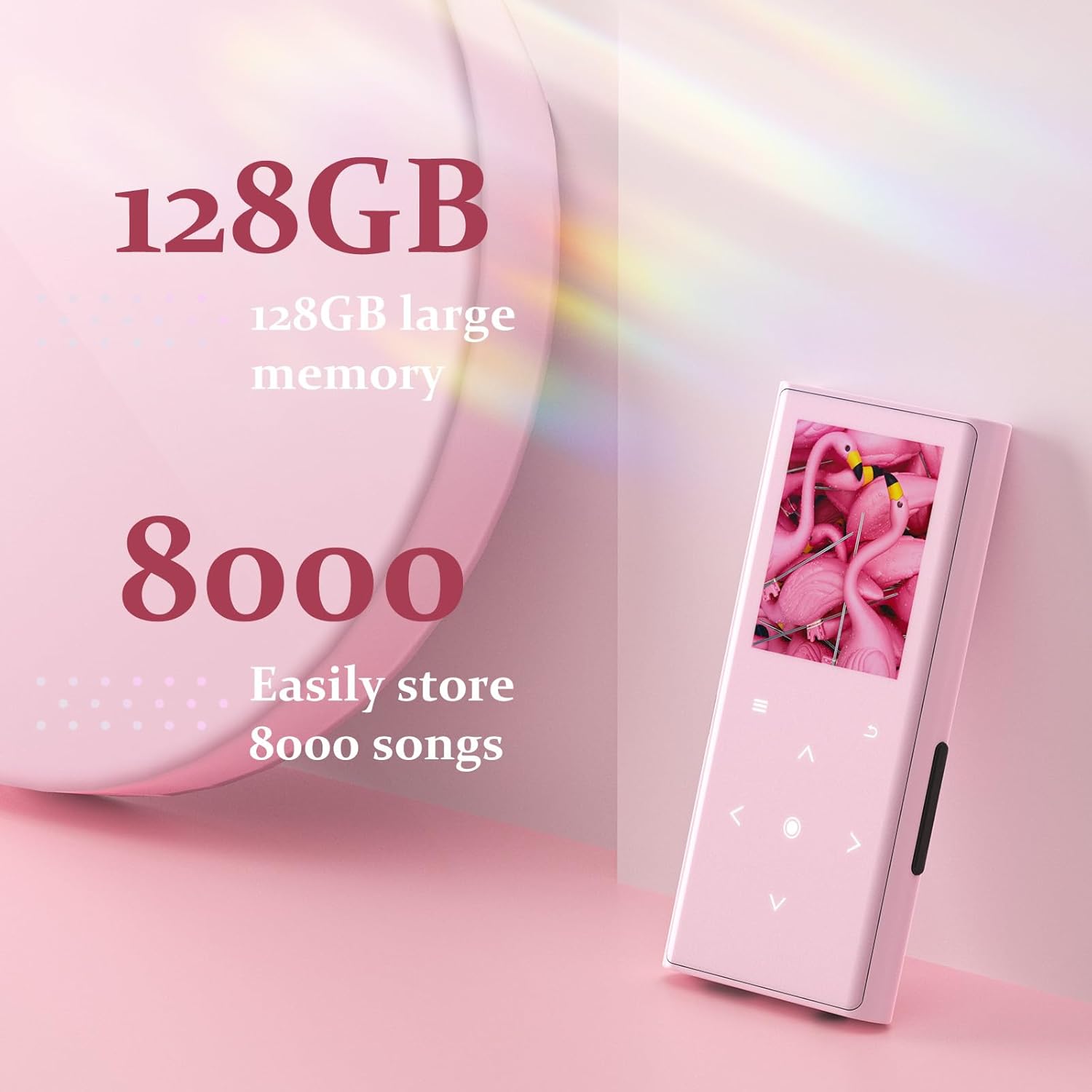
Visual representation of the 128GB large memory capacity, capable of storing thousands of songs.
3.2. Upgraded Bluetooth 5.2
Experience faster and more stable data transmission with Bluetooth 5.2. This advanced chip reduces signal interference, extends transmission distance, and optimizes power consumption for longer battery life. It supports various audio formats including APE, FLAC, WAV, WMA, and MP3.

An image illustrating the Bluetooth 5.2 connectivity, enabling wireless audio streaming.
3.3. Hi-Fi Lossless Sound Quality
An intelligent DSP chip ensures high-fidelity (Hi-Fi) sound quality, accurately restoring original audio. Enjoy clear treble, precise midrange, and deep bass for a superior auditory experience.

Depiction of the MP3 player's Hi-Fi sound capabilities, emphasizing high audio resolution.
3.4. Built-in High-Definition Speakers
The integrated dual-magnet speakers allow you to share music without the need for earphones. Enjoy loud, clear sound without distortion.

An illustration highlighting the internal speaker components of the MP3 player.
3.5. Capacités multifonctionnelles
Beyond music playback, the device supports FM radio, voice recording, e-book reading (TXT format), and picture viewing. Its color display and 7 high-sensitivity touch buttons with backlight ensure easy navigation.

The MP3 player interface showing its various functions: Recording, E-book, Radio, and Picture.
3.6. Lightweight and Stylish Design
Crafted from durable zinc alloy, the player is super light at only 67 grams, measuring 3.54 inches long and 1.65 inches wide. Its dynamic orange style and color display offer a visually appealing experience.

The MP3 player positioned with audio accessories, highlighting its portability and audio output options.
4. Installation
4.1. Chargement de l'appareil
Before first use, fully charge the MP3 player. Connect the included USB cable to the player's USB-C port and the other end to a USB power adapter (not included) or a computer's USB port. The battery indicator on the screen will show charging status.
4.2. Transfert de musique et Files
Transférer files, connect the MP3 player to your computer using the USB cable. The player will appear as a removable disk drive. You can then drag and drop music files (MP3, WMA, WAV, FLAC, APE), e-books (TXT), and pictures into the respective folders on the player's storage.
4.3. Connexion des appareils Bluetooth
Pour l'appairer avec des écouteurs ou des haut-parleurs Bluetooth :
- Allumez le lecteur MP3 et accédez au menu « Bluetooth ».
- Enable Bluetooth on the player.
- Put your Bluetooth device (headphones, speaker) into pairing mode.
- On the MP3 player, select 'Search Device' to find available devices.
- Select your device from the list to connect. Once paired, the Bluetooth icon will indicate a successful connection.
5. Mode d'emploi
5.1. Navigation de base
The MP3 player features a color display and touch-sensitive buttons for navigation:
- Bouton Menu : Accédez au menu principal ou aux options d'une application.
- Bouton Retour : Revenir à l'écran précédent.
- Flèches haut/bas : Parcourez les listes ou ajustez les paramètres.
- Flèches gauche/droite : Navigate between options or skip tracks.
- Bouton central : Confirm selection or play/pause.
5.2. Lecture de musique
- Dans le menu principal, sélectionnez « Musique ».
- Browse by Artist, Album, Song, or Folder.
- Sélectionnez un morceau pour lancer la lecture.
- Use the Left/Right arrows to skip tracks, and the Center button to play/pause.
- Adjust volume using the dedicated volume buttons on the side of the device (if applicable, otherwise use Up/Down arrows in playback screen).
5.3. Radio FM
To use the FM Radio, ensure wired headphones are connected as they act as the antenna.
- Sélectionnez « Radio FM » dans le menu principal.
- Utilisez les boutons de navigation pour rechercher des stations ou effectuez un réglage manuel.
5.4. Enregistrement vocal
- Sélectionnez « Enregistreur » dans le menu principal.
- Press the Center button to start recording.
- Press the Center button again to stop and save the recording.
5.5. Fonction livre électronique
Le lecteur prend en charge les livres électroniques au format TXT.
- Select 'E-book' from the main menu.
- Choisissez un SMS file ouvrir.
- Utilisez les boutons de navigation pour faire défiler les pages.
5.6. Image Viewing
- Select 'Pictures' from the main menu.
- Browse and select an image file à view.
- Utilisez les boutons de navigation pour view l'image suivante ou précédente.
6. Entretien
- Gardez l'appareil au sec. Évitez tout contact avec l'humidité ou les liquides.
- Nettoyez l'écran et le boîtier avec un chiffon doux et sec. N'utilisez pas de nettoyants abrasifs ni de solvants.
- Conservez le lecteur dans un endroit frais et sec, à l'abri de la lumière directe du soleil et des températures extrêmes.
- Évitez de laisser tomber ou de soumettre l'appareil à des impacts violents.
7. Dépannage
| Problème | Cause possible | Solution |
|---|---|---|
| L'appareil ne s'allume pas | Batterie faible ; plantage du système | Chargez l'appareil ; maintenez le bouton d'alimentation enfoncé pendant 10 à 15 secondes pour forcer le redémarrage. |
| Aucun son ne sort des écouteurs/haut-parleurs. | Volume too low; Incorrect output selected; Faulty headphones/speakers | Increase volume; Check audio output settings; Test with different headphones/speakers. |
| Problèmes de connexion Bluetooth | Appareil non en mode appariement ; hors de portée ; interférences | Ensure both devices are in pairing mode; Move devices closer; Restart both devices. |
| Impossible de transférer files | Loose USB connection; Driver issue; Full storage | Ensure USB cable is securely connected; Try a different USB port or cable; Check available storage space. |
8. Spécifications
| Fonctionnalité | Détail |
|---|---|
| Numéro de modèle | M6-P |
| Capacité de stockage de la mémoire | 128 Go |
| Technologie de connectivité | USB, Bluetooth 5.2 |
| Taille de l'écran | 3.54 pouces |
| Technologie d'affichage | Écran LCD |
| Caractéristiques spéciales | FM Radio, Voice Recorder, E-Book Function, Built-in Speaker |
| Poids de l'article | 5.3 onces (environ 150 grammes) |
| Dimensions | 3.54" (L) x 1.65" (W) (approx. 90mm x 42mm) |
| Batterie | 1 batterie Lithium Polymère (incluse) |
| Formats audio pris en charge | APE, FLAC, WAV, WMA, MP3 |
9. Garantie et assistance
For warranty information and technical support, please refer to the contact details provided on the product packaging or visit the official COCONISE website. Conservez votre reçu d’achat pour les réclamations au titre de la garantie.
Ask a question about this manual
Ask about setup, troubleshooting, compatibility, parts, safety, or missing instructions. Manuals+ will review the question and use this page’s manual context to help answer it.