
1. Introduction
Welcome to the Nokia T10 Wi-Fi Tablet user manual. This guide provides essential information to help you set up, operate, maintain, and troubleshoot your new device. The Nokia T10 is an 8-inch HD Android 12 tablet designed for everyday use, offering a balance of performance and portability.
Please read this manual carefully to ensure proper use and to maximize the lifespan of your tablet.
2. Contenu de la boîte
Upon unboxing your Nokia T10 tablet, please verify that all the following items are included:
- Nokia T10 Tablet Device
- Câble USB de type C
- Chargeur
- Guide de démarrage rapide (QSG)
- Livret de sécurité
- User Guide Band
- Plastic Bag (packaging material)
If any items are missing or damaged, please contact your retailer or Nokia customer support immediately.
3. Installation
3.1 Chargement de la tablette
Before first use, fully charge your Nokia T10 tablet. Connect the provided Type-C USB cable to the tablet's charging port and the other end to the charger. Plug the charger into a power outlet. The battery indicator on the screen will show the charging status.
3.2 Mise sous/hors tension
- Pour allumer : Press and hold the Power button until the Nokia logo appears.
- Pour éteindre : Maintenez le bouton Marche/Arrêt enfoncé jusqu'à ce que les options d'alimentation s'affichent à l'écran. Sélectionnez « Éteindre » et confirmez.
- Recommencer: Maintenez le bouton Marche/Arrêt enfoncé jusqu'à ce que les options d'alimentation s'affichent. Sélectionnez « Redémarrer » et confirmez.
3.3 Configuration initiale
When you power on your tablet for the first time, you will be guided through an initial setup process:
- Sélection de la langue : Choisissez votre langue préférée.
- Connexion Wi-Fi : Connect to a Wi-Fi network to access the internet. This is crucial for downloading updates and setting up your Google account.
- Compte google: Sign in with your existing Google account or create a new one. This is necessary for accessing the Google Play Store, Gmail, and other Google services.
- Date et heure : Réglez la date et l'heure correctes, ou laissez le réseau les régler automatiquement.
- Sécurité: Set up a screen lock (PIN, pattern, password) and consider enabling AI Face Unlock for convenient access.
3.4 Insertion d'une carte microSD
The Nokia T10 supports expandable storage via a MicroSD card. Locate the SIM/SD card tray on the side of the tablet. Use the provided SIM ejector tool to open the tray. Carefully place the MicroSD card into the designated slot with the gold contacts facing down, then reinsert the tray firmly.
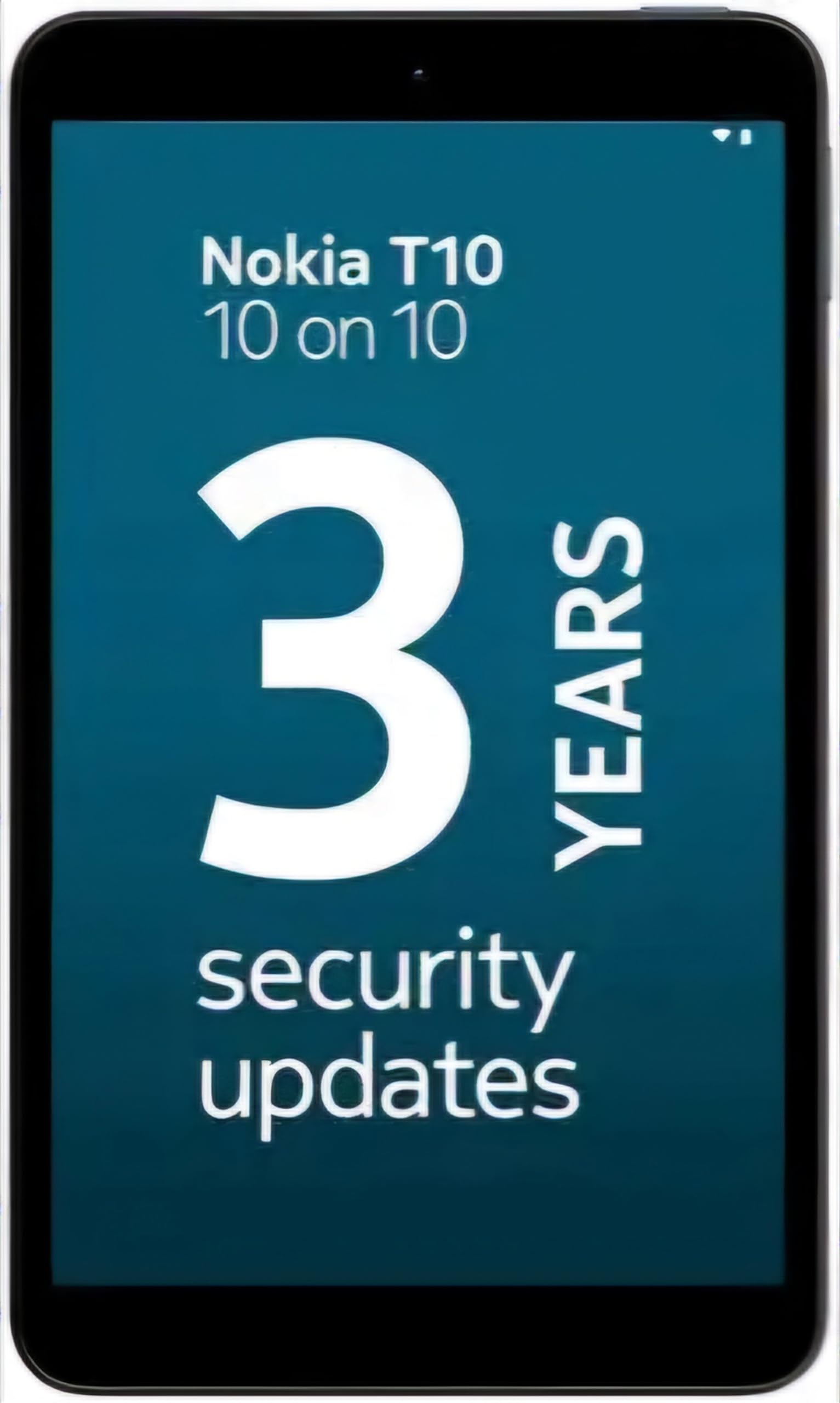
Image: Nokia T10 tablet, showcasinson design élégant et son module de caméra arrière.
4. Mode d'emploi
4.1 Affichage et navigation
The Nokia T10 features an 8-inch HD display (1280x800 pixels). Navigate the interface using touch gestures:
- Robinet: Sélectionnez un élément ou ouvrez une application.
- Glisser: Faites défiler les écrans, les listes ou le contenu.
- Pincer pour zoomer : Zoomer ou dézoomer sur les photos et web pages.
- Appui long: Accédez aux menus contextuels ou déplacez les icônes des applications.
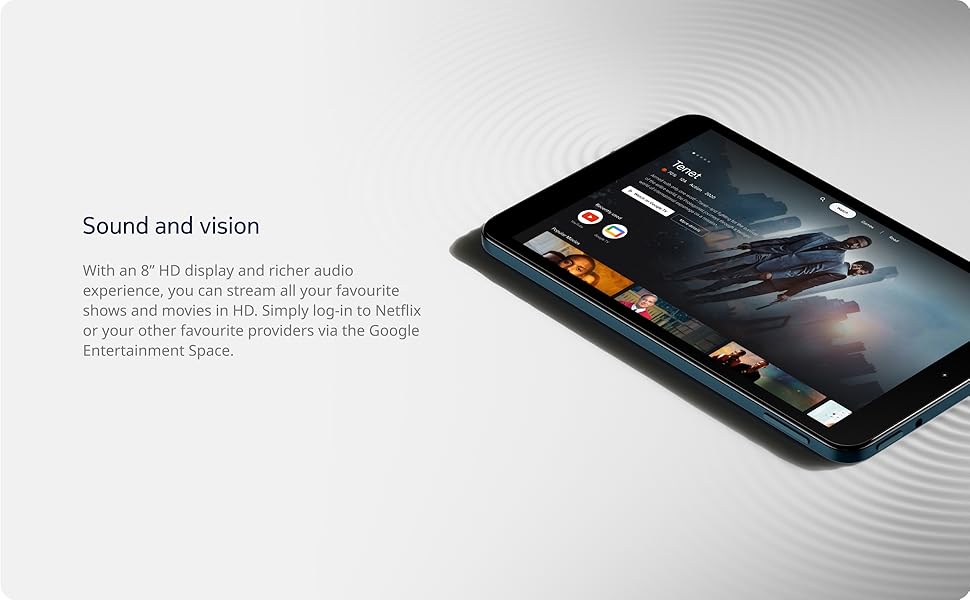
Image: The Nokia T10 tablet showcasing its 8-inch HD display with streaming video content.
4.2 Fonctions de la caméra
Your tablet is equipped with an 8MP rear camera with autofocus and flash, and a 2MP front camera.
- Prendre des photos: Ouvrez l'application Appareil photo, cadrez votre photo et appuyez sur le déclencheur.
- Enregistrement de vidéos : Switch to video mode in the Camera app and tap the record button to start/stop. The tablet supports FHD 1080p video capture.
- Caméra frontale : Tap the camera switch icon to use the front camera for selfies or video calls.

Image: A Nokia T10 tablet displaying a video call, highlighting its front camera functionality.
4.3 Gestion de la batterie
The Nokia T10 has a 5250 mAh battery designed for all-day use. To optimize battery life:
- Réduire la luminosité de l'écran.
- Désactivez le Wi-Fi et le Bluetooth lorsque vous ne les utilisez pas.
- Fermez les applications en arrière-plan.
- Activez le mode économie d'énergie dans les paramètres.
4.4 Connectivité
- Wifi: Connect to wireless networks via Settings > Network & internet > Wi-Fi. The tablet supports 802.11a/b/g/n/ac standards.
- Bluetooth : Pair with Bluetooth devices (headphones, speakers) via Settings > Connected devices > Bluetooth. The tablet features Bluetooth 5.0.
- USB Type-C : Utilisez le port USB-C pour la charge et le transfert de données.
4.5 Déverrouillage facial par IA
For quick and secure access, set up AI Face Unlock:
- Go to Settings > Security > Face unlock.
- Suivez les instructions à l'écran pour enregistrer votre visage.
- Ensure you are in a well-lit environment during setup and use.
4.6 Logiciels et mises à jour
The Nokia T10 runs on Android 12. Nokia provides 2 years of OS updates and 3 years of monthly security updates to keep your device secure and up-to-date. You will receive notifications when updates are available. It is recommended to install updates over a Wi-Fi connection.
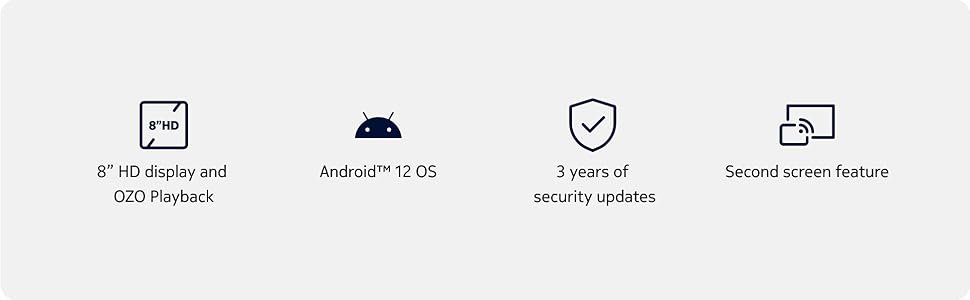
Image: Visual representation of Nokia T10 features including Android 12 OS and 3 years of security updates.
5. Entretien
5.1 Nettoyage de votre tablette
- Utilisez un chiffon doux non pelucheux pour nettoyer l'écran et le boîtier.
- Évitez d'utiliser des produits chimiques agressifs, des nettoyants abrasifs ou des aérosols.
- Ne pas exposer le comprimé à une humidité excessive.
5.2 Mises à jour logicielles
Vérifiez et installez régulièrement les mises à jour logicielles pour garantir des performances et une sécurité optimales. Accédez à Paramètres > Système > Mise à jour du système.
5.3 Gestion du stockage
To maintain performance, periodically manage your tablet's storage:
- Supprimez les applications inutiles et files.
- Déplacer de grands files (photos, videos) to a MicroSD card or cloud storage.
- Clear app cache regularly via Settings > Apps > [App Name] > Storage & cache.
6. Dépannage
If you encounter issues with your Nokia T10 tablet, try the following solutions:
| Problème | Solution |
|---|---|
| La tablette ne s'allume pas. | Assurez-vous que la batterie est chargée. Branchez le chargeur et attendez quelques minutes avant de tenter de rallumer l'appareil. |
| Problèmes de connexion Wi-Fi | Redémarrez votre routeur Wi-Fi. Accédez à Paramètres > Réseau et Internet > Wi-Fi, désactivez puis réactivez le Wi-Fi. Oubliez le réseau et reconnectez-vous. |
| Performances lentes | Close unused apps. Clear app caches. Restart the tablet. Check for available software updates. |
| Les applications plantent ou se bloquent. | Force stop the app (Settings > Apps > [App Name] > Force stop). Clear the app's cache and data. Reinstall the app. |
| La batterie se décharge rapidement | Reduce screen brightness. Disable unnecessary features like GPS, Bluetooth, and Wi-Fi when not in use. Check battery usage in Settings to identify power-hungry apps. |
If the problem persists after trying these steps, please contact Nokia customer support.
7. Spécifications
Below are the key technical specifications for the Nokia T10 Wi-Fi Tablet:
- Nom du modèle : Nokia T10 TA-1472 WIFI 3/32
- Système opérateur: Android 12
- Processeur: Unisoc T606 (Octa-core, 1.6 GHz)
- Coprocesseur graphique : Mali-G57
- BÉLIER: 3 Go
- Stockage interne : 32 Go
- Stockage extensible : Yes, via MicroSD card (up to 512GB, sold separately)
- Afficher: 8-inch HD (1280 x 800 pixels) TFT, 16:10 aspect ratio
- Caméra arrière : 8 MP with AF and Flash
- Caméra frontale : 2 MP
- Résolution de capture vidéo : FHD 1080p at 30 fps
- Batterie: Lithium Polymère 5250 mAh
- Connectivité : Wi-Fi (802.11a/b/g/n/ac), Bluetooth 5.0, USB Type-C, 3.5mm Audio Jack
- Fonctionnalités de sécurité : Déblocage du visage de l'IA
- Audio: Stereo Speakers, OZO Playback
- Dimensions (L x l x épaisseur) : 20.8L x 12.3W x 0.9Th Centimeters
- Poids: 375 gramme
- Couleur: Bleu
8. Informations sur la garantie
The Nokia T10 tablet comes with a Garantie constructeur de 1 ans for the device and battery from the date of purchase. In-box accessories are covered by a Garantie constructeur de 6 mois from the date of purchase. Please retain your proof of purchase for warranty claims. For detailed terms and conditions, refer to the warranty card included in your product packaging or visit the official Nokia support website.
9. Assistance
For further assistance, technical support, or to find service centers, please visit the official Nokia support website or contact their customer service. You can typically find support contact information on the Nokia website or in the safety booklet provided with your tablet.
Support en ligne: Assistance Nokia Website