
Cuifati Cuifatip0izksa79g3281
Cuifati Wireless Smart Remote Control User Manual
Model: Cuifatip0izksa79g3281
Introduction
This manual provides comprehensive instructions for the Cuifati Wireless Smart Remote Control. It covers setup, operation, maintenance, and troubleshooting to ensure optimal performance and longevity of your device. This remote control features 2.4G and Bluetooth 5.0 connectivity, voice control, and IR learning capabilities, making it compatible with a wide range of devices such as Nvidia Shield, PCs, Projectors, Smart TVs, and Android TV Boxes.
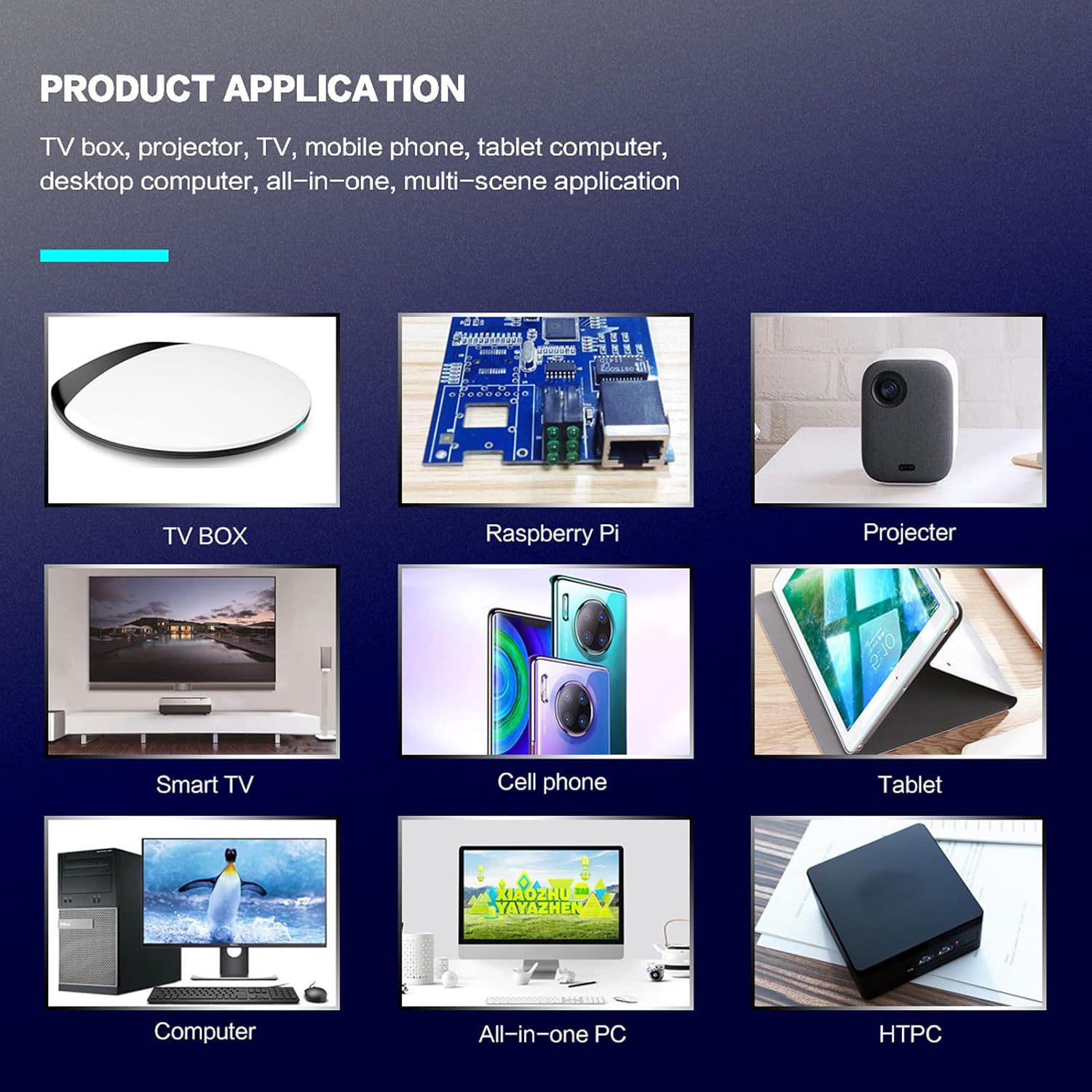
Figure 1 : Product application examples.
Contenu du colis
Veuillez vérifier que tous les articles sont présents dans votre colis :
- 1 x Cuifati Wireless Smart Remote Control
- 1 x 2.4G Récepteur USB
- 1 x Manuel d'utilisation
Caractéristiques
| Fonctionnalité | Détail |
|---|---|
| Marque | Cuifati |
| Numéro de modèle | Cuifatip0izksa79g3281 |
| Matériel | ABS |
| Voltage | 3.0 V |
| Modes de connectivité | 2.4G, Bluetooth 5.0 |
| Courant de fonctionnement | <15 mA |
| Courant de veille | <20 µA |
| Distance de fonctionnement | >10 mètres (32.8 pieds) |
| Type de batterie | 2 piles AAA (non incluses) |
| Nombre de boutons | 5 (Control buttons, total buttons are more) |
| Appareils compatibles | Streaming devices, Televisions, PCs, Projectors, Smart TVs, Android TV Boxes |
| Dossier spécial | Universal, Voice Control, IR Learning, Backlit |
Guide d'installation
1. Installation de la batterie
La télécommande nécessite deux piles AAA (non incluses).
- Ouvrez le couvercle du compartiment des piles au dos de la télécommande.
- Insérez deux piles AAA en respectant la polarité (+ et -).
- Fermez soigneusement le couvercle du compartiment à piles.

Figure 2 : Battery compartment with AAA batteries.
2. Connexion de la télécommande
The remote control supports both 2.4G wireless and Bluetooth 5.0 connectivity.
2.1. 2.4G Wireless Connection (via USB Receiver)
- Insert the 2.4G USB receiver into an available USB port on your device (e.g., Smart TV, Android TV Box, PC).
- L'appareil devrait détecter et installer automatiquement les pilotes nécessaires.
- La télécommande est maintenant prête à être utilisée.
2.2. Connexion Bluetooth 5.0
For Bluetooth connection, ensure your device supports Bluetooth 5.0 or higher.
- Sur la télécommande, maintenez enfoncée la touche OK bouton et le Retour button simultaneously for 3 seconds. The indicator light on the remote will flash rapidly, indicating it is in pairing mode.
- Sur votre appareil, accédez aux paramètres Bluetooth et recherchez les appareils disponibles.
- Select "G20s Pro" (or similar device name) from the list of found devices to pair.
- Une fois l'appairage effectué, le voyant de la télécommande cessera de clignoter.

Figure 3 : Instructions de couplage Bluetooth.
Mode d'emploi
1. Fonctions des boutonsview
Familiarize yourself with the layout and functions of the remote control buttons.

Figure 4 : Remote control button layout and functions.
- Power (IR Learning Key): Turns the device on/off. Can be programmed via IR learning.
- Micro: Activates voice input.
- Voyant lumineux: Shows status (pairing, IR learning).
- Mute (IR Learning Key): Mutes/unmutes audio. Can be programmed via IR learning.
- Pg+ / Pg-: Page Up / Page Down.
- Navigation Keys (Up/Down/Left/Right): Pour la navigation dans les menus.
- OK / Enter / Mouse Left: Confirms selection or acts as left mouse click.
- Return / Mouse Right: Goes back or acts as right mouse click.
- Maison: Returns to the home screen.
- Open Google Voice Assistant: Dedicated button for voice assistant.
- Volume - / Volume +: Ajuste le volume.
- Lecture/Pause: Contrôle la lecture multimédia.
- Précédent Suivant: Skips to previous or next media track.
- Retour arrière: Deletes characters.
- Menu: Press and hold to turn on/off the backlight.
2. Commande vocale
The remote control supports voice commands for compatible devices. Press the Micro button and speak clearly into the remote to issue commands or search content.
3. Fonction d'apprentissage IR
The Power and Mute buttons can learn infrared signals from your existing TV remote control, allowing you to control basic TV functions with this remote.

Figure 5 : IR Learning process for the Power button.
- Appuyez et maintenez enfoncé le Pouvoir bouton (ou Muet button) on the Cuifati remote for 3 seconds. The red indicator light will flash slowly, entering IR learning mode.
- Point the infrared emitter of your original TV remote control directly at the infrared receiver of the Cuifati remote (approximately 2-3 cm apart).
- Press the desired button on your original TV remote (e.g., Power button). The Cuifati remote's red indicator light will flash rapidly and then turn off, indicating successful learning.
- Repeat the process for other buttons if desired.
4. Motion Sensing (Air Mouse)
The remote control features a gyroscope core compensation algorithm for motion sensing, allowing it to function as an air mouse. Move the remote in the air to control the cursor on your screen.

Figure 6 : Motion sensing in action.
Entretien
- Gardez la télécommande au sec. Évitez tout contact avec l'humidité ou les liquides.
- Nettoyez la télécommande avec un chiffon doux et sec. N’utilisez pas de produits nettoyants abrasifs ni de solvants.
- Si la télécommande n'est pas utilisée pendant une période prolongée, retirez les piles pour éviter les fuites.
- Évitez de faire tomber la télécommande ou de la soumettre à des chocs violents.
Dépannage
- La télécommande ne répond pas :
- Vérifiez que les piles sont correctement installées et non déchargées. Remplacez-les si nécessaire.
- Check if the 2.4G USB receiver is properly inserted into the device's USB port.
- For Bluetooth connection, ensure the remote is paired correctly. Re-pair if connection is lost.
- Ensure there are no obstructions between the remote and the device (for 2.4G) or within Bluetooth range.
- La commande vocale ne fonctionne pas :
- Ensure the remote is properly connected via 2.4G or Bluetooth.
- Verify that your device supports voice input and that the microphone is enabled.
- Parlez clairement et près du microphone de la télécommande.
- L'apprentissage de la recherche d'information a échoué :
- Ensure the original remote's IR emitter is pointed directly at the Cuifati remote's IR receiver, within 2-3 cm.
- Vérifiez que la télécommande d'origine dispose d'une charge de batterie suffisante.
- Répétez attentivement les étapes d'apprentissage.
Garantie et assistance
Specific warranty information is not provided in this manual. For warranty details, technical support, or service inquiries, please refer to the product packaging or contact the manufacturer directly through their official websites ou canaux de service client.
Ask a question about this manual
Ask about setup, troubleshooting, compatibility, parts, safety, or missing instructions. Manuals+ will review the question and use this page’s manual context to help answer it.