
1. Introduction et plusview
The iGPSPORT iGS320 is a lightweight and ultra-thin cycling computer designed to enhance your riding experience. It features a 2.4-inch anti-glare screen with automatic backlight for clear visibility in various conditions. With advanced integrated body technology, it offers high waterproof (IPX7) and anti-fog performance.
This device supports multiple automatic control functions, including automatic start recording, pause, and laps. It provides accurate GPS positioning through a stronger positioning chip, supporting GPS, BeiDou, QZSS, Galileo, and Glonass satellite systems. The iGS320 is compatible with various sensors via BLE5.0/ANT+ and allows seamless data synchronization with third-party platforms like Strava and TrainingPeaks.
Enjoy extended rides with its impressive 72-hour battery life, providing approximately two months of use with one hour of cycling per day.
2. Contenu du colis
Veuillez vérifier que tous les articles sont présents dans votre colis :
- iGPSPORT iGS320 Compteur de vélo
- Câble USB de type C
- Support vélo standard
- Manuel de l'utilisateur (ce document)
3. Guide de configuration
3.1 Charge initiale
Before first use, fully charge your iGS320 using the provided Type-C cable. Connect the cable to the device's Type-C port and a standard USB power adapter (not included). The battery indicator on the screen will show charging progress.
3.2 Montage de l'appareil
Use the standard bike mount to securely attach the iGS320 to your bicycle's handlebar or stem. Ensure the mount is firmly tightened to prevent movement during your ride.
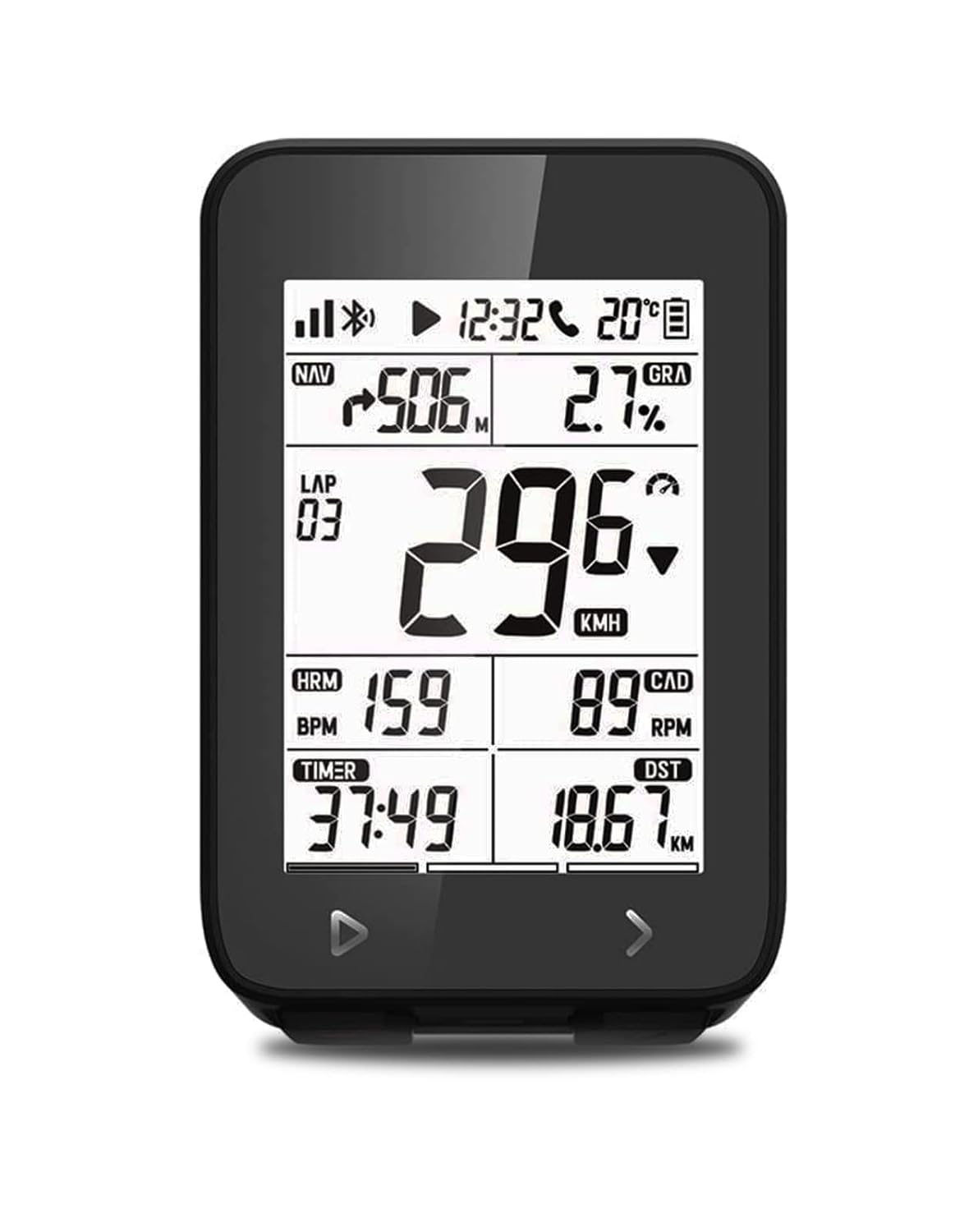
The iGS320 cycling computer securely mounted on a bike, showing its clear display with speed, distance, and other data.
3.3 Mise sous/hors tension
- Pour allumer : Press and hold the power button (usually located on the side or bottom) for a few seconds until the screen illuminates.
- Pour éteindre : Maintenez le bouton d'alimentation enfoncé jusqu'à ce qu'un message d'arrêt apparaisse, puis confirmez.
3.4 Sensor Pairing (BLE5.0/ANT+)
The iGS320 is compatible with various external sensors such as speed, cadence, and heart rate monitors. To pair a sensor:
- Ensure the sensor is active and within range of the iGS320.
- Navigate to the device's settings menu (refer to the on-screen prompts or user interface for button navigation).
- Select 'Sensor Pairing' or a similar option.
- The device will search for available sensors. Select your sensor from the list to complete pairing.

The iGS320 supports connection with multiple external sensors via Bluetooth 5.0 and ANT+ for comprehensive data collection.
3.5 App Installation and Data Synchronization
Download the official iGPSPORT app from your smartphone's app store (Google Play Store or Apple App Store). This app allows you to manage device settings, view ride data, and synchronize your activities.
- After your ride, turn off the iGS320. The next time you turn it on, it will automatically attempt to sync data to your phone app via Bluetooth 5.0.
- From the iGPSPORT app, you can then easily synchronize your data to third-party platforms such as Strava or TrainingPeaks.
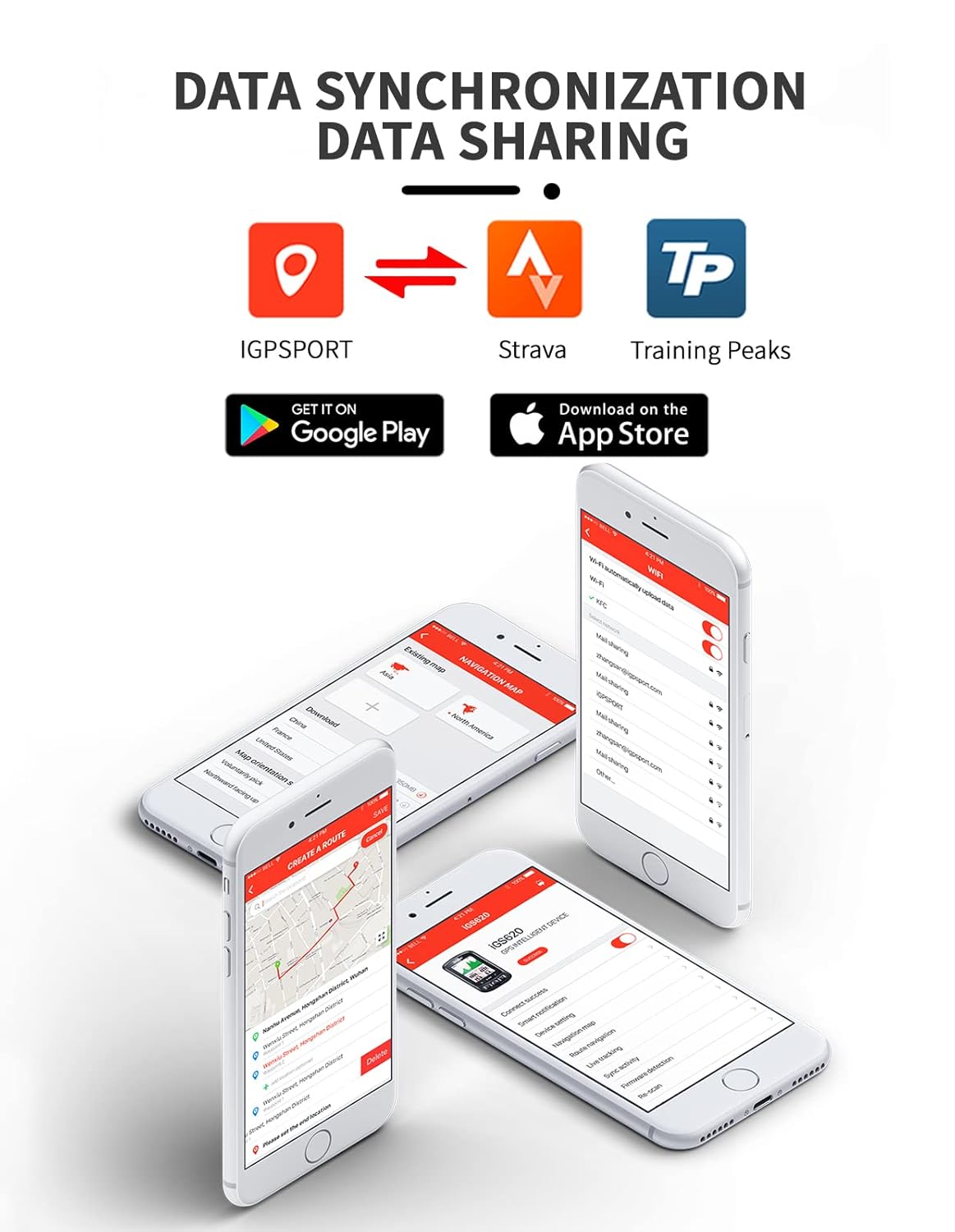
The iGPSPORT app facilitates data synchronization and sharing with popular cycling platforms like Strava and TrainingPeaks.
4. Mode d'emploi
4.1 Affichage et navigation
The iGS320 features a 2.4-inch segment code screen with automatic backlight, ensuring clear visibility in various lighting conditions. Use the physical buttons (typically located at the bottom) to navigate through different data screens and menus.
4.2 Fonctionnalités GPS
Equipped with stronger positioning chips, the iGS320 supports multiple global navigation satellite systems (GPS, BeiDou, Galileo, QZSS, Glonass) for fast and accurate positioning. It provides turn, distance, and heading prompts to assist with navigation.

The iGS320 utilizes a 5-satellite positioning system for enhanced accuracy and faster data acquisition.
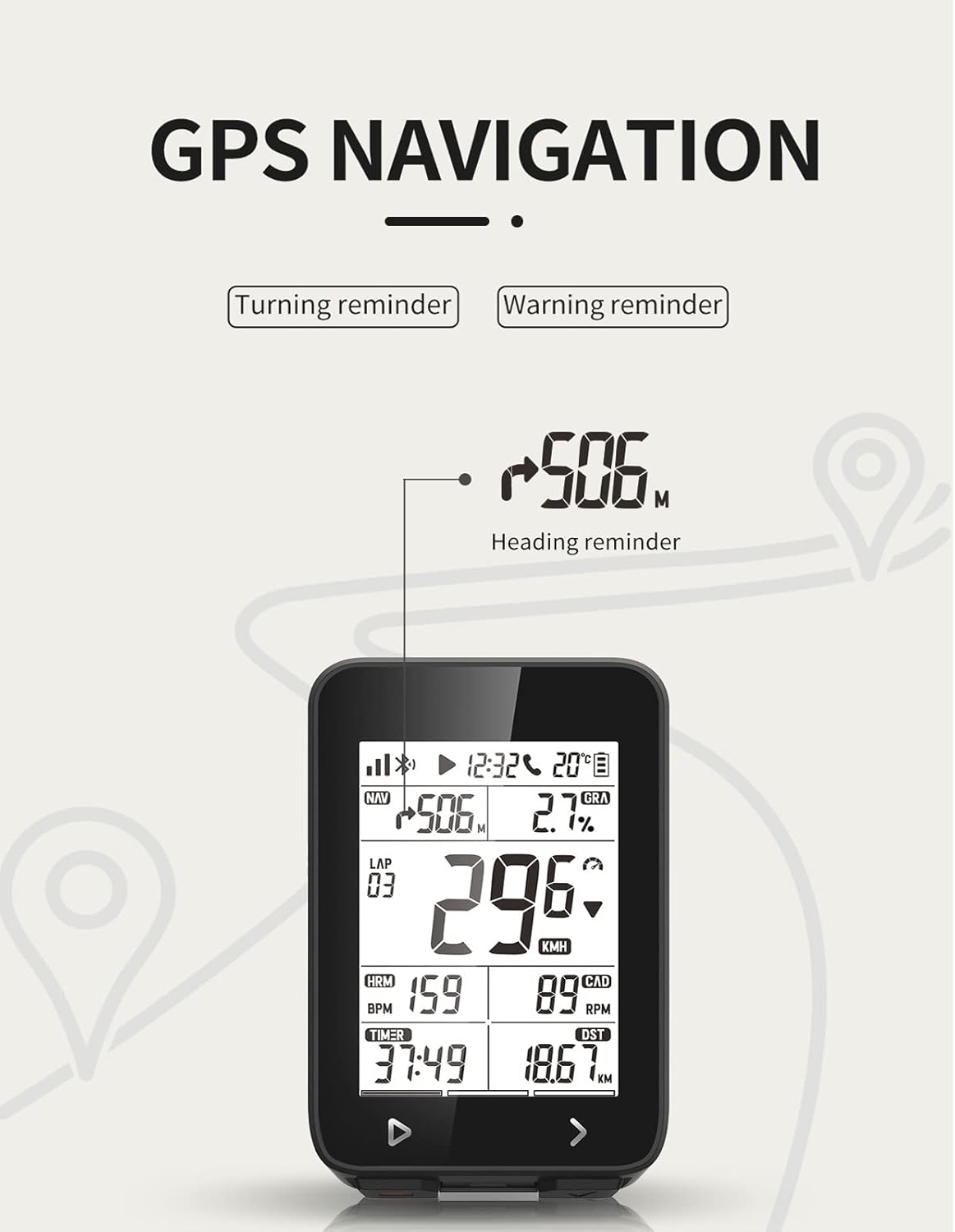
The device provides clear heading reminders and navigation prompts during your ride.
4.3 Automatic Control Functions
The iGS320 supports over 10 automatic control functions, including:
- Automatic start recording
- Automatic pause
- Automatic laps
- And more, configurable via the device settings or companion app.
4.4 Call Reminder
When a call comes in on your connected smartphone, the iGS320 will display an icon flashing on its screen to notify you, ensuring you don't miss important calls during your ride.
4.5 Data Tracking and Sharing
The device records comprehensive cycling data. After your ride, you can view detailed statistics on the iGPSPORT app. You can also share your location, route, or cycling data with friends and family, allowing them to check your location anytime via computer or smartphone.

Suivez vos trajets et view detailed statistics on the iGPSPORT app, including maps, speed, distance, and elevation.
5. Entretien
5.1 Nettoyage et entretien
The iGS320 has an IPX7 waterproof rating, meaning it can withstand splashes, rain, and brief immersion. To clean the device, wipe it with a soft, damp chiffon. Évitez d'utiliser des produits chimiques agressifs ou des matériaux abrasifs qui pourraient endommager l'écran ou le câble.asing.

The iGS320 is IPX7 waterproof, making it resistant to water splashes and rain.
5.2 Autonomie et charge de la batterie
The iGS320 offers an impressive 72 hours of battery life. For optimal battery longevity, charge the device using the provided Type-C cable and avoid extreme temperatures during charging and storage. The working temperature range is -10°C to 50°C.
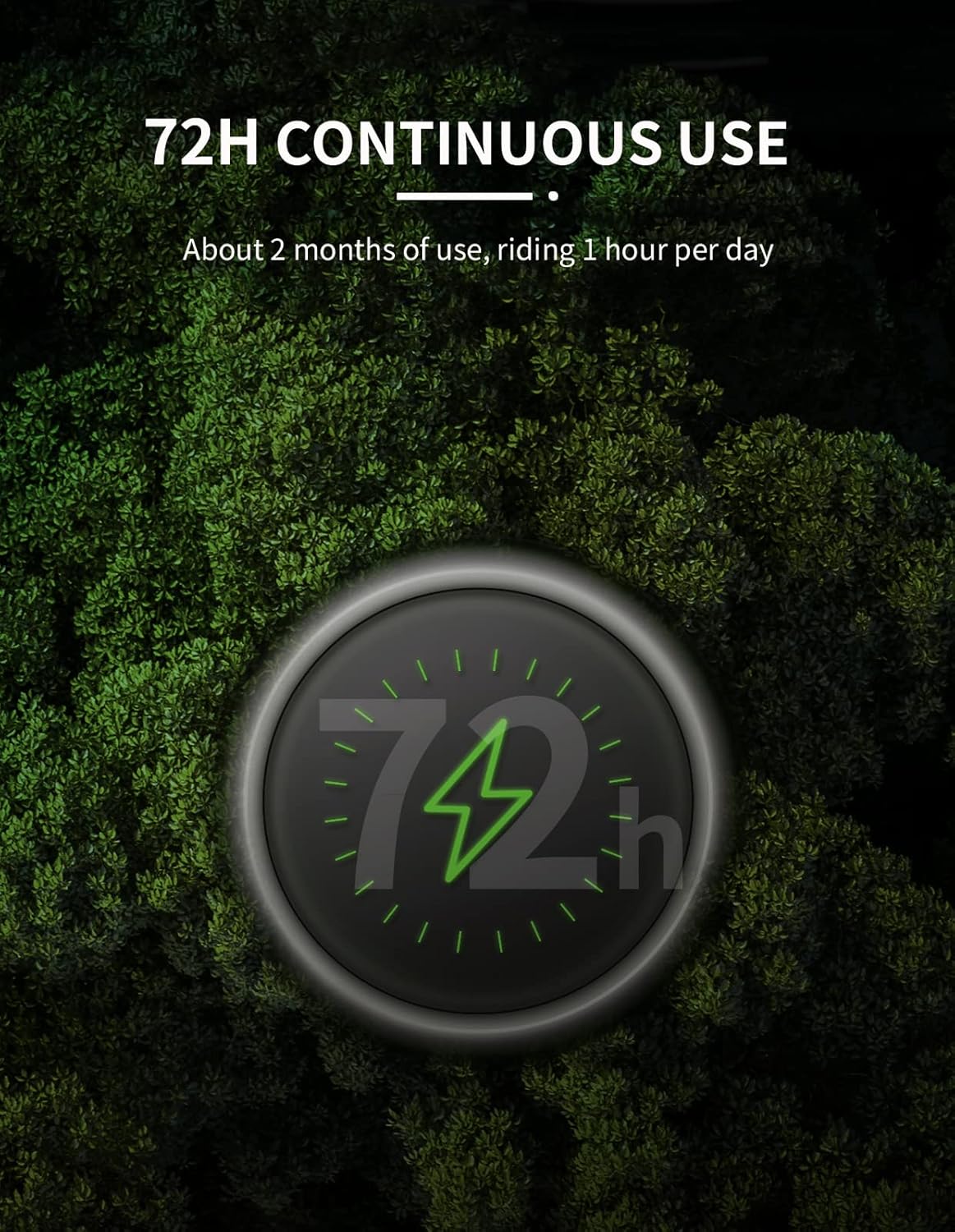
The iGS320 provides up to 72 hours of continuous use on a single charge.
6. Dépannage
6.1 L'appareil ne s'allume pas
- Assurez-vous que l'appareil est complètement chargé. Branchez-le à une source d'alimentation à l'aide du câble USB-C.
- Maintenez le bouton d'alimentation enfoncé pendant au moins 5 à 10 secondes.
6.2 Problèmes de signal GPS
- Assurez-vous de vous trouver dans un espace ouvert et dégagé. view du ciel.
- Allow sufficient time for the device to acquire a GPS signal, especially during first use or after a long period of inactivity.
- Ensure the device's firmware is up to date via the iGPSPORT app.
6.3 Problèmes de synchronisation des données
- Ensure Bluetooth is enabled on your smartphone and the iGS320.
- Make sure the iGPSPORT app is open and running in the background.
- Try restarting both the iGS320 and your smartphone.
- Verify that the iGS320 is paired correctly with your phone in the app.
6.4 Inaccurate Speed/Cadence Readings
- Check that your external speed/cadence sensors are properly installed and have fresh batteries.
- Ensure the sensors are correctly paired with the iGS320.
- Calibrate the wheel circumference in the device settings if using a speed sensor.
7. Spécifications
| Fonctionnalité | Spécification |
|---|---|
| Marque | iGPSPORT |
| Numéro de modèle | iGS320 |
| Taille de l'écran | 2.4 pouces |
| Type d'affichage | Écran LCD |
| Technologie de connectivité | Bluetooth 5.0/ANT+ |
| GNSS (GPS) | GPS+BeiDou+QZSS+Galileo+Glonass |
| Autonomie de la batterie | 72 heures |
| Indice d'étanchéité | IPX7 |
| Température de fonctionnement | -10°C ~ 50°C |
| Interface | Type-C USB |
| Capacité de mémoire | Approx. 400 hours of data |
| Dimensions du produit | 5.1L x 8.7l x 1.5H centimètres |
| Poids de l'article | 74 gramme |
| Couleur | Noir |
| Fabricant | iGPSPORT |
| Pays d'origine | Chine |
8. Garantie et assistance
8.1 Informations sur la garantie
The iGPSPORT iGS320 Bike Computer comes with a one-year warranty from the date of purchase. This warranty covers manufacturing defects and ensures a satisfying experience. Please retain your proof of purchase for warranty claims.
8.2 Assistance clientèle
If you have any concerns, questions, or require technical assistance, please contact iGPSPORT customer support. Refer to the official iGPSPORT webPour obtenir les coordonnées les plus récentes, veuillez consulter le site web ou l'emballage du produit.