
1. Introduction
Merci pour votre achatasing the Edifier X3s True Wireless Stereo Earbuds. This manual provides detailed instructions on how to set up, operate, and maintain your earbuds to ensure optimal performance and longevity. Please read this manual thoroughly before use.

Image: The Edifier X3s earbuds, one removed from the open charging case, showcasinet leur conception compacte.
2. Contenu du colis
- Edifier X3s True Wireless Earbuds (Left and Right)
- Étui de chargement
- Câble de chargement USB
- Embouts auriculaires (différentes tailles)
- Manuel d'utilisation
3. Installation
3.1 Chargement des écouteurs et de l'étui
Avant la première utilisation, chargez complètement les écouteurs et l'étui de chargement.
- Placez les écouteurs dans l'étui de chargement. Assurez-vous qu'ils sont correctement positionnés ; les voyants lumineux des écouteurs s'allumeront.
- Connect the charging case to a power source using the provided USB cable. The indicator light on the charging case will show charging status.
- A full charge for the charging case typically takes approximately 8 hours. The earbuds will charge automatically when placed in the case.
3.2 Couplage Bluetooth
Follow these steps to pair your Edifier X3s earbuds with your device:
- Assurez-vous que les écouteurs sont chargés.
- Ouvrez le boîtier de charge. Les écouteurs passeront automatiquement en mode appairage, indiqué par un voyant clignotant sur les écouteurs.
- Sur votre appareil (smartphone, tablette, etc.), activez le Bluetooth et recherchez de nouveaux appareils.
- Select "EDIFIER X3s" from the list of available devices.
- Once connected, a voice prompt will confirm successful pairing, and the earbud indicator lights will turn off.
Les écouteurs offrent un support TrueWireless Mirroring, allowing seamless switching between single and dual earbud use.
4. Mode d'emploi
4.1 Commandes tactiles
The Edifier X3s earbuds feature intuitive touch controls on each earbud. Refer to the diagram below for specific functions:

Image: A diagram illustrating the touch control functions for the left and right Edifier X3s earbuds.
- Appui unique (G/D) : Play/Pause music, Answer an Incoming Call
- Double Tap (L): Chanson précédente
- Double Tap (R): Chanson suivante
- Triple Tap (L) : Switch On Game Mode
- Triple Tap (R) : Activer l'assistant vocal
- Long Press for 2-3 Seconds (L/R): Hang Up/Reject a Call
- Long Press (L): Baisser le volume
- Long Press (R): Augmenter le volume
4.2 modes de jeu
To enhance your gaming experience, the Edifier X3s features a dedicated Game Mode. Triple-tap the gauche earbud to activate or deactivate Game Mode. This mode optimizes audio-visual synchronization for gaming.
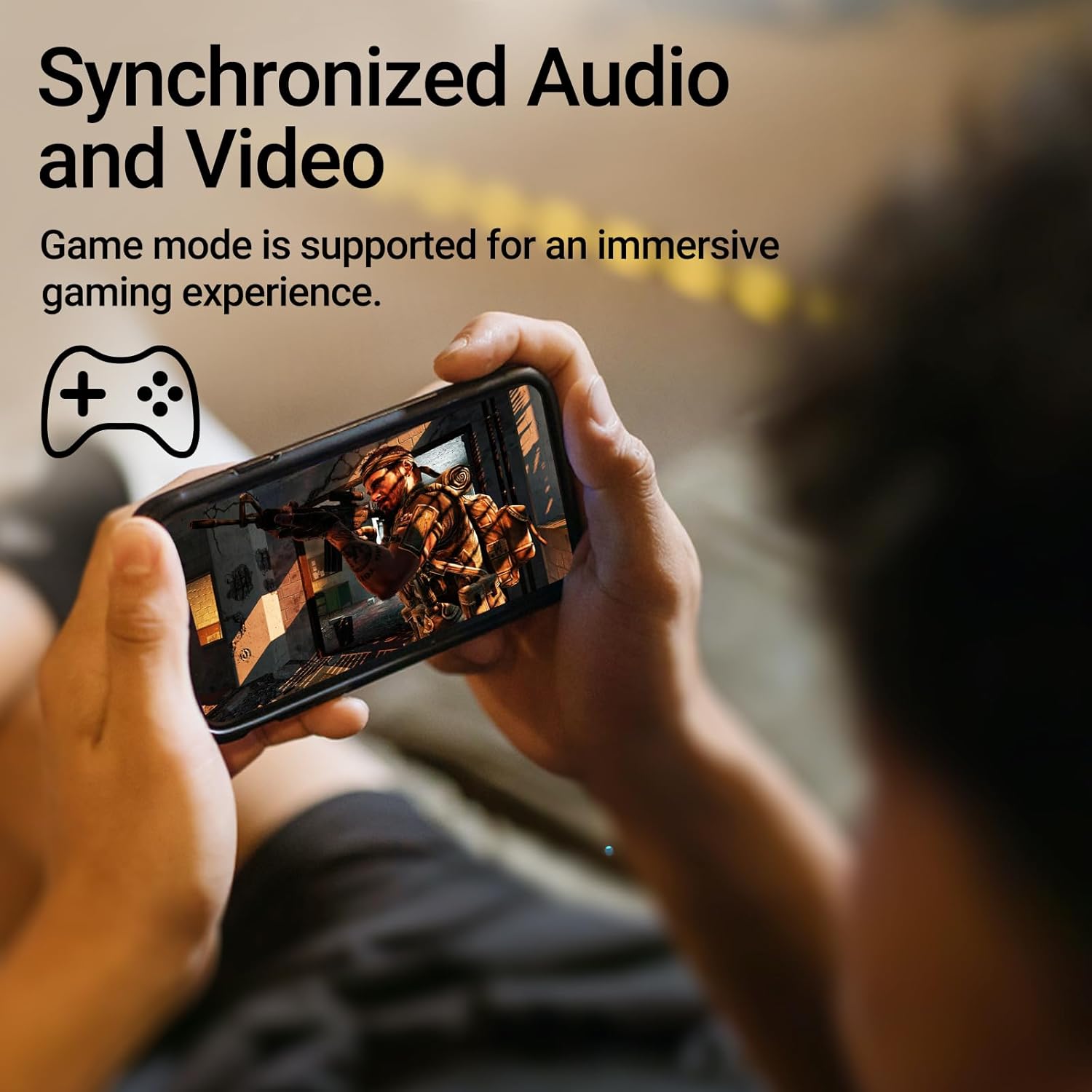
Image: A person holding a smartphone, playing a game, with the text "Synchronized Audio and Video. Game mode is supported for an immersive gaming experience."
5. Principales caractéristiques
- True Wireless Experience: Bluetooth V5.2 with Qualcomm aptX audio decoding for high-fidelity sound and stable connections.
- Durée de lecture prolongée : Up to 28 hours of total playtime, with 8 hours from the earbuds and an additional 20 hours from the charging case.
- Superior Call Clarity: Equipped with Qualcomm cVc 8.0 noise cancellation technology for crystal clear calls.
- IP55 Rated Protection: Dust and water resistance make these earbuds suitable for outdoor activities and various weather conditions.
- Conception confortable et légère : Weighing only 62g, these earbuds provide a secure and comfortable fit for extended wear.

Image: A close-up of the Qualcomm aptX QCC3040 chip, highlighting Bluetooth V5.2 with aptX audio decoding for lossless audio transmission.

Image: Hands holding the Edifier X3s charging case, with an overlay indicating "Up to 28 hours of playback in total: 8 hours (earbuds), 20 hours (charging case)".

Image: A graphic illustrating cVc 8.0 noise reduction, showing how ambient noise is reduced while voice remains clear during calls.

Image: A woman exercising, with an overlay indicating "Dust and water resistant. Feel free to use them at the gym or on a rainy day. IP55-Rated."
6. Entretien
6.1 Nettoyage
- Nettoyez régulièrement les écouteurs et l'étui de chargement avec un chiffon doux, sec et non pelucheux.
- Retirez les embouts auriculaires et nettoyez-les à l'eau et au savon doux si nécessaire. Assurez-vous qu'ils soient parfaitement secs avant de les remettre en place.
- Utilisez un coton-tige pour nettoyer délicatement les contacts de charge des écouteurs et de l'étui.
6.2 Stockage
- Lorsque vous ne les utilisez pas, rangez les écouteurs dans leur étui de chargement pour les protéger et les garder chargés.
- À conserver dans un endroit frais et sec, à l'abri des températures extrêmes et de la lumière directe du soleil.
6.3 Résistance à l'eau et à la poussière
The earbuds are IP55 rated, meaning they are protected against dust ingress and low-pressure water jets from any direction. While they can withstand sweat and light rain, they are not designed for submersion in water. Do not use them while swimming or showering.
7. Dépannage
- Les écouteurs ne se connectent pas : Assurez-vous que les deux écouteurs sont dans l'étui de chargement, puis ouvrez le couvercle pour activer le mode de jumelage. Vérifiez les paramètres Bluetooth de votre appareil et essayez de vous reconnecter.
- Un seul écouteur fonctionne : Replacez les deux écouteurs dans l'étui de chargement, fermez le couvercle, attendez quelques secondes, puis rouvrez-le. Cela permet souvent de les resynchroniser.
- Pas de son : Check the volume level on both your device and the earbuds. Ensure the earbuds are properly paired and connected.
- Problèmes de charge : Verify that the charging cable is securely connected and the power source is active. Clean the charging contacts on the earbuds and case.
- Mauvaise qualité d'appel : Ensure the earbuds are clean and positioned correctly in your ears. Check for any obstructions to the microphone.
8. Spécifications
- Modèle: EDIFIER X3S
- Connectivité : Sans fil (Bluetooth V5.2)
- Décodage audio: Qualcomm aptX
- Suppression du bruit: Qualcomm cVc 8.0 (for calls)
- Récréation: Earbuds: 8 hours, Total with Charging Case: 28 hours
- Temps de charge (boîtier) : Environ 8 heures
- Résistance à l'eau et à la poussière : Conforme à la norme IP55
- Méthode de contrôle : Touche
- Poids: 62 grammes (total)
- Matériel: Polycarbonate (PC), élastomère thermoplastique (TPE)
- Appareils compatibles : Smartphones, Gaming Devices, Tablets
9. Garantie et assistance
For warranty information and customer support, please refer to the warranty card included with your product or visit the official Edifier webConsultez le site. Conservez votre preuve d'achat pour toute réclamation au titre de la garantie.