
1. Introduction
This manual provides essential information for the safe and efficient operation of your Tornado Shield Smart LED TV, Model 43ES9300E-A. Designed according to prevailing industry standards, this product achieves high levels of utility. The high-quality material used in its structure ensures durability. Please read these instructions carefully before using your TV and retain them for future reference.
2. Contenu de la boîte
Upon opening the packaging, ensure all the following items are present and in good condition:
- Tornado Shield Smart LED TV (43 Inch)
- Télécommande
- Câble d'alimentation
- Manuel d'utilisation
- Carte de garantie
- Meubles TV (2 pièces)
- Vis pour l'installation du support

Image : Avant view of the Tornado Shield Smart LED TV.
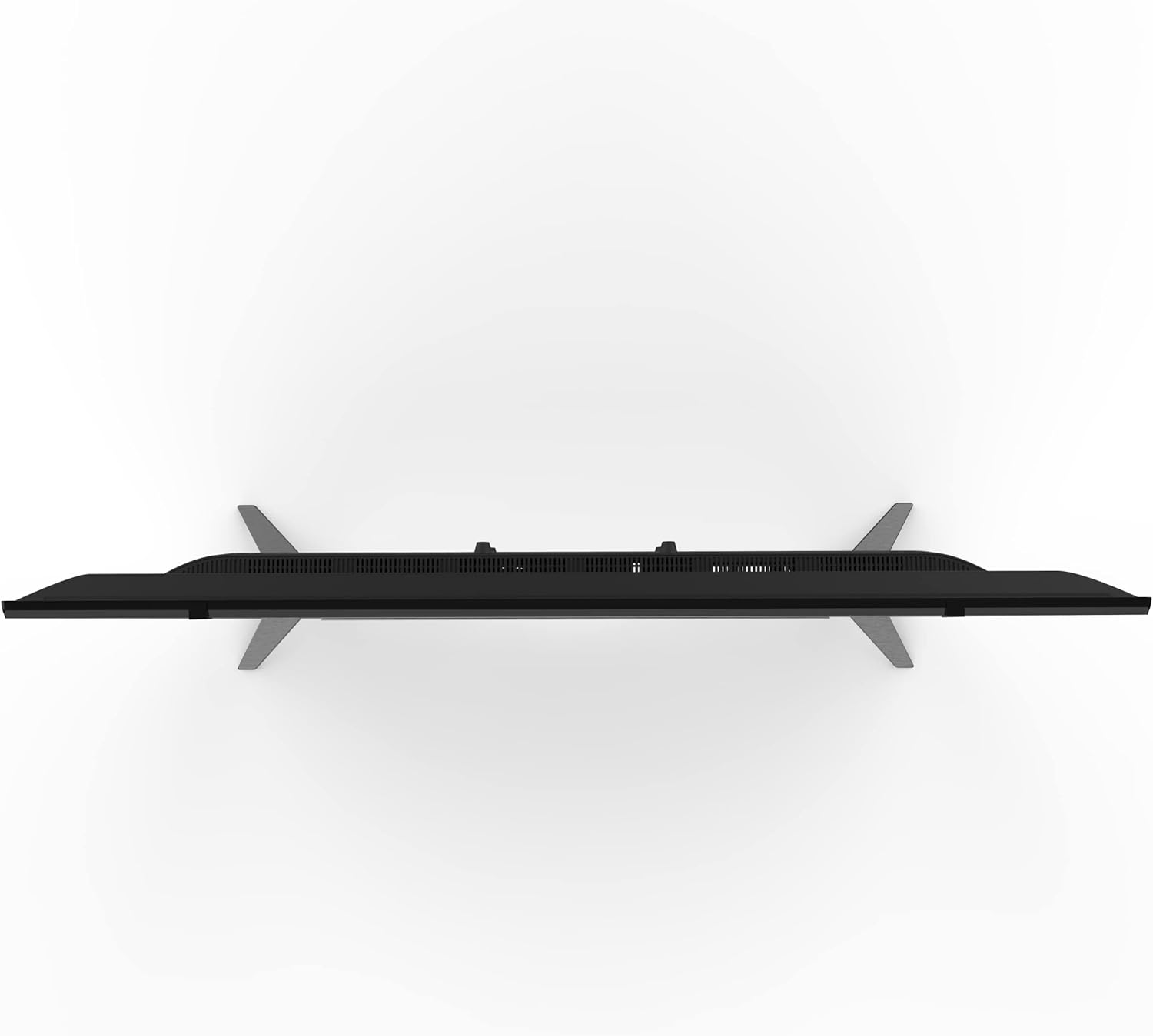
Image: Tornado Shield Smart LED TV with remote control, stands, and screws.
3. Instructions de configuration
3.1 Installation du support
Pour installer les supports de télévision :
- Placez délicatement le téléviseur, écran vers le bas, sur une surface douce et plane afin d'éviter les rayures.
- Alignez chaque support avec les fentes correspondantes situées au bas du téléviseur.
- Secure each stand with two screws provided.

Image : Avant view of the TV with its stands properly installed.

Image : Côté profile of the TV showing the stand attachment.
3.2 Montage mural
If you prefer to wall-mount your TV, you will need a compatible wall mount (sold separately) and professional installation. Ensure the mount is suitable for the TV's size and weight. A qualified technician should perform the installation, securing the mount to the TV using the four screws located on the back of the TV.

Image : Arrière view of the TV, highlighting the mounting points for a wall bracket.
3.3 Câbles de connexion
Connect the power cable to the TV and then to a power outlet. Ensure the power outlet is easily accessible. Connect your antenna or satellite dish cable to the 'TV' or 'RF IN' port. Use HDMI cables for high-definition devices like Blu-ray players or gaming consoles. USB devices can be connected to the USB ports.

Image : détaillée view of the TV's connectivity ports, including HDMI, RJ45, and Earphone Out.

Image : détaillée view of the TV's AV IN and USB ports.
3.4 Mise sous tension initiale et sélection de la langue
After connecting the power, press the power button on the remote control or the TV. The TV will guide you through the initial setup, including language selection. Choose your preferred language (e.g., English) to proceed.
4. Mode d'emploi
4.1 Fonctionnalités des téléviseurs intelligents
Your Tornado Smart LED TV operates on the exclusive Tornado Portable operating system. This system provides access to a wide range of applications, including YouTube, Shahid VIP, and various news and entertainment apps. Navigate through the home screen using your remote control to explore available content and services.
4.2 écran miroir
Utilize the screen mirroring technology to connect your mobile device to the TV. This feature allows you to display content from your smartphone or tablet directly onto the TV screen, enhancing your viewing experience for photos, videos, and other media.
Système audio 4.3
The TV features a Dolby Digital audio system, providing clear and immersive sound quality for all your entertainment.
5. Dépannage
If you encounter any issues with your Tornado Smart LED TV, refer to the following common troubleshooting steps:
5.1 Distorsion ou interférence de l'image
- Vérifiez les connexions des câbles : Ensure all dish and HDMI cables are securely connected. Loose connections can cause image issues.
- Minimiser les interférences : Keep the TV away from potential sources of electromagnetic interference, such as hair dryers or other electronic devices. Ensure dish cables are separated from other power cables.
5.2 TV Shuts Down Automatically
- Vérifier la minuterie de sommeil : Verify that the sleep timer is not activated. Access the 'Time' settings in the menu and ensure the sleep timer is off or set to your desired duration.
- Veille automatique : Confirm that the automatic standby feature is not enabled in the settings.
5.3 Télécommande non fonctionnelle
- Vérifiez les piles : Ensure the remote control batteries are correctly inserted and have sufficient charge. Replace them if necessary.
6. Spécifications
| Fonctionnalité | Description |
|---|---|
| Marque | Tornade |
| Numéro de modèle | 43ES9300E-A |
| Taille de l'écran | 43 pouces |
| Technologie d'affichage | DIRIGÉ |
| Résolution | 1080 pixels (HD) |
| Taux de rafraîchissement | 60 Hz |
| Technologie de connectivité | Câblé |
| Entrées HDMI | 2 |
| Entrées USB | 2 |
| Rapport hauteur/largeur | 16:9 |
| Dimensions du produit (P x L x H) | 8 x 97 x 57 cm |
| Poids du produit | 12 kg |
| Caractéristiques spéciales | Shahid VIP offer (6 months free voucher). Built-in Receiver. |
7. Garantie et assistance
Your Tornado Shield Smart LED TV comes with a 3-year warranty. Please refer to the included warranty card for detailed terms and conditions. For any technical assistance or support, please contact Tornado customer service. Keep your user manual and warranty card in a safe place for future reference.