
1. Produit terminéview
The JOMISE G814 is an 11-inch 4K Rear View Mirror Camera designed as a pure evidence recorder. It operates without Wi-Fi or Bluetooth, ensuring no wireless interference and a straightforward user experience without the need for additional applications. This dash cam provides crystal-clear 4K front recording and 2.5K rear recording, capturing every detail for reliable video evidence. Its responsive touchscreen and intuitive controls make operation simple for any driver.
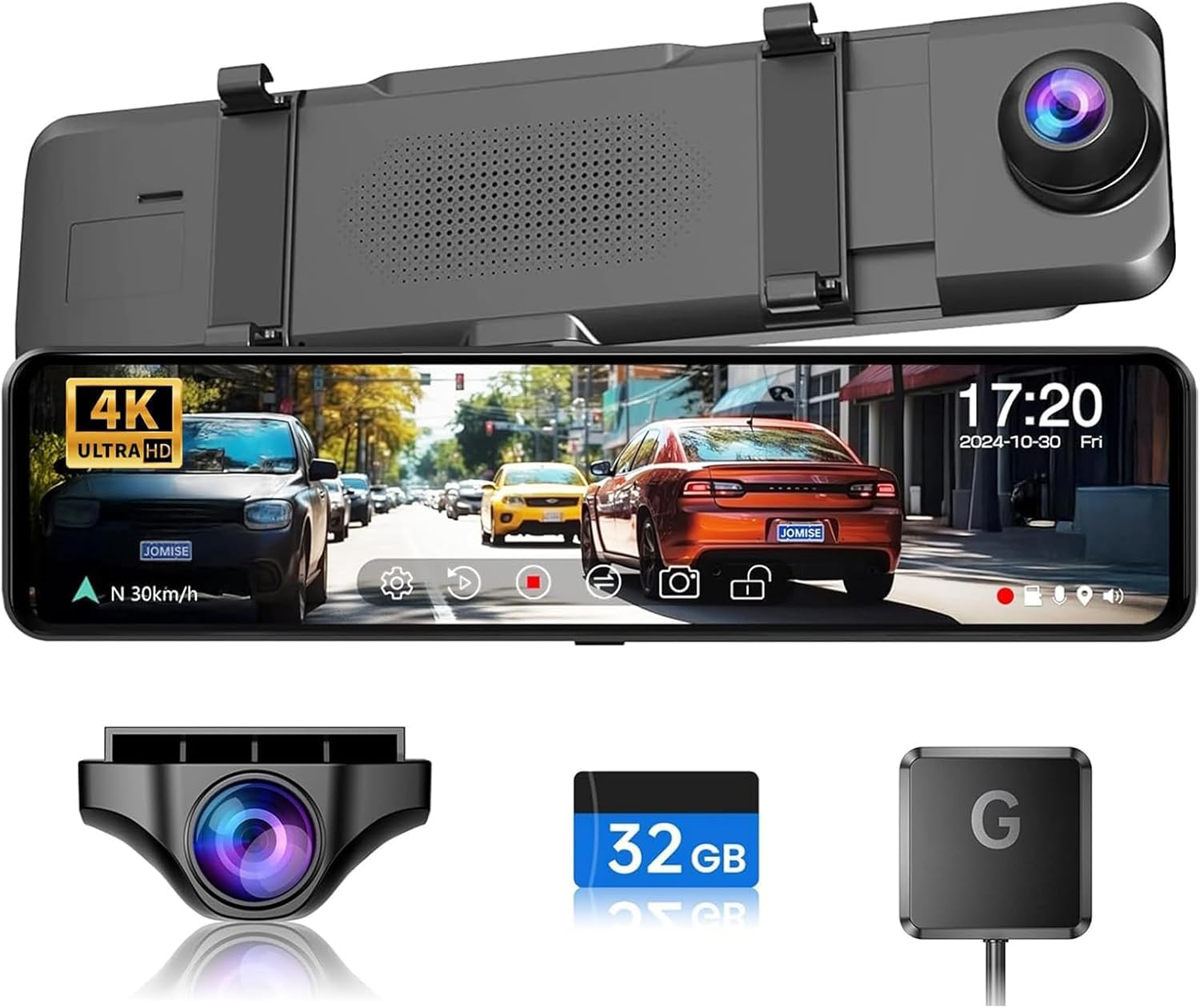
Image: JOMISE G814 4K Mirror Dash Cam with included components.
2. Contenu de la boîte
Veuillez vérifier que tous les composants suivants sont inclus dans votre colis :
- 1 x 4K Mirror Camera & Car Charger
- 1 x 1080P Backup Camera & GPS Module
- 1 x Rear Camera Cable & Straps
- 1 x User Manual & 32GB Card
- 1 x Support de montage

Image: All components included in the JOMISE G814 package.
3. Configuration et installation
The JOMISE G814 is designed for quick and easy strap-on installation, fitting most vehicles. Follow these steps for proper setup:
- Installer la caméra embarquée sur le rétroviseur : Securely attach the 4K Mirror Camera over your existing rearview mirror using the provided straps. Ensure it is centered and stable.
- Connectez la caméra arrière : Route the rear camera cable from the main unit to the back of your vehicle. Connect the rear camera to the cable and mount it in a suitable position, typically above the license plate or inside the rear window.
- Connect the GPS Module: Plug the GPS module into the designated GPS interface on the main unit. Position the module on your dashboard or windshield where it has a clear view du ciel pour une réception optimale du signal.
- Connecter l'alimentation : Plug the car charger into your vehicle's 12V power outlet (cigarette lighter) and connect the other end to the Type-C port on the dash cam.
- Insérez la carte SD : Insert the provided 32GB SD card (or a compatible card up to 128GB) into the memory card slot. Ensure it is inserted correctly until it clicks into place.

Image: Illustrates the strap-on installation of the mirror dash cam.

Image : détaillée view of the Type-C port, GPS interface, and rear camera connector.
4. Mode d'emploi
4.1 Fonctionnement de l'écran tactile
The 11-inch IPS touchscreen offers responsive and intuitive controls. Simply tap or swipe to navigate menus and adjust settings. The device supports three display modes for ease of use.
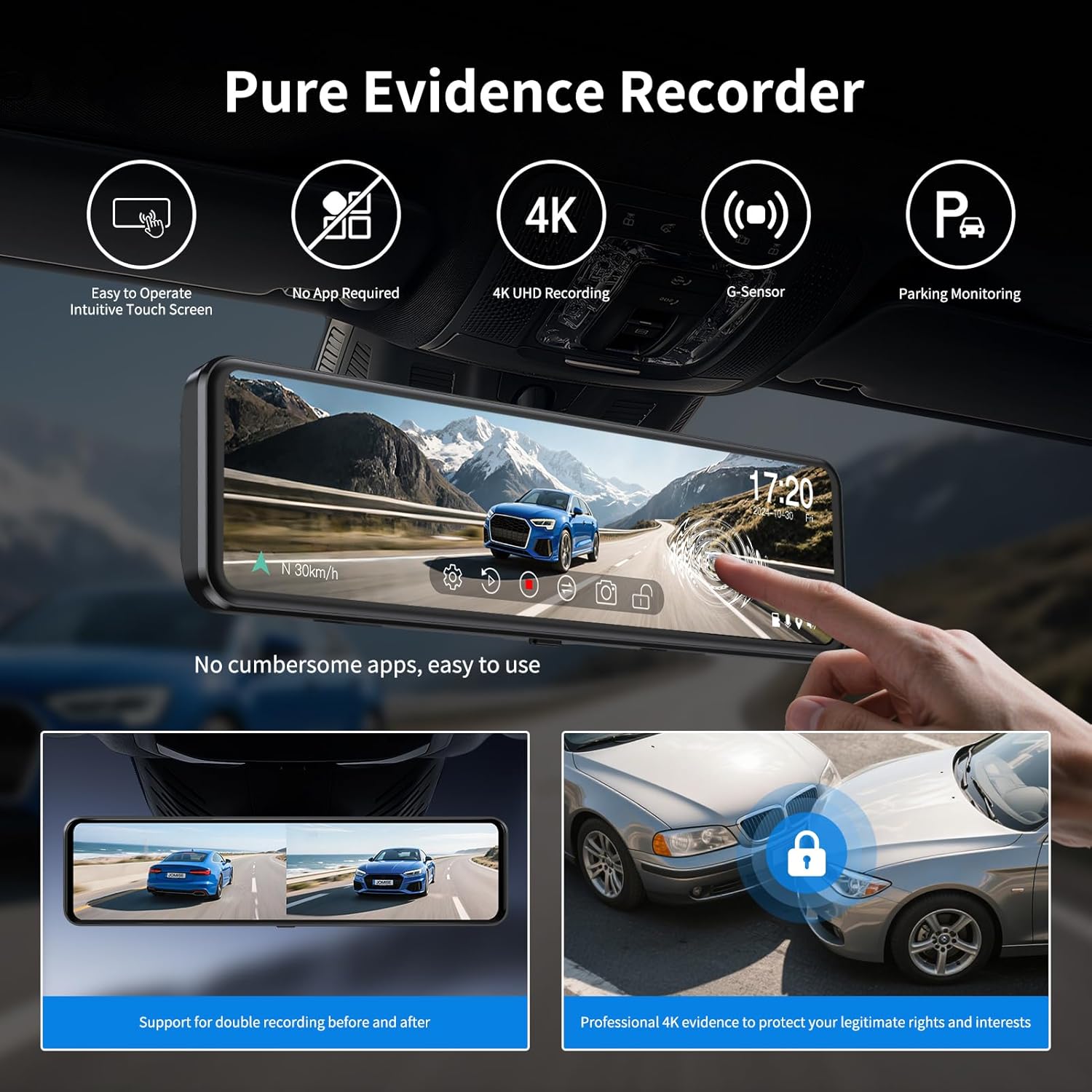
Image: Demonstrates the simple touchscreen operation of the dash cam.

Image: Shows the dash cam display with both front and rear camera views.
4.2 Fonctionnalité d'enregistrement
The dash cam records in a continuous loop, ensuring that your footage is always up-to-date. When the memory card is full, the oldest unlocked videos are automatically overwritten.
- Enregistrement frontal : Captures video in 4K resolution.
- Rear Recording: Captures video in 2.5K resolution.

Image: Illustrates the dual recording capability of the dash cam.

Image: Visual representation of continuous loop recording.
Capteur G 4.3 (verrouillage d'urgence)
The built-in G-Sensor automatically detects sudden impacts or collisions. When an event is detected, the current video segment is locked and protected from being overwritten by loop recording, ensuring critical evidence is saved.

Image: Depicts the G-Sensor automatically locking footage lors d'un impact.

Image: A lock icon symbolizing the G-Sensor's function to protect video files.
4.4 Moniteur de stationnement
For 24-hour parking monitoring, an optional hardware kit (ASIN: B0B6TZSF9P) is required. When installed, the dash cam can monitor your vehicle even when parked, recording events like collisions or time-lapse footage.

Image : Représentation visuelle du système de surveillance du stationnement 24 heures sur 24.
4.5 3X Zoom & Ultra-Wide View
The JOMISE G814 features an exclusive 3X rear zoom and an 11-inch ultra-wide view. This functionality assists in parking and driving, providing a wider and safer perspective, especially useful for tight spots, trailers, and blind zones.

Image: Compares the ultra-wide view of the JOMISE G814 with other dash cams.

Image: Shows parking assist lines on the dash cam display for easier maneuvering.
4.6 Vision nocturne
Equipped with advanced F1.8 and F2.0 lenses, the G814 reduces glare and captures sharp images in low-light conditions, ensuring clear and safe driving day and night.
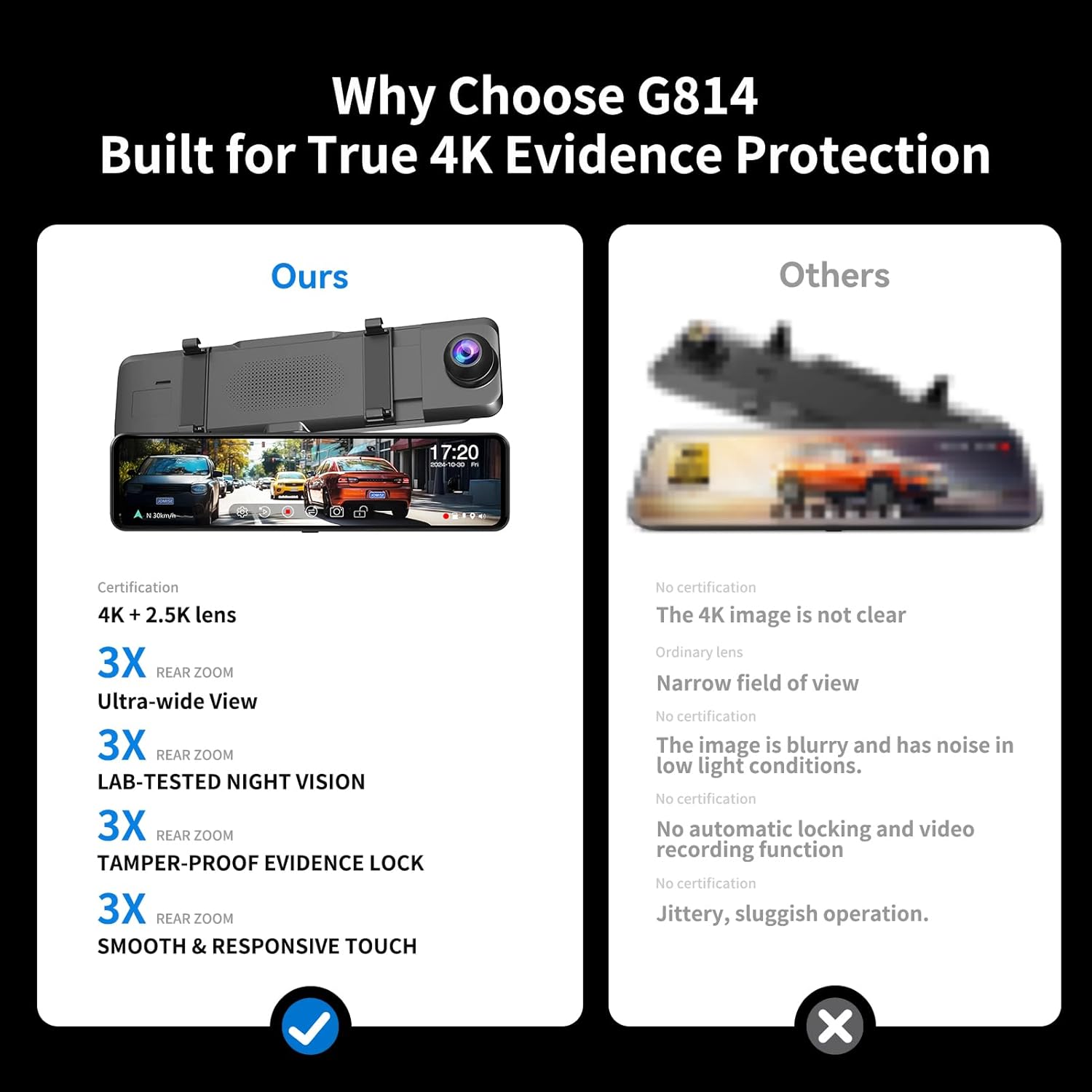
Image: Demonstrates the clear night vision performance of the dash cam.
4.7 Plage dynamique étendue (WDR)
The WDR function optimizes video quality by eliminating excessively bright spots and correcting color balance, resulting in a clear image even in challenging lighting environments.

Image: Illustrates how WDR balances exposure in varying light conditions.
4.8 Fonctionnalités GPS
The included GPS module allows the dash cam to record your driving route, speed, and location data. This information can be reviewed using compatible playback software on a computer, providing comprehensive evidence.

Image: Shows GPS data playback on a computer screen with map and driving information.
5. Entretien
- Nettoyage: Use the provided cleaning cloth or a soft, dry cloth to wipe the screen and lenses. Avoid using abrasive cleaners or solvents.
- Entretien de la carte SD : Regularly format the SD card (at least once a month) within the dash cam's settings to ensure optimal performance and prevent data corruption. Use a high-quality, high-speed (Class 10 or U3) SD card.
- Température: Évitez d'exposer la caméra embarquée à des températures extrêmes pendant des périodes prolongées, car cela peut affecter la durée de vie de la batterie et l'intégrité des composants.
- Mises à jour du micrologiciel : Check the official JOMISE webConsultez régulièrement ce site pour vérifier les mises à jour du micrologiciel disponibles et vous assurer que votre appareil bénéficie des dernières fonctionnalités et corrections de bugs.
6. Dépannage
- Caméra embarquée ne s'allume pas :
- Assurez-vous que le chargeur de voiture est bien branché à la fois sur la caméra embarquée et sur la prise 12V du véhicule.
- Check the vehicle's 12V power outlet for power (e.g., by plugging in another device).
- Vérifiez que le câble du chargeur de voiture n'est pas endommagé.
- Recording Issues (e.g., freezing, skipping frames):
- Formatez régulièrement la carte SD.
- Ensure you are using a high-speed (Class 10 or U3) SD card from a reputable brand.
- The SD card may be full; replace it or format the existing one.
- Date/Time is Incorrect:
- Assurez-vous que le module GPS est correctement connecté et que le signal est clair. view of the sky. The GPS module automatically updates the date and time.
- If the issue persists, manually set the date and time in the dash cam's settings.
- Image is Blurry or Unclear:
- Nettoyez les objectifs de l'appareil photo avec un chiffon doux.
- Assurez-vous que le film protecteur a été retiré des lentilles.
- Vérifiez que la caméra est bien fixée et qu'elle ne vibre pas.
- Sun Visor Interference:
- Due to the 11-inch size of the mirror dash cam, some vehicle models, particularly those with larger or lower-set sun visors, may experience interference when the sun visor is lowered. This is a design consideration for larger screens and may not be resolvable by adjustment. Consider the dimensions of your vehicle's interior before purchase.
7. Spécifications
| Fonctionnalité | Détail |
|---|---|
| Dimensions du produit | 2.75 x 10 x 1 pouces |
| Poids de l'article | 1.54 livres |
| Numéro de modèle de l'article | DAGD716 |
| Marque | JOMISE |
| Nom du modèle | G814 |
| Orientation | Avant et arrière |
| Type de service de véhicule | Car, Pickup, SUV, Sedan, Truck |
| Technologie de connectivité | USB |
| Caractéristiques spéciales | 4K+2.5K Loop Recording, Built-In GPS, G-Sensor, Night Vision, Parking Monitor |
| Résolution de capture vidéo | 4K à l'avant et 1080p à l'arrière |
| Type de montage | Arrièreview Support de miroir |
| Couleur | Noir |
| Diagonale de l'écran visible | 11" / 28 cm |
8. Garantie et assistance
JOMISE is committed to providing reliable products and excellent customer service. Your G814 dash cam comes with the following:
- Garantie de 12 mois : Enjoy peace of mind with a one-year warranty covering manufacturing defects.
- Politique de retour sous 7 jours : If you are not satisfied with your purchase, you may return it within 7 days of receipt.
- Retour pour défauts : Products with confirmed defects are eligible for return.
Pour toute question ou demande d'assistance, veuillez nous contacter :
- E-mail: jomise-us@jomise-cam.com
- Téléphone: +1 866 788 8775


Images: JOMISE warranty and support information.