Introduction
The Ozeri Pro Digital Kitchen Food Scale is engineered for precise measurement in culinary applications. This manual provides essential information for the proper setup, operation, and maintenance of your scale to ensure optimal performance and longevity.
Caractéristiques du produit
- Graduations précises : Measures with accuracy of 0.05 oz or 1 gram.
- Wide Capacity Range: Supports weights from 0.05 oz up to 12 lbs (1 gram to 5.4 kg).
- Interface conviviale : Features oversized buttons for easy operation.
- Grand écran LCD : Provides clear weight readings in pounds (lbs), kilograms (kg), grams (g), and ounces (oz).
- Automatic Tare Function: Calculates net weight by subtracting the container's weight.
- Arrêt automatique: Conserves battery life with a 3-minute auto turn-off feature.
- Conception compacte : Léger et facile à ranger.
Installation
Installation de la batterie
The Ozeri Pro Digital Kitchen Food Scale requires two (2) AAA batteries for operation. These batteries are included with your purchase.
- Localisez le compartiment à piles sous la balance.
- Ouvrez le couvercle du compartiment à piles.
- Insérez les deux piles AAA en veillant à respecter la polarité (+/-).
- Fermez soigneusement le couvercle du compartiment à piles.

Video: Demonstrating battery installation on the Ozeri Digital Kitchen Scale.
Note: For optimal performance, use fresh batteries. Remove batteries if the scale will not be used for an extended period.
Mode d'emploi
Activation/désactivation
- Appuyez sur le MARCHE/ARRÊT/TARE button to turn the scale on. The LCD will display '0.00' when ready.
- Pour éteindre, appuyez et maintenez le bouton enfoncé. MARCHE/ARRÊT/TARE button for a few seconds, or allow the automatic 3-minute shut-off feature to activate.
Changer les unités de mesure
The scale can display measurements in grams (g), ounces (oz), pounds (lb), and kilograms (kg).
- Avec la balance allumée, appuyez sur UNITÉ bouton pour parcourir les unités disponibles.
- Select your desired unit (g, oz, lb, kg) before weighing.
Utilisation de la fonction Tare
The Tare function allows you to subtract the weight of a container or previous ingredients, ensuring you measure only the new item.
- Placez un récipient vide sur le plateau de pesée. L'écran affichera son poids.
- Appuyez sur le MARCHE/ARRÊT/TARE bouton. L'affichage se réinitialisera à « 0.00 ».
- Add your ingredients to the container. The display will now show only the weight of the added ingredients.
- Repeat the Tare function as needed for multiple ingredients.
Video: Demonstrating the unit and tare functions of the Ozeri Digital Kitchen Scale.
Vidéo : Plusview of the Ozeri Pro Digital Food Scale, highlighting its features and ease of use.
Peser des articles
- Ensure the scale is on and displaying '0.00' in your desired unit.
- Carefully place the item(s) to be weighed onto the center of the weighing platform.
- Lisez le poids affiché sur l'écran LCD.
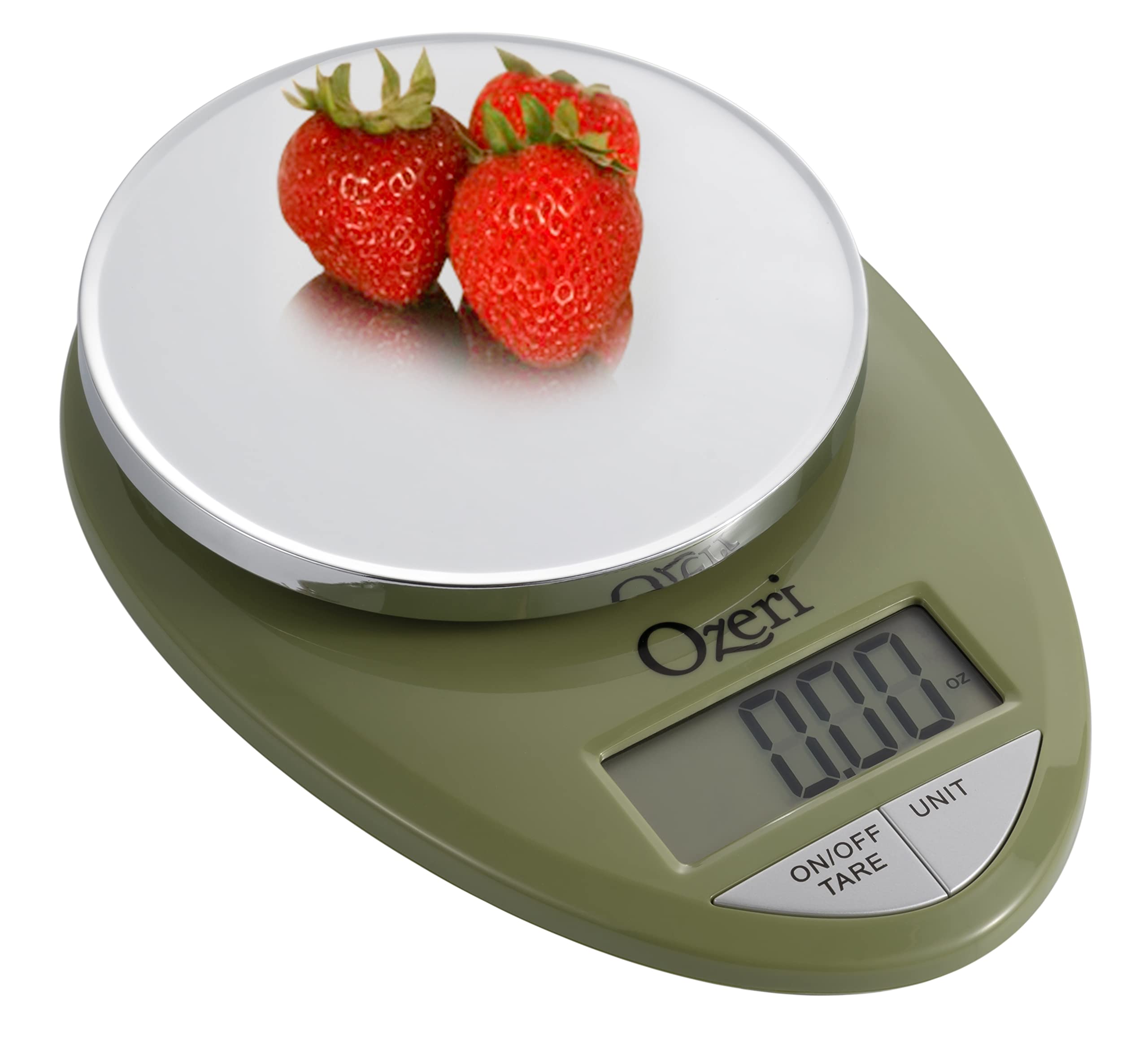
Image: The Ozeri Pro Digital Kitchen Food Scale displaying a weight with a small bowl of herbs on its platform.

Image: The Ozeri Pro Digital Kitchen Food Scale displaying a weight with a small ramekin of blueberries on its platform.
Entretien
Nettoyage
- Wipe the scale surface clean with a damp cloth. Avoid abrasive cleaners or submerging the unit in water.
- S'assurer que la balance est sèche avant de la ranger ou de l'utiliser à nouveau.
Stockage
The compact design of the Ozeri Pro Digital Kitchen Food Scale allows for easy storage in a drawer or cabinet when not in use.

Image : Un côté view of the Ozeri Pro Digital Kitchen Food Scale, demonstrating its slim profile pour un rangement pratique.
Dépannage
- Lectures inexactes : Veillez à placer la balance sur une surface plane et stable. Évitez d'y placer des objets dont le poids dépasse la capacité maximale.
- L'écran ne s'allume pas : Vérifiez que les piles sont correctement installées et suffisamment chargées. Remplacez-les si nécessaire.
- Afficher les messages d'erreur : Refer to the full product manual (if available) or contact Ozeri customer support for specific error code interpretations.
Caractéristiques
| Fonctionnalité | Détail |
|---|---|
| Marque | Ozéri |
| Numéro de modèle | ZK12-GN |
| Capacité | 0.05 oz à 12 lbs (1 gramme à 5.4 kg) |
| Graduation | 0.05 oz ou 1 gramme |
| Type d'affichage | Écran LCD |
| Unités de mesure | grams, ounces, pounds, kilograms |
| Caractéristiques spéciales | Automatic Tare, 3-minute Auto Shut-off, Large Display |
| Source d'énergie | 2 piles AAA (incluses) |
| Matériel | Polycarbonate |
| Dimensions du produit | 10 x 7 x 4 pouces |
| Poids de l'article | 9.6 onces |
Garantie et assistance
For information regarding product warranty, returns, or technical support, please refer to the official Ozeri website or contact their customer service directly. Details are typically provided in the packaging or on the manufacturer's official support pages.