
WiZ 929002659201
WiZ Imageo Smart LED Spotlight Instruction Manual
Model: Imageo 929002659201 | Brand: WiZ
Introduction
The WiZ Imageo Smart LED Spotlight is a versatile lighting solution designed for modern homes. This smart spotlight system features three adjustable heads, offering both warm to cool white light and a spectrum of 16 million colors. It connects directly to your existing Wi-Fi network, enabling control via the WiZ app, voice commands, and smart accessories. This manual provides essential information for the safe and efficient use of your WiZ Imageo spotlight.

Image: The WiZ Imageo Smart LED Spotlight in black, featuring three individual light heads mounted on a linear base. The light heads are adjustable, allowing for directional lighting.
Consignes de sécurité
Veuillez lire attentivement toutes les consignes de sécurité avant l'installation et l'utilisation. Le non-respect de ces consignes peut entraîner un choc électrique, un incendie ou d'autres dangers.
- Assurez-vous que l’alimentation électrique est débranchée avant l’installation ou la maintenance.
- Ce produit est conçu pour une utilisation en intérieur uniquement (indice de protection IP20). Ne pas exposer à l'eau ni à une forte humidité.
- L'installation doit être effectuée par un électricien qualifié si vous avez des doutes concernant le câblage électrique.
- N'essayez pas de démonter ou de modifier le produit.
- Tenir hors de portée des enfants.
- The light source in this product is not replaceable; when the light source reaches its end of life, the entire luminaire shall be replaced.
Contenu du colis
Vérifiez que tous les composants sont présents dans le package :
- 1 x WiZ Imageo Smart LED Spotlight (3 heads)
- Manuel d'instructions (ce document)
Installation
The WiZ Imageo spotlight is designed for easy installation and setup. No additional hub or bridge is required; it connects directly to your existing 2.4 GHz Wi-Fi network.
- Installation: Mount the spotlight securely to your ceiling or wall. Ensure all electrical connections are made correctly and safely.
- Mise sous tension : Connect the spotlight to a power source. The lights should turn on.
- Download WiZ App: Download the latest version of the WiZ app from the App Store (iOS) or Google Play Store (Android) on your smartphone or tablet.
- Jumelage : Open the WiZ app and follow the on-screen instructions to pair your new WiZ Imageo spotlight. Ensure your device is connected to the same 2.4 GHz Wi-Fi network as the spotlight during the pairing process.

Image: A person smiling while using a smartphone, with a WiZ spotlight visible in the background, illustrating the "Easy Plug and Play" setup process.
Mode d'emploi
Control your WiZ Imageo spotlight using various methods:
1. Contrôle de l'application WiZ
The WiZ app provides full control over your lighting. You can:
- Allumer/éteindre les lumières.
- Adjust brightness (dimming).
- Change color temperature from warm white to cool white.
- Choisissez parmi 16 millions de couleurs.
- Choose preset dynamic light modes for different atmospheres.
- Set schedules and routines.
- Control your lights remotely from anywhere with an internet connection.
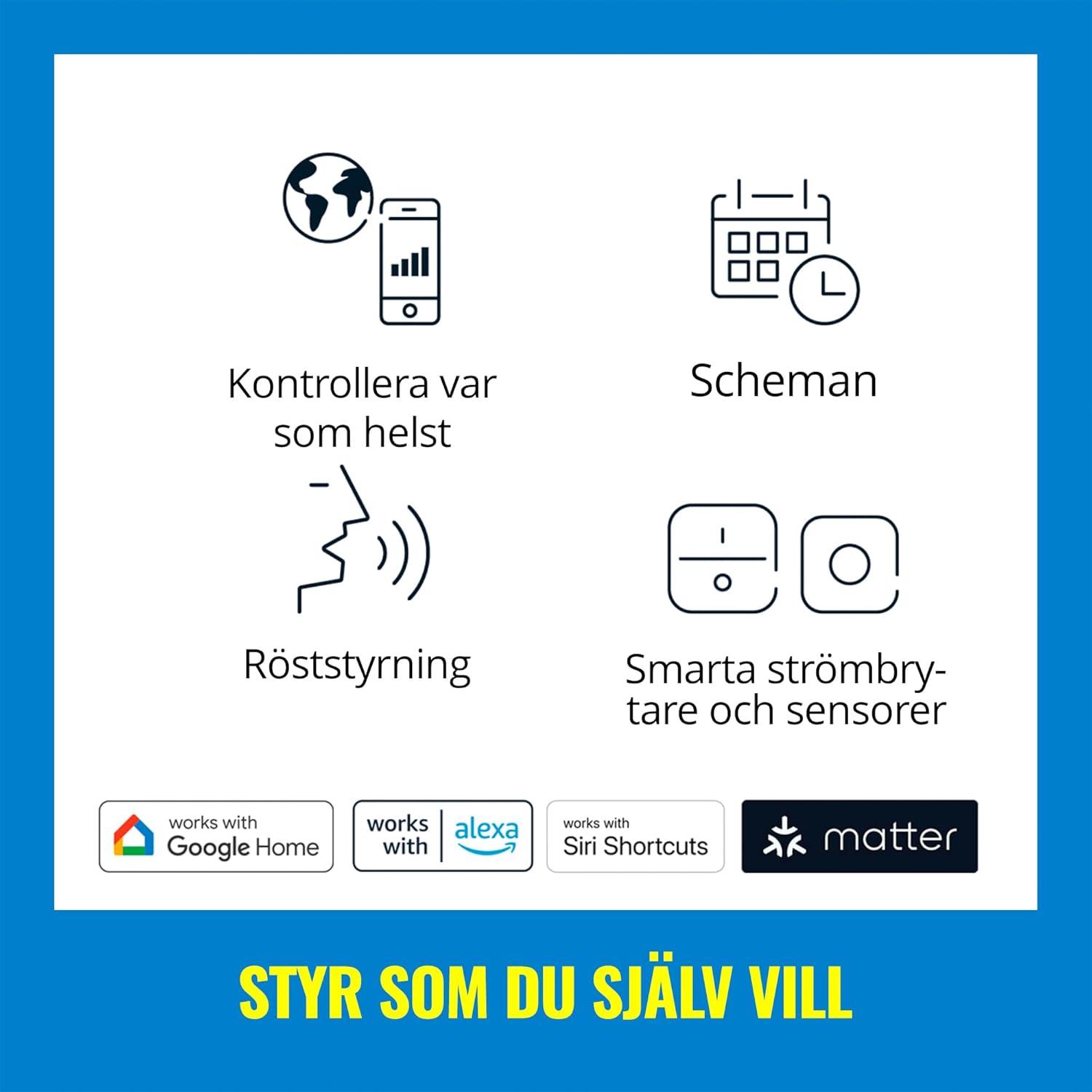
Image: A graphic displaying icons for different control methods, including app control, scheduling, voice control, and smart switches/sensors, along with logos for Google Home, Alexa, Siri Shortcuts, and Matter.
2. Commande vocale
Integrate your WiZ Imageo spotlight with popular voice assistants for hands-free control:
- Assistant Google : Say "Hey Google, turn on the spotlight," or "Hey Google, set the spotlight to blue."
- Amazon Alexa : Say "Alexa, turn off the spotlight," or "Alexa, dim the spotlight to 50%."
- Raccourcis Siri : Configure custom shortcuts for quick commands.

Image: A woman smiling while holding a plant, with a speech bubble indicating 'HEY...', and logos for Google Assistant, Alexa, and Siri Shortcuts, demonstrating voice control capabilities.
3. Adjustable Spot Heads
Each of the three spotlight heads can be manually adjusted to direct light precisely where needed. This allows you to highlight artwork, architectural features, or specific areas of a room. The spotlight provides a 36-degree beam angle.

Image : Un gros plan view of the black WiZ Imageo spotlight, highlighting its three cylindrical, adjustable light heads, with one head emitting a blue light.
4. Réglage de la couleur et de la lumière blanche
The WiZ Imageo offers a full spectrum of lighting options:
- Warm to Cool White: Adjust the white light from a cozy warm white (2700K) to an energetic cool white to suit your mood or task.
- 16 millions de couleurs : Explore a vast palette of colors to create unique ambiances for any occasion.

Image: A split image showing a living room scene with a sofa and bookshelf, illuminated first with a vibrant green light and then with a warm yellow light, demonstrating the color changing capabilities.

Image: A split image showing a room illuminated with warm white light on the left and cool white light on the right, with a smartphone screen in the foreground displaying the WiZ app's white light adjustment options.
5. Motion Detection (SpaceSense™)
WiZ lights with SpaceSense™ can function as motion sensors without requiring you to buy or install a special sensor device. This feature allows lights to turn on automatically when movement is detected.

Image: A split image showing a woman walking into a dimly lit room on the left, and the same room brightly lit on the right as she enters, illustrating the SpaceSense™ motion detection feature.
6. Video Demonstration: Voice Control
Video: A demonstration of voice control with Alexa, showing the WiZ Imageo spotlight changing colors from red to green to blue based on spoken commands. This highlights the ease of integrating voice assistants for dynamic lighting adjustments.
Entretien
To ensure the longevity and optimal performance of your WiZ Imageo Smart LED Spotlight, follow these simple maintenance guidelines:
- Nettoyage: Disconnect power before cleaning. Use a soft, dry cloth to wipe the surface of the spotlight. Do not use abrasive cleaners or solvents, as these can damage the finish.
- Remplacement de l'ampoule : The LED light sources in this product are not designed to be replaced by the user. If the light source fails, the entire fixture should be replaced.
- Mises à jour logicielles : Keep your WiZ app updated to the latest version to ensure compatibility and access to new features and improvements.
Dépannage
If you encounter issues with your WiZ Imageo Smart LED Spotlight, refer to the following common solutions:
| Problème | Cause possible | Solution |
|---|---|---|
| La lumière ne s'allume pas. | No power, loose connection, or bulb failure. | Check power supply. Ensure connections are secure. If the light source has failed, the fixture needs replacement. |
| Impossible de se connecter au Wi-Fi. | Mot de passe Wi-Fi incorrect, réseau 5 GHz ou signal faible. | Verify Wi-Fi password. Ensure you are connecting to a 2.4 GHz network. Move the spotlight closer to the router or use a Wi-Fi extender. |
| App control is unresponsive. | App not updated, network issue, or light is offline. | Update the WiZ app. Check your Wi-Fi connection. Power cycle the spotlight (turn off and on at the switch). |
| La commande vocale ne fonctionne pas. | Voice assistant not linked, incorrect device name, or internet connectivity issue. | Ensure your WiZ account is linked to your voice assistant. Check the device name in the WiZ app and voice assistant app. Verify internet connection. |
For further assistance, please refer to the WiZ support website ou contacter le service client.
Caractéristiques
| Fonctionnalité | Détail |
|---|---|
| Marque | As |
| Nom du modèle | Imageo |
| Numéro de modèle | 929002659201 |
| Couleur | Noir |
| Matériel | Plastique |
| Dimensions du produit (L x l x H) | 44.0 cm x 12.3 cm x 10.5 cm (environ 17.32 po x 4.84 po x 4.13 po) |
| Poids de l'article | 1.02 kilogrammes |
| Source d'énergie | AC |
| Voltage | 230 volts |
| Vat totaltage | 17 watts |
| Type de source lumineuse | DIRIGÉ |
| Nombre de sources lumineuses | 3 |
| Couleur claire | Adjustable from warm to cool white + 16 million colors |
| Flux lumineux | 3105 lumens |
| Caractéristiques spéciales | Dimmable, Color Changing, Voice Controlled, Wi-Fi & Bluetooth Connectivity |
| Méthode de contrôle | Voice Control (Amazon Alexa, Google Assistant, Siri Shortcuts), WiZ App |
| Protocole de connectivité | Wifi |
| Type de montage | Montage au plafond |
| Indice de protection IP | IP20 (Not water resistant) |
| Classe d'efficacité énergétique | G (for included light source) |

Image: A technical diagram illustrating the dimensions of the WiZ Imageo Smart LED Spotlight, showing a length of 44.0 cm (17.32 in) and a height of 10.5 cm (4.13 in).
Garantie et assistance
The WiZ Imageo Smart LED Spotlight comes with a limited warranty. Please refer to the official WiZ webConsultez le site ou votre documentation d'achat pour connaître les conditions générales de garantie spécifiques.
For technical support, frequently asked questions, or to register your product, visit the official WiZ support page or contact their customer service department.
Ask a question about this manual
Ask about setup, troubleshooting, compatibility, parts, safety, or missing instructions. Manuals+ will review the question and use this page’s manual context to help answer it.