
Introduction
Thank you for choosing the Arenti IN1 WiFi Pet Camera. This manual provides detailed instructions on how to set up, operate, and maintain your camera. Please read this manual thoroughly before use to ensure proper functionality and safety. Keep this manual for future reference.
Produit terminéview
The Arenti IN1 WiFi Pet Camera is designed to provide reliable indoor surveillance with advanced features for monitoring your pets, children, or home. It offers high-definition video, two-way audio, and smart detection capabilities.
Caractéristiques principales :
- Vidéo Full HD 1080p : Capture des images claires et détailléestage at 25 frames per second.
- Vision nocturne améliorée: Provides clear images even in low-light conditions, ensuring 24/7 monitoring.
- AI Human & Sound Detection: Intelligently detects human movement and abnormal sounds, sending instant notifications to your smartphone.
- Audio bidirectionnel: Built-in microphone and speaker allow for seamless communication with your pets or family members.
- Mode de confidentialité : Offers features like one-touch sleep mode, geofencing, and off-timer settings to protect your privacy.
- Stockage dans le cloud et sur carte SD : Securely store recordings on AWS cloud service or a local SD card.
- Intégration à la maison intelligente : Compatible avec Alexa et Google Assistant pour la commande vocale.
- Arenti App Control: Manage all camera settings, monitor live view, and share access through the intuitive Arenti smartphone application.
Contenu du colis :
- Arenti IN1 WiFi Pet Camera
- Adaptateur secteur
- Câble USB
- Mounting Kit (Screws, Wall Anchors)
- Manuel d'utilisation
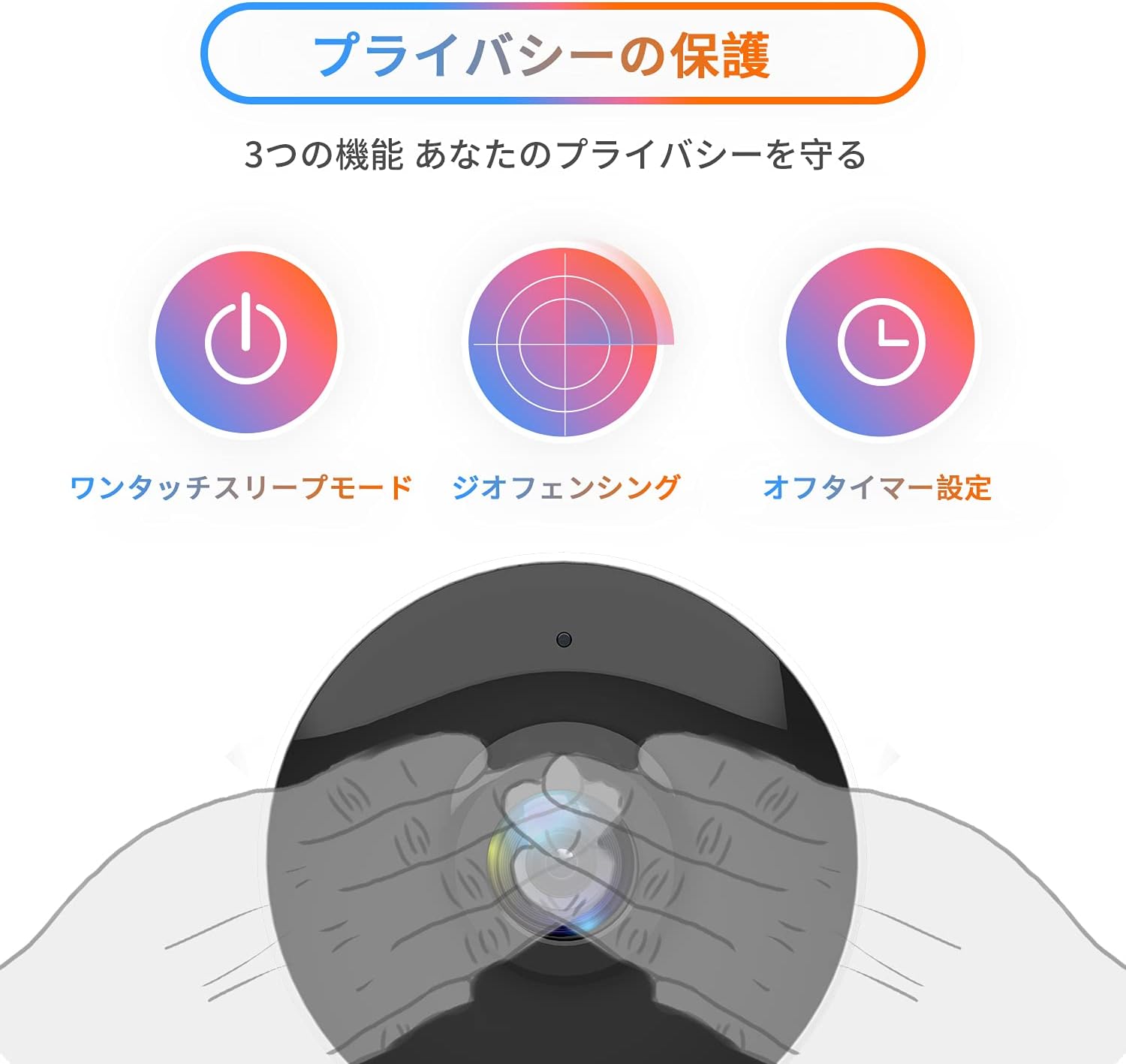
Image: The Arenti IN1 WiFi Pet Camera, a compact indoor camera with a white body and black lens, shown with its adjustable stand.
Guide d'installation
Follow these steps to set up your Arenti IN1 WiFi Pet Camera:
- Download the Arenti App: Rechercher "Arenti" in the App Store (iOS) or Google Play Store (Android) and download the application.
- Créer un compte: Open the Arenti app and register for a new account or log in if you already have one.
- Allumez la caméra : Branchez la caméra à une prise de courant à l'aide du câble USB et de l'adaptateur secteur fournis. Le voyant de la caméra s'allumera.
- Ajouter un appareil : In the Arenti app, tap the "+" icon to add a new device. Select your camera model (IN1) from the list.
- Se connecter au Wi-Fi : Follow the in-app instructions to connect your camera to your 2.4GHz Wi-Fi network. You may need to scan a QR code displayed on your phone with the camera lens.
- Placement: Place the camera on a flat surface or mount it to a wall or ceiling using the included mounting kit. Ensure it has a clear view de la zone que vous souhaitez surveiller.


Image: A series of smartphone screenshots illustrating the process of downloading the Arenti app, adding a device, and viewen direct.
Mode d'emploi
En direct View:
Open the Arenti app and select your camera to view le flux en direct. Vous pouvez pincer pour zoomer et vous déplacer sur l'image.
Audio bidirectionnel:
Appuyez sur l'icône du microphone dans le live view to speak through the camera's speaker. Tap again to end. This allows you to communicate with anyone near the camera.

Image: A child smiling while a speech bubble indicates communication with a person via the Arenti camera, demonstrating the two-way audio feature.
Détection de mouvement et de son :
The camera uses AI to detect human movement and abnormal sounds. When an event is detected, you will receive a push notification on your smartphone. You can adjust the detection sensitivity and set specific detection zones within the app.

Image: An illustration highlighting the camera's features including night vision, human detection, motion/sound detection, privacy mode, and compatibility with Alexa voice control.
Vision nocturne :
The camera automatically switches to night vision mode in low-light conditions, providing clear black and white images. This ensures continuous monitoring day and night.
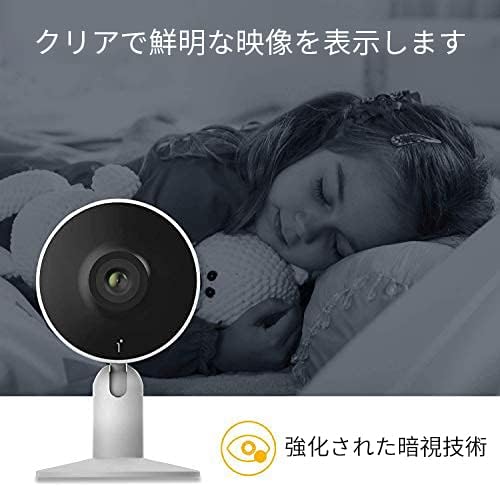
Image: A child sleeping peacefully in a dimly lit room, with the Arenti camera in the foreground, demonstrating its enhanced night vision capabilities for clear monitoring.
Mode de confidentialité :
Activez le mode de confidentialité via l'application pour désactiver temporairement l'enregistrement et la diffusion en direct. view. Options include one-touch sleep mode, geofencing (automatically activating privacy when you are home), and setting an off-timer.

Image: Three icons illustrating privacy protection features: a power button for one-touch sleep mode, a radar for geofencing, and a clock for off-timer settings.
Enregistrement et stockage :
The camera supports both cloud storage (via Arenti Cloud Service, powered by AWS) and local storage using a microSD card (up to 128GB, sold separately). You can review enregistré footage through the app's history timeline.
Intégration à la maison intelligente :
Connect your Arenti camera to Amazon Alexa or Google Assistant for convenient voice control. For example, you can say, "Alexa, show me the living room camera."
Vidéo : Un général au-dessusview video demonstrating the features and usage of the Arenti camera, including app interface and live monitoring.
Entretien
- Nettoyage: Utilisez un chiffon doux et sec pour nettoyer l'objectif et le boîtier de l'appareil photo. Évitez d'utiliser des produits chimiques agressifs ou des matériaux abrasifs qui pourraient rayer la surface.
- Mises à jour du micrologiciel : Regularly check the Arenti app for available firmware updates. Keeping your camera's firmware up-to-date ensures optimal performance and security.
- Gestion du stockage: If using a microSD card, periodically check its storage capacity and delete old recordings if necessary. For cloud storage, manage your subscription and data retention settings within the app.
- Cycle d'alimentation : Si l'appareil photo rencontre des problèmes, essayez de le débrancher de la source d'alimentation pendant quelques secondes, puis de le rebrancher.
Dépannage
| Problème | Cause possible | Solution |
|---|---|---|
| Caméra hors ligne | Pas d'alimentation, Wi-Fi déconnecté, signal faible | Vérifiez la connexion électrique. Redémarrez la caméra et le routeur. Assurez-vous que la caméra se trouve à portée du réseau Wi-Fi. |
| Impossible de se connecter au Wi-Fi | Incorrect password, 5GHz Wi-Fi, network issues | Verify Wi-Fi password. Ensure you are connecting to a 2.4GHz network. Try resetting the camera and repeating setup. |
| Aucune notification | App settings, phone settings, detection sensitivity | Check notification settings in the Arenti app and on your smartphone. Adjust motion/sound detection sensitivity. |
| Mauvaise qualité vidéo | Low bandwidth, dirty lens | Ensure stable internet connection. Clean the camera lens with a soft cloth. |
| L'audio bidirectionnel ne fonctionne pas | Microphone/speaker disabled, volume low | Vérifiez les paramètres audio de l'application. Assurez-vous que le volume du téléphone est suffisamment élevé. |
Caractéristiques
| Fonctionnalité | Détail |
|---|---|
| Résolution vidéo | 1080p (Full HD) |
| Fréquence d'images | 25 images par seconde |
| Connectivité | Wi-Fi (2.4 GHz uniquement) |
| Vision nocturne | Oui |
| Audio | Audio bidirectionnel |
| Détection | Motion Sensor, Sound Detection |
| Options de stockage | Cloud Storage, MicroSD Card (up to 128GB) |
| Appareils compatibles | Smartphones (iOS/Android) |
| Dimensions | 21.2 x 18.4 x 6.6 cm (Dimensions de l'emballage) |
| Poids | 480 g (poids du colis) |
Garantie et assistance
Arenti products typically come with a limited warranty. For specific warranty details, please refer to the warranty card included with your product or visit the official Arenti website. If you encounter any issues or require technical assistance, please contact Arenti customer support through their official website or the Arenti app.


