
Introduction
The HONOR Smart Digital Body Composition Scale LUP-B19 is designed to provide a comprehensive analysis of your body's health. Utilizing advanced technology, it measures 14 key body indicators and synchronizes data with the Huawei Health App for detailed tracking and insights. This manual provides instructions for setup, operation, maintenance, and troubleshooting to ensure optimal use of your smart scale.
Contenu du colis
- HONOR Smart Digital Body Composition Scale (LUP-B19)
- Guide de démarrage rapide
- AAA Batteries (quantity may vary)
Installation
- Installer les piles : Open the battery compartment on the underside of the scale and insert the required AAA batteries, ensuring correct polarity.
- Placez la balance : Position the scale on a hard, flat surface for accurate measurements. Avoid carpets or uneven flooring.
- Téléchargez l'application : Download and install the Huawei Health App on your smartphone (Android 4.4+ or iOS 9.0+ required).
- Associer avec Bluetooth :
- Activez le Bluetooth sur votre smartphone.
- Open the Huawei Health App and follow the on-screen instructions to add the HONOR Smart Scale.
- Step onto the scale to activate it and initiate the pairing process.
- Créer un utilisateur Profile: Within the app, create your user profile by entering your age, height, and gender. This information is crucial for accurate body composition analysis.

Mode d'emploi
- Prendre une mesure :
- Assurez-vous que vos pieds sont propres et secs.
- Step onto the scale barefoot, placing your feet on the electrode areas.
- Stand still until the measurement is complete and your weight is displayed on the LED screen.
- Synchronisation des données :
- If your smartphone with the Huawei Health App is nearby and Bluetooth is enabled, the data will automatically synchronize.
- If your phone is not available, the scale can store up to 200 historical data records, which will sync automatically once the Bluetooth connection is re-established.
- Mesure de la fréquence cardiaque : The scale measures your heart rate while weighing and records changes in your resting heart rate.


Mesures de la composition corporelle
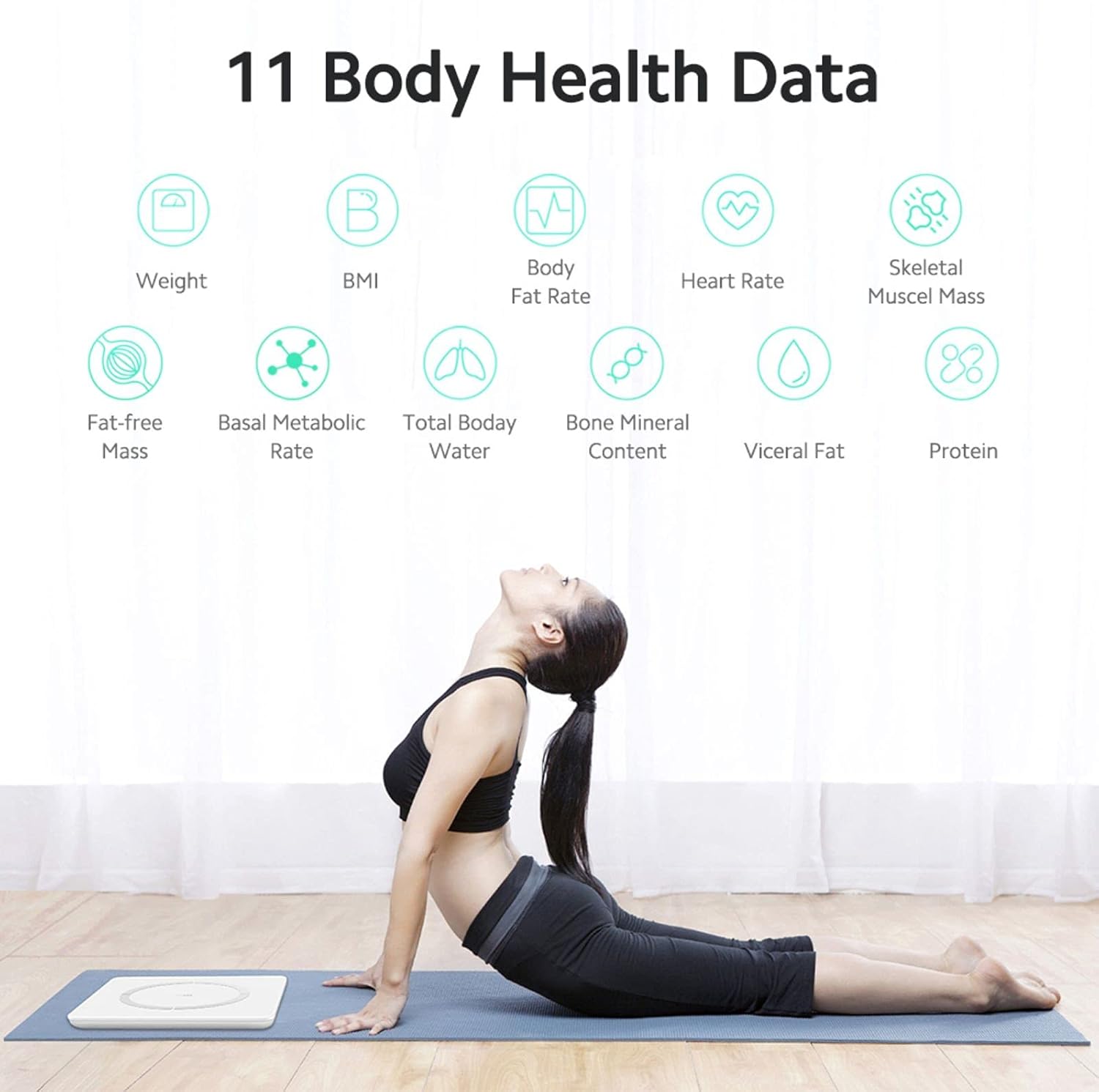
The HONOR Smart Scale provides 14 key body indicators using the Huawei TruFit algorithm, which combines bio-impedance analysis with extensive data verification and AI technology. These indicators help you understand your fitness levels and body composition:
- Poids: Votre masse corporelle totale.
- IMC (Indice de masse corporelle) : Une mesure de la masse grasse corporelle basée sur la taille et le poids.
- Taux de graisse corporelle : Le pourcentagetage de graisse dans votre corps.
- Masse musculaire : The total weight of muscles in your body.
- Masse musculaire squelettique : The weight of muscles attached to bones.
- Type de corps: Classification basée sur la composition corporelle.
- Métabolisme basal (MB) : Le nombre de calories dont votre corps a besoin pour accomplir ses fonctions vitales de base.
- Total Body Water (TBW): La quantité totale de liquide dans votre corps.
- Graisse viscérale : Fat stored around your internal organs.
- Protéine: Le pourcentagetage de protéines dans votre corps.
- Teneur en minéraux osseux : The amount of mineral in your bones.
- Masse maigre : Le poids total de votre corps, graisse exclue.
- Body Score: An overall assessment of your body composition.
- Âge corporel : An estimation of your body's biological age.
- Fréquence cardiaque : Your heart rate at rest.
Fonctionnalités intelligentes
The HONOR Smart Scale offers intelligent features for family use and personalized tracking:
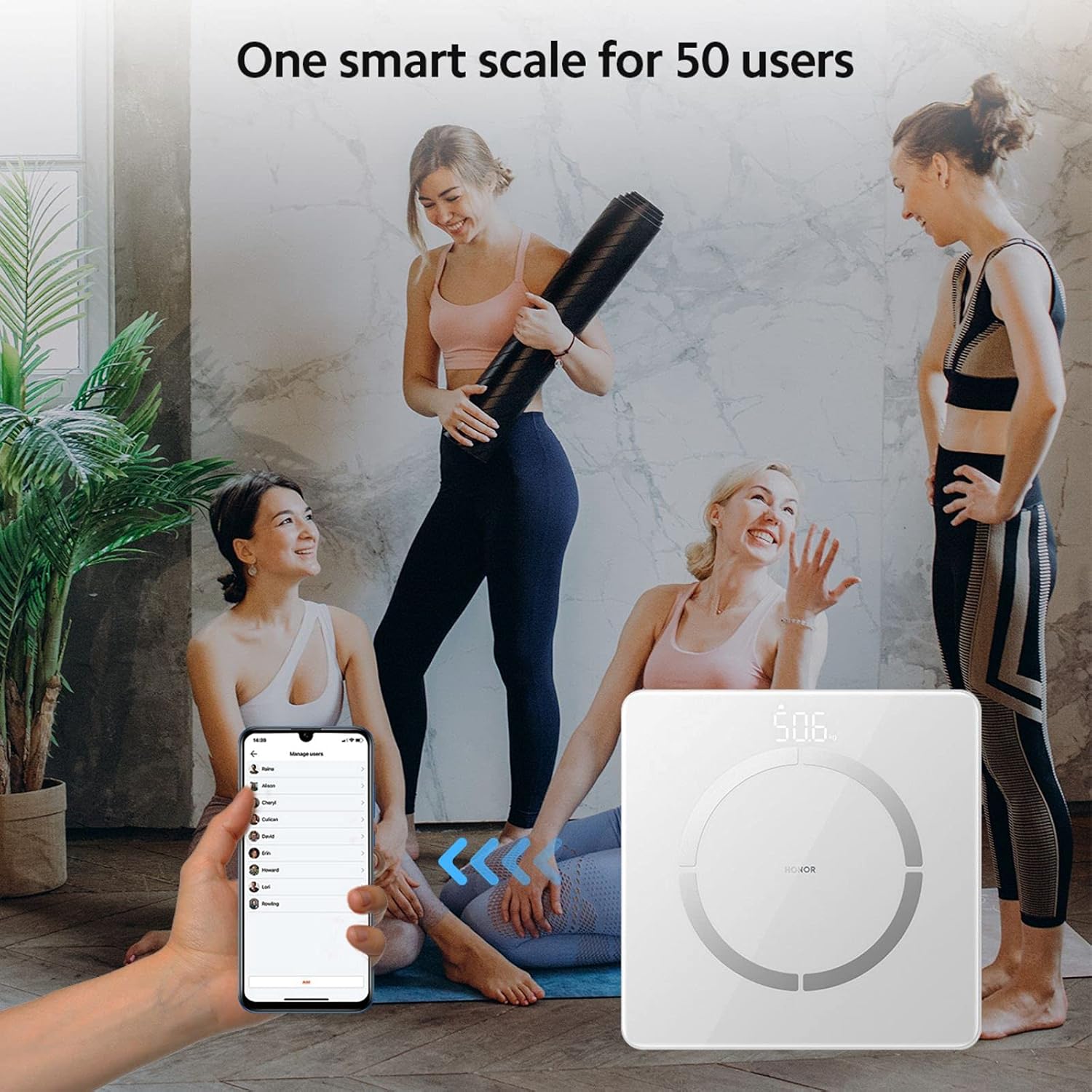
- Reconnaissance multi-utilisateurs : The scale supports up to 5 mobile accounts, with each account connecting to up to 10 users, totaling 50 users.
- Automatic User Identification: Based on historical data, the scale intelligently identifies family members and pushes their data to the corresponding account. If a user is not automatically recognized, they can still log in via the app.
- Historical Data Tracking: Detailed index data records historical changes, providing a basis for fine-tuning training and fat reduction plans.
Entretien
- Nettoyage: Essuyez la surface de la balance avec un chiffon doux et sec.amp Chiffon. Ne pas utiliser de nettoyants abrasifs ni immerger le tartre dans l'eau.
- Stockage: Rangez la balance dans un endroit frais et sec. Évitez les températures extrêmes et l'exposition directe au soleil.
- Remplacement de la batterie : Replace batteries when the low battery indicator appears on the display or in the app. Ensure to use new AAA batteries.
- Étalonnage: If the scale is moved, step on it briefly to turn it on, then step off and wait for it to display '0.0' before taking a measurement to ensure proper calibration.
Dépannage
- La balance ne s'allume pas :
- Vérifiez que les piles sont correctement installées et qu'elles ne sont pas déchargées. Remplacez-les si nécessaire.
- Problèmes de connexion Bluetooth :
- Ensure Bluetooth is enabled on your phone and the scale is within range. Restart the app and the scale. Re-pair the device if needed.
- Lectures inexactes :
- Ensure the scale is on a hard, flat surface. Take measurements barefoot with clean, dry feet. Avoid moving during measurement. Calibrate the scale by stepping on and off before use.
- Les données ne se synchronisent pas avec l'application :
- Verify Bluetooth connection. Ensure the Huawei Health App is open or running in the background. Check app permissions for Bluetooth access.
Caractéristiques
| Numéro de modèle | LUP-B19 |
| Dimensions | 260 x 260 x 21.5 mm (10.2 x 10.2 x 0.85 pouces) |
| Poids de l'article | 1.2 kg (2.6 lb) |
| Capacité de poids maximale | 150 kg (330 lb) |
| Précision de lecture | 100 g (0.1 kg) |
| Type d'affichage | Hidden LED Display |
| Source d'énergie | 1 pile AAA |
| Connectivité | Bluetooth 4.0 + |
| Compatibilité des applications | Android 4.4+ / iOS 9.0+ |
| Matériel | Stainless Steel (electrodes), Glass (surface) |


Garantie et assistance
For warranty information and technical support, please refer to the warranty card included with your product or visit the official HONOR website. You can also contact HONOR customer service for assistance with product inquiries, troubleshooting, and service requests.