
1. Produit terminéview
The LETIANPAI 100ft Smart LED Strip Lights provide versatile and vibrant lighting for various indoor applications. These RGB LED strips feature multiple control options including a Bluetooth-enabled mobile application and an IR remote control, allowing for color changing, music synchronization, timing functions, and brightness adjustment. The lights are designed for easy installation with strong adhesive backing and can be cut to desired lengths.

Image : Terminéview of the LETIANPAI 100ft Smart LED Strip Lights, showing the coiled strip, control box, remote, and smartphone app interface.
2. Consignes de sécurité
AVERTISSEMENT:
- RISQUE D'ÉTOUFFEMENT : Petites pièces. Ne convient pas aux enfants de moins de 3 ans.
- Be careful of BOUTS POINTUS during installation or handling.
- Ensure the power adapter is properly connected and not covered to prevent overheating. The adapter may become warm during operation; this is normal. However, if it becomes unusually hot, disconnect immediately.
- Ce produit est conçu pour Utilisation en intérieur uniquementNe pas exposer à l'eau ou à une forte humidité.
- Do not connect the LED strip to the power supply while it is still coiled on the reel. Unspool the entire strip before powering on to prevent overheating.
- Ne tentez pas de réparer ou de modifier le produit. Confiez toute intervention à un personnel qualifié.
- Dispose of electronic waste responsibly. Follow local regulations for recycling.

Image: Safety symbols and manufacturing information, including choking hazard warning and recycling instructions.
3. Contenu du colis
Veuillez vérifier le contenu du colis pour vous assurer que tous les articles sont présents et en bon état :
- 1 bande lumineuse à DEL de 100 pieds
- 1 x adaptateur secteur
- Télécommande 1 x IR
- 1 x Control Box (integrated with the LED strip)
4. Configuration et installation
Suivez ces étapes pour installer correctement vos rubans LED :
- Préparez la surface : Ensure the installation surface is clean, dry, and smooth. Dust, dirt, or moisture can affect the adhesive's effectiveness.
- Unspool the Strip: Completely unroll the LED strip from its reel before connecting it to power. This prevents heat buildup and potential damage to the lights.

Image: Illustration of peeling the adhesive backing from the LED strip.
- Connecter les composants :
- Connect the LED strip to the control box, ensuring the arrows on both connectors align.
- Connectez l'adaptateur secteur au boîtier de commande.

Image: Step-by-step diagram illustrating the connection of the LED strip, control box, and power adapter, emphasizing arrow alignment.
- Appliquer la bandelette : Carefully peel off the adhesive backing from the LED strip and press it firmly onto the desired surface. Work in small sections to ensure a smooth application.
- Mise sous tension : Branchez l'adaptateur secteur sur une prise électrique standard.

Image: Close-up of the certified power supply unit.
- Download the App (Optional but Recommended): For full functionality, download the "HiLighting" app. Scan the QR code on the control box or search for "HiLighting" in your device's app store.

Image: Instructions for downloading the "HiLighting" app via QR code, along with a visual of the app's color control interface.
Relevant link for app download: http://www.easytrack.net.cn/download/233AOLESHENG
5. Mode d'emploi
5.1. App Control (HiLighting App)
The "HiLighting" app offers comprehensive control over your LED strip lights via Bluetooth. Ensure Bluetooth is enabled on your smartphone and the app is connected to the device.
- Sélection de couleur : Use the color wheel to choose from 16 million vivid colors.
- Modes dynamiques : Select from 29 dynamic modes such as flash, strobe, fade, and smooth.
- Réglage de la luminosité : Adjust the light brightness from 0% to 100%.
- Mode Musique : Sync the lights to music playing on your phone.
- Mode micro : The lights will pulsate and change colors in response to sounds picked up by your phone's microphone.
- Fonction de synchronisation : Set schedules for the lights to automatically turn on or off.
- Direction du groupe : Control multiple sets of LETIANPAI LED lights simultaneously or individually.

Image: The "HiLighting" app interface displaying the color selection wheel and various control options.
5.2. Télécommande IR
The included IR remote control provides convenient access to basic functions:
- MARCHE/ARRÊT : Allumer ou éteindre les lumières.
- Réglage de la luminosité/vitesse : Increase or decrease brightness, or adjust the speed of dynamic modes.
- Boutons de couleur : Directly select preset colors (Red, Green, Blue, White, etc.).
- Modes dynamiques : Activate various effects like Flash, Strobe, Fade, and Smooth.

Image: The IR remote control with labeled buttons for color selection, brightness, and dynamic modes.
5.3. Music and MIC Mode
Enhance your environment with sound-reactive lighting:
- Synchronisation de la musique : When Music Mode is active in the app, the lights will change color and pattern according to the rhythm of the music playing on your device.
- Mode micro : The built-in microphone in your smartphone (when MIC Mode is selected in the app) allows the lights to pulsate and change colors along with ambient sounds or your voice.
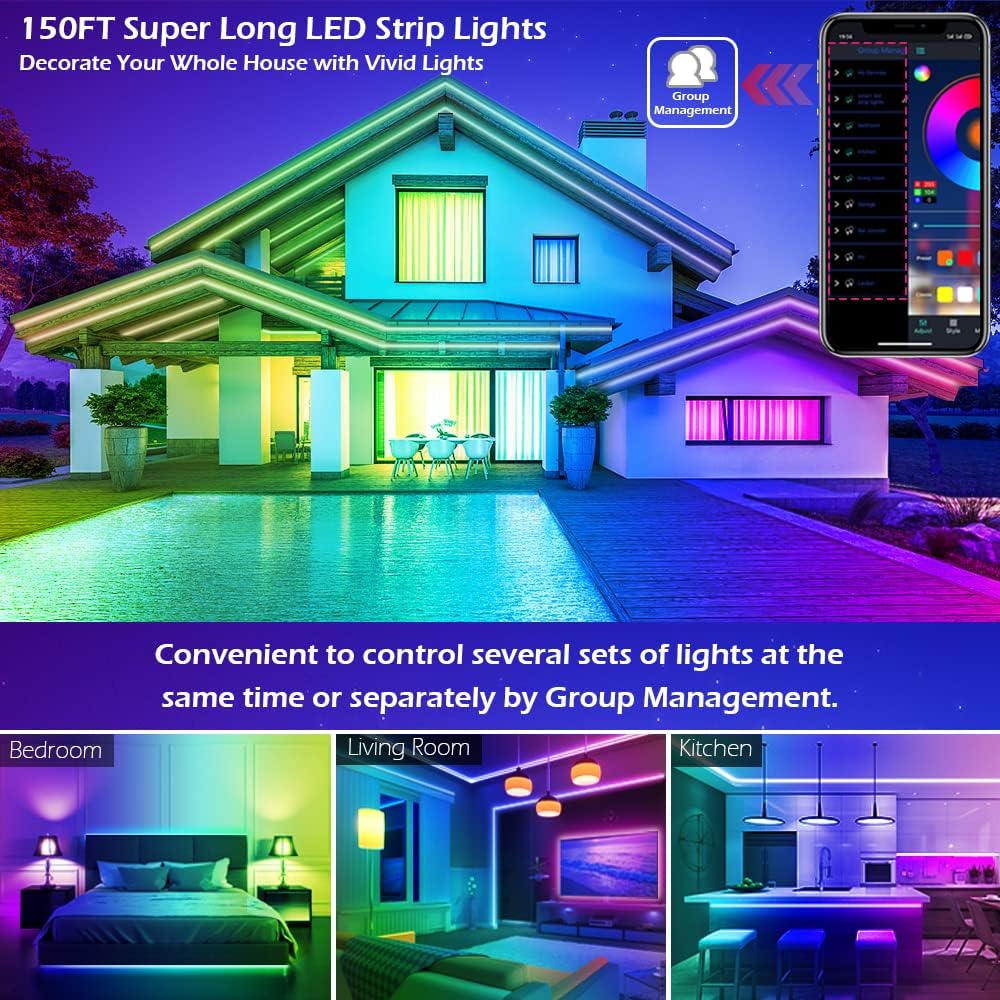
Image: A group of people enjoying LED lights that are synchronized with music, demonstrating the Music and MIC modes.
5.4. Fonction de chronométrage
Automate your lighting with the timing function:
- Set specific times for the LED lights to automatically turn on or off. This can be used as an "alarm clock" in the morning or to turn off lights at bedtime.
- Access this feature within the "HiLighting" app's schedule settings.

Image: Visual representation of the timing function, showing lights turning off at 11:00 PM and on at 7:00 AM.
5.5. Réglage de la luminosité
Adjust the intensity of the lights to suit your mood or activity:
- Brightness can be adjusted from 0% (off) to 100% (full brightness) using either the "HiLighting" app or the IR remote control.
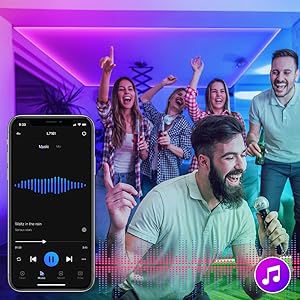
Image: The "HiLighting" app interface with a brightness adjustment slider.
5.6. Gestion de groupe
For installations with multiple LETIANPAI LED light sets, the app allows for centralized control:
- Conveniently control several sets of lights at the same time or manage them separately by creating groups within the "HiLighting" app.
Image: A house illuminated with LED lights in different areas, illustrating the concept of group management for controlling multiple light sets.
6. Entretien
To ensure the longevity and optimal performance of your LED strip lights, follow these maintenance guidelines:
- Nettoyage: Essuyez délicatement les bandes LED avec un chiffon doux et sec pour enlever la poussière. N'utilisez pas de nettoyants liquides ni de produits abrasifs.
- Adhésif: If the adhesive begins to lose its grip, ensure the surface is clean. For long-term adhesion, consider using additional mounting clips (not included) if necessary.
- Stockage: If storing the lights for an extended period, ensure they are clean, dry, and coiled loosely to prevent damage to the strip or wiring.
- Adaptateur secteur : Regularly check the power adapter and cables for any signs of damage (fraying, cuts, exposed wires). Discontinue use if damage is found.
7. Dépannage
If you encounter issues with your LED strip lights, refer to the following common problems and solutions:
| Problème | Cause possible | Solution |
|---|---|---|
| Les lumières ne s'allument pas. |
|
|
| La télécommande ne fonctionne pas. |
|
|
| L'application ne parvient pas à se connecter aux lumières. |
|
|
| Les couleurs sont incorrectes ou incohérentes. |
|
|
| Adhesive not sticking well. |
|
|
8. Spécifications
| Marque | LETIANPAI |
| Modèle | 100FT LED Strip Lights (Item model number: 50FT) |
| Type de source lumineuse | LED (5050 LED) |
| Couleur claire | RVB (rouge, vert, bleu) |
| Longueur | 100 pieds (30 mètres) |
| Source d'énergie | Électrique avec fil |
| Voltage | 12 volts |
| Quoitage | 24 watts |
| Méthode de contrôle | Remote Control, Bluetooth App (HiLighting) |
| Technologie de connectivité | Bluetooth |
| Utilisation intérieure/extérieure | Intérieur |
| Caractéristiques spéciales | Cuttable, Strong self-adhesive, Flexible for easy install, Music Sync, MIC Mode, Timing Function, Brightness Adjustable, Group Management |
| Matériel | Plastique |
| Poids de l'article | 7.1 onces |
| Dimensions du produit | 4.84 x 4.61 x 2.17 pouce (emballage) |
| Niveau de résistance à l'eau | Non résistant à l'eau |
9. Garantie et assistance
LETIANPAI is committed to providing quality products and customer satisfaction. All accessories included with our LED rope lights are officially certified, and the power adapter has undergone rigorous testing for safety.
- Assurance qualité: Full refund or free replacement is provided for quality-related issues.
- Assistance clientèle : If you encounter any issues during installation or operation, please contact LETIANPAI customer service directly. We aim to resolve all inquiries within 24 hours.