
1. Introduction
Welcome to the user manual for your new Taurus Homeland Laser Robot Vacuum Cleaner. This intelligent cleaning device is designed to provide efficient and thorough cleaning for your home, utilizing advanced ElegantLaser technology for precise navigation and mapping. Please read this manual carefully before using the product to ensure proper operation, maintenance, and safety.
Consignes de sécurité
Respectez toujours les consignes de sécurité suivantes :
- Do not allow children to operate the robot vacuum cleaner.
- Ensure the charging base is placed on a flat, stable surface against a wall, with no obstacles within 1 meter in front and 0.5 meters on either side.
- Tenez le robot éloigné de l'eau ou des surfaces humides pour éviter tout risque d'électrocution.
- Do not use the robot to clean liquids, burning objects, or large, sharp debris.
- Regularly check and clean the brushes and sensors to maintain optimal performance.
- Utilisez uniquement l'adaptateur secteur et la base de chargement d'origine fournis avec le produit.
- Si le cordon d’alimentation est endommagé, il doit être remplacé par le fabricant ou un agent de service qualifié.
2. Produit terminéview
Familiarize yourself with the components of your Taurus Homeland Laser Robot Vacuum Cleaner.
Contenu du colis
- Taurus Homeland Laser Robot Vacuum Cleaner
- Base de chargement
- Adaptateur secteur
- Télécommande
- Brosses latérales (2 paires)
- Brosse principale
- Poubelle
- Réservoir d'eau avec chiffon de nettoyage
- Outil de nettoyage
- Manuel d'utilisation
Composants de robots


3. Installation
Déballage et installation initiale
- Retirez soigneusement tous les composants de l'emballage.
- Choose a suitable location for the charging base. It should be placed against a wall on a hard, level surface. Ensure there are no obstacles within 1 meter (3.3 feet) in front of the base and 0.5 meters (1.6 feet) on either side to allow the robot to dock easily.
- Connect the power adapter to the charging base and plug it into a wall outlet. Ensure the indicator light on the charging base illuminates.
Installation des brosses latérales
Turn the robot over. Align the side brushes with the corresponding slots (L and R) on the bottom of the robot and press them down until they click into place.
Charge initiale
Place the robot onto the charging base, ensuring the charging contacts on the robot align with those on the base. The robot will begin charging automatically. For first-time use, it is recommended to fully charge the robot before its initial cleaning cycle (approximately 4-5 hours).
Configuration de l'application et connexion Wi-Fi
To unlock the full potential of your robot, download the dedicated mobile application.

- Rechercher the 'Taurus Homeland' app in your smartphone's app store (Google Play Store for Android or Apple App Store for iOS).
- Téléchargez et installez l'application.
- Follow the in-app instructions to create an account and connect your robot vacuum cleaner to your home Wi-Fi network. Ensure your Wi-Fi network is 2.4GHz.
- Une fois connecté, vous pouvez contrôler le robot, programmer les nettoyages, et view cleaning maps from your smartphone.
4. Mode d'emploi
Mise sous/hors tension
- Mise sous tension : Press and hold the power button on the robot or the remote control until the indicator lights illuminate.
- Éteindre: Press and hold the power button on the robot or the remote control until the indicator lights turn off.
Démarrage d'un cycle de nettoyage
Press the power button on the robot or the 'Clean' button on the remote control/app to start an automatic cleaning cycle. The robot will begin mapping and cleaning your home using its ElegantLaser navigation.


Modes de nettoyage
The robot offers 10 different cleaning modes, accessible via the remote control or the mobile app:
- Auto: Standard cleaning mode, the robot intelligently navigates and cleans the entire area.
- Select Room: Clean specific rooms identified on the app's map.
- Périmètre: Nettoie le long des murs et des bords des meubles.
- Spirale: Nettoie une zone concentrée en spirale.
- Manuel: Control the robot's movement manually using the remote control or app.
- Retourner à la maison: Robot returns to the charging base.
- Puissance maximale : Augmente la puissance d'aspiration pour un nettoyage plus en profondeur.
- Restricted Zone: Define areas on the app map that the robot should avoid.
- Restricted Wall: Create virtual walls on the app map to block off areas.
- Nettoyage des taches : Nettoie en profondeur une petite zone spécifique.
Utiliser l'application mobile
The app provides comprehensive control and customization options:

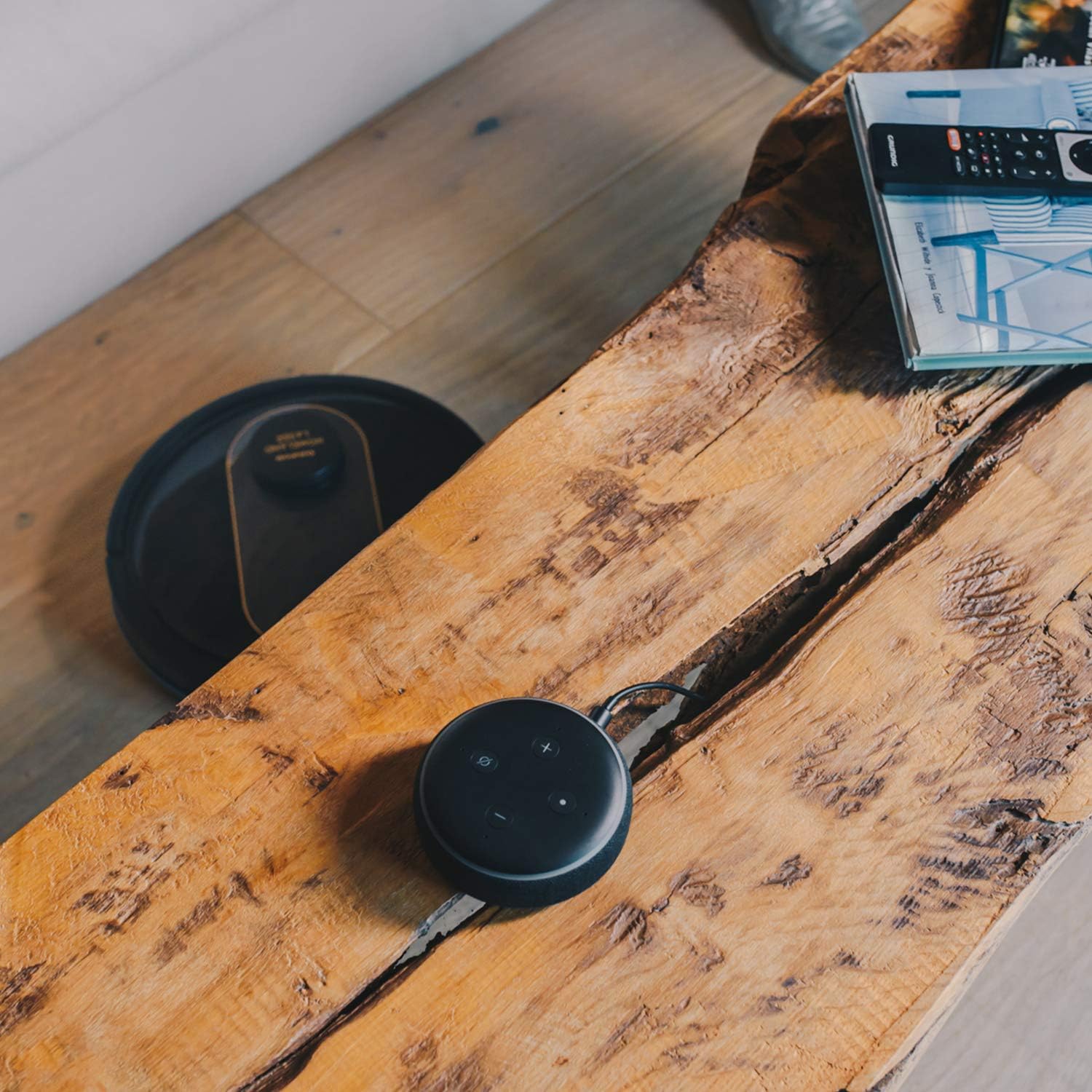
- Cartographie : The robot creates a real-time map of your home, which is displayed in the app.
- Zone Restriction: Draw virtual boundaries or no-go zones on the map to prevent the robot from entering certain areas.
- Programmation: Set daily or weekly cleaning schedules for automated cleaning.
- Contrôle vocal : Compatible with Alexa and Google Assistant for convenient voice commands (e.g., "Alexa, start cleaning").
Fonction de nettoyage
To use the mopping function, fill the water tank with clean water and attach the mop cloth. Insert the water tank into the robot. The robot will then vacuum and mop simultaneously. Do not use detergents or harsh chemicals in the water tank.
5. Entretien
Un entretien régulier garantit des performances optimales et prolonge la durée de vie de votre aspirateur robot.
Vider la poubelle
The dustbin should be emptied after each cleaning cycle or when the 'dustbin full' indicator (if available) illuminates. Press the dustbin release button, pull out the dustbin, open its lid, and discard the debris.
Nettoyage du filtre
The HEPA filter should be cleaned weekly. Remove the filter from the dustbin and tap it gently over a trash can to remove dust. Do not wash the HEPA filter with water; if it becomes heavily soiled, replace it.
Brosses de nettoyage
- Brosse principale : Remove the main brush cover and lift out the main brush. Use the provided cleaning tool to remove hair and debris tangled around the brush. Clean the brush compartment.
- Brosses latérales : Periodically check the side brushes for tangled hair or debris. If necessary, remove them and clean them. Replace worn or damaged side brushes.
Nettoyage des capteurs et des contacts de charge
Wipe the cliff sensors (located on the bottom of the robot), wall sensors (on the front bumper), and charging contacts (on the robot and charging base) with a clean, dry cloth. This ensures proper navigation and charging.
Nettoyage du réservoir d'eau et du chiffon de nettoyage
After mopping, empty any remaining water from the tank. Remove the mop cloth and wash it thoroughly. Allow both the tank and cloth to air dry completely before reassembling.
6. Dépannage
Si vous rencontrez des problèmes avec votre aspirateur robot, consultez les problèmes et solutions courants suivants :
| Problème | Cause possible | Solution |
|---|---|---|
| Le robot ne s'allume pas. | Batterie faible ; le bouton d'alimentation n'est pas enfoncé correctement. | Place robot on charging base; Press and hold power button for a few seconds. |
| Le robot ne se recharge pas. | Charging contacts are dirty; Power adapter not connected. | Clean charging contacts on robot and base; Ensure power adapter is securely plugged in. |
| Le robot se bloque fréquemment. | Trop d'obstacles ; capteurs de falaise sales. | Dégager le passage de nettoyage ; nettoyer les capteurs de falaise. |
| Mauvaise performance de nettoyage. | Poubelle pleine ; brosses emmêlées ; filtre obstrué. | Vider la poubelle ; nettoyer les brosses principales et latérales ; nettoyer ou remplacer le filtre. |
| Problèmes de connectivité de l'application. | Mot de passe Wi-Fi incorrect ; routeur trop éloigné ; réseau Wi-Fi 5 GHz. | Saisissez à nouveau le mot de passe Wi-Fi ; rapprochez le robot du routeur ; assurez-vous que le Wi-Fi 2.4 GHz est utilisé. |
| Le robot émet un bruit inhabituel. | Débris dans les brosses ou les roues ; obstruction du ventilateur. | Inspect and clean main brush, side brushes, and wheels; Check for obstructions in the suction path. |
If the problem persists after trying these solutions, please contact Taurus customer support.
7. Spécifications
Key technical specifications for the Taurus Homeland Laser Robot Vacuum Cleaner:
| Fonctionnalité | Spécification |
|---|---|
| Marque | Taureau |
| Nom du modèle | Homeland Laser |
| Numéro de modèle | 948895000 |
| Couleur | Noir/Or |
| Dimensions (L x l x H) | 32L x 32W x 10H cm (approx. 7.6 cm height for cleaning under furniture) |
| Poids de l'article | 2.7 kilogrammes |
| Voltage | 240 volts |
| Matériel | Plastique |
| Puissance d'aspiration | 1800 PA |
| Type de batterie | Lithium-ion |
| Autonomie de la batterie | Jusqu'à 120 minutes |
| Type de filtre | HEPA |
| Connectivité | Wi-Fi (2.4GHz), Smartphone App, Alexa & Google Assistant compatible |
| Modes de nettoyage | 10 (Auto, Select Room, Perimeter, Spiral, Manual, Return to Home, Max Power, Restricted Zone, Restricted Wall, Spot Cleaning) |
8. Garantie et assistance
Your Taurus Homeland Laser Robot Vacuum Cleaner comes with a manufacturer's warranty. Please refer to the warranty card included in your product packaging for specific terms and conditions, including the warranty period and coverage details.
Assistance clientèle
For technical assistance, troubleshooting beyond this manual, or warranty claims, please contact Taurus customer support. Contact information can typically be found on the official Taurus websur votre site ou sur l'emballage de votre produit.
We recommend registering your product on the Taurus website pour recevoir des mises à jour et de l'assistance.


