
AirPods Pro d'Apple
Apple AirPods Pro Wireless Earbuds User Manual
Introduction
Welcome to your Apple AirPods Pro. These advanced wireless earbuds offer Active Noise Cancellation, Transparency Mode, and adaptive equalization for an immersive audio experience. This manual provides essential information for setting up, operating, maintaining, and troubleshooting your device.
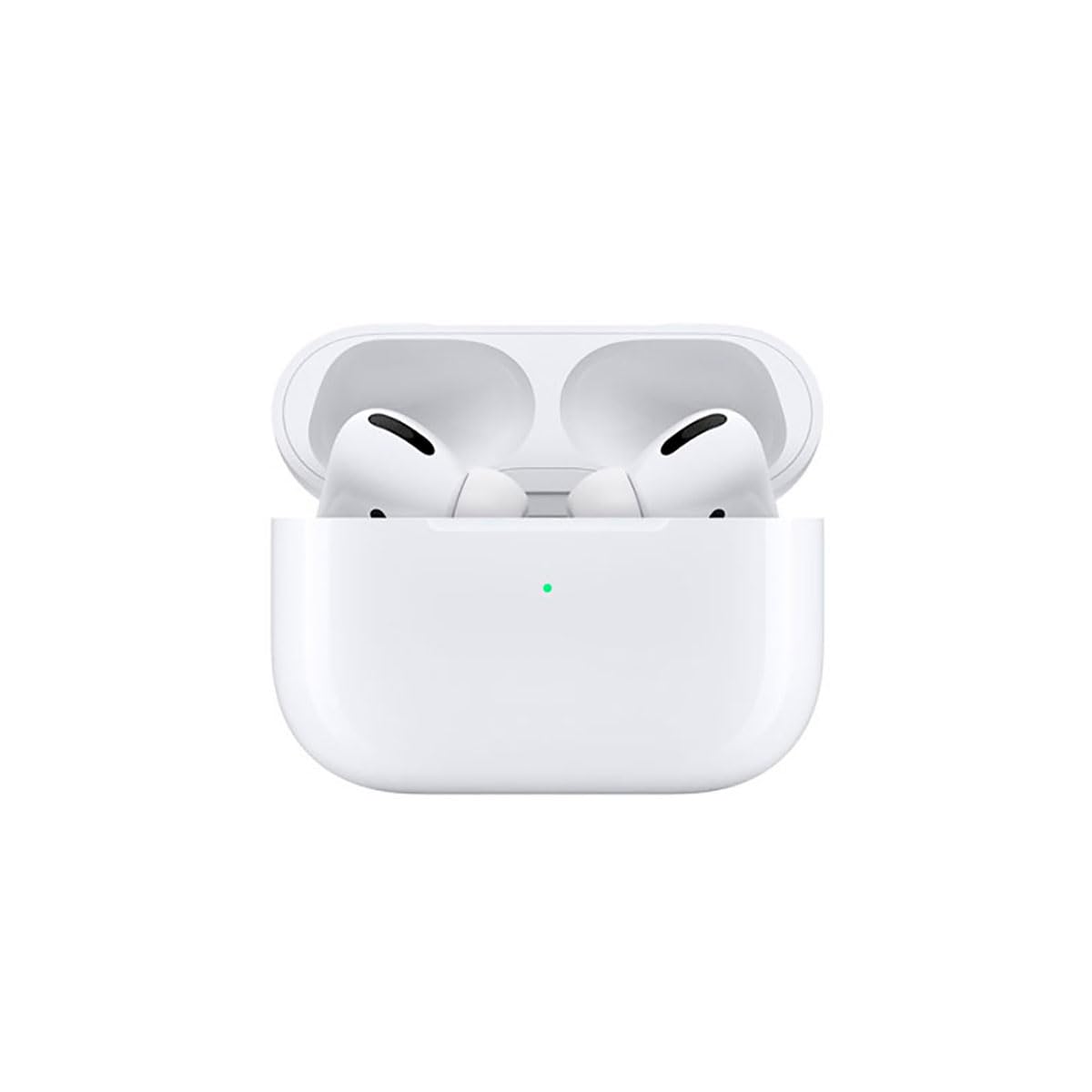
Image: A person wearing Apple AirPods Pro earbuds, demonstrating their use in a daily setting.
1. Mise en route
1.1 Déballage et chargement
Your AirPods Pro come with a Wireless Charging Case, silicone ear tips in three sizes, and a Lightning to USB-C cable.
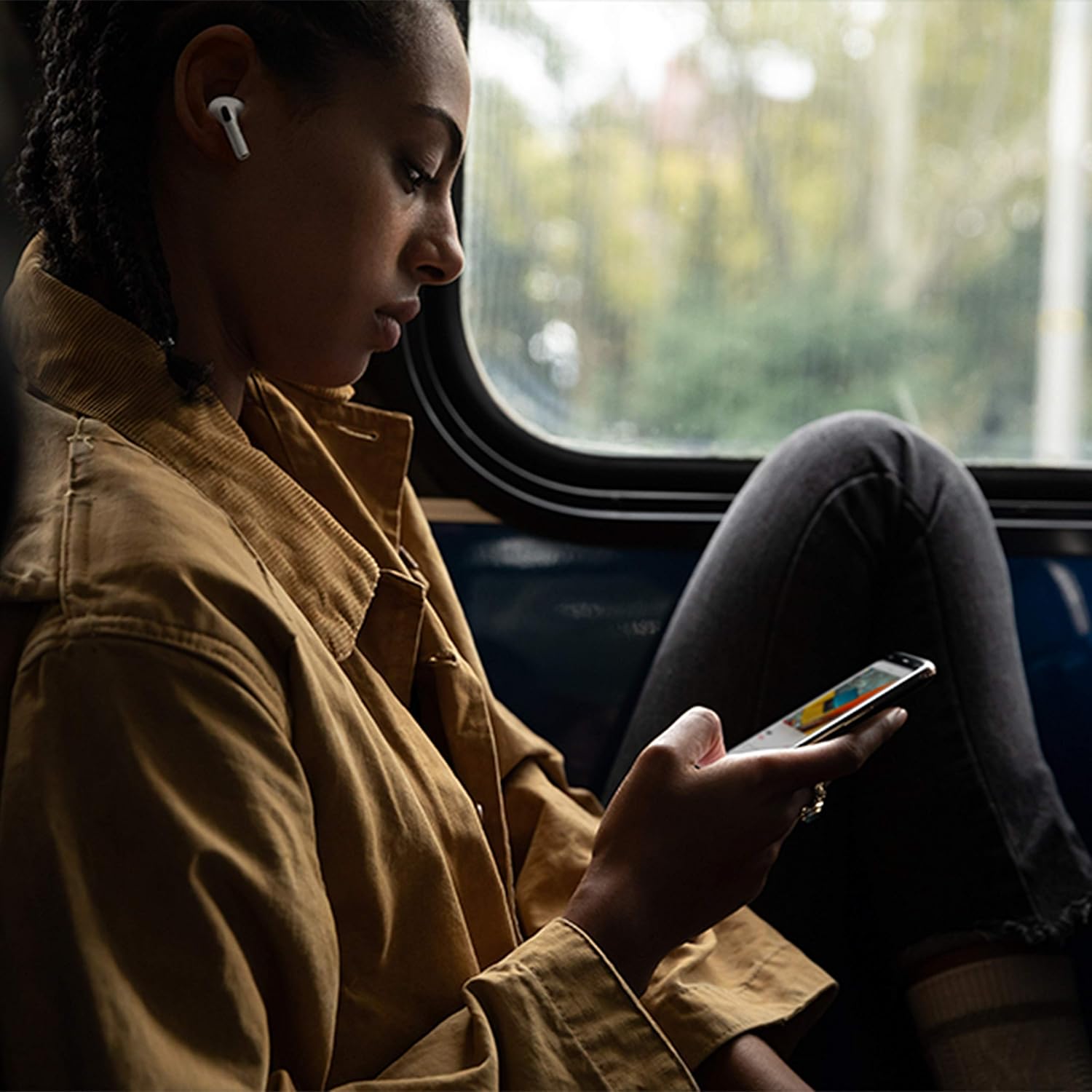
Image: Apple AirPods Pro earbuds inside their wireless charging case, with the status indicator light visible.
Before first use, ensure your AirPods Pro and their charging case are fully charged. Connect the Lightning to USB-C cable to the charging case and a power adapter, or place the case on a Qi-certified wireless charging mat.
1.2 Appairage avec votre appareil
To pair your AirPods Pro with an Apple device:
- Ensure your Apple device (iPhone, iPad, or iPod touch) is running the latest iOS version.
- Unlock your device and go to the Home screen.
- Open the charging case lid with your AirPods Pro inside, and hold it near your device.
- A setup animation will appear on your device's screen. Follow the on-screen instructions.
- Once connected, your AirPods Pro will automatically pair with all supported devices signed in to your iCloud account.
To pair with a non-Apple device (e.g., Android phone):
- With your AirPods Pro in the charging case, open the lid.
- Appuyez sur le bouton de configuration à l'arrière du boîtier et maintenez-le enfoncé jusqu'à ce que le voyant d'état clignote en blanc.
- On your device, go to Bluetooth settings and select "AirPods Pro" from the list of available devices.
1.3 Trouver la solution qui vous convient le mieux
Achieving the right fit is crucial for optimal sound quality and Active Noise Cancellation. Your AirPods Pro come with small, medium, and large silicone ear tips.

Image : Gros plan view of two individual Apple AirPods Pro earbuds, highlighting the silicone ear tips.
- Try each size of ear tip to find the ones that provide the best seal and comfort.
- Sur votre iPhone, accédez à Paramètres > Bluetooth, tap the "i" icon next to your AirPods Pro, then tap "Ear Tip Fit Test." Follow the on-screen instructions to check the seal.
2. Using Your AirPods Pro
2.1 Contrôles
The force sensor on the stem of each AirPod Pro allows you to control audio playback and calls.
- Appuyez une fois : Play, pause, or answer a phone call.
- Appuyez deux fois : Sauter vers l'avant.
- Appuyez trois fois : Revenir en arrière.
- Appuyez et maintenez : Basculez entre le mode Annulation active du bruit et le mode Transparence.
2.2 Réduction active du bruit et mode Transparence
Your AirPods Pro offer two primary listening modes:
- Annulation active du bruit (ANC) : Blocks out external sounds, allowing you to focus on your audio.
- Mode de transparence : Permet d'entendre son environnement tout en écoutant un contenu audio, utile pour rester attentif dans les environnements bruyants.
Switch between these modes by pressing and holding the force sensor on an AirPod stem, or via Control Center on your Apple device.
2.3 Siri Activation
Activate Siri by saying "Hey Siri" or by pressing and holding the force sensor on an AirPod stem (if configured in settings).
2.4 Résistance à l'eau et à la transpiration
AirPods Pro are sweat and water resistant for non-water sports and exercise. They are not waterproof and should not be submerged in water. Resistance may decrease as a result of normal wear.
3. Entretien et maintenance
3.1 Cleaning Your AirPods Pro and Case
Regularly clean your AirPods Pro and their charging case to maintain performance and hygiene.
- Wipe the AirPods and case with a soft, dry, lint-free cloth.
- Do not use abrasive materials, sprays, or solvents.
- For ear tips, remove them from the AirPods and rinse with water. Dry thoroughly before reattaching.
3.2 Informations sur la batterie
The AirPods Pro and charging case contain rechargeable batteries. Battery life is dependent on usage and settings. Over time, the capacity of all rechargeable batteries diminishes. To maximize battery lifespan:
- Évitez les températures extrêmes.
- Conserver dans un endroit frais et sec lorsqu'il n'est pas utilisé.
- Charge regularly, but avoid leaving them fully charged or fully depleted for extended periods.
4. Dépannage des problèmes courants
4.1 Problèmes de connexion
If your AirPods Pro are not connecting:
- Assurez-vous que Bluetooth est activé sur votre appareil.
- Place AirPods Pro in the charging case, close the lid, wait 15 seconds, then open the lid.
- If issues persist, try resetting your AirPods Pro: With the lid open, press and hold the setup button on the back of the case for about 15 seconds until the status light flashes amber, then white. Re-pair them with your device.
4.2 Problèmes de qualité sonore
If you experience poor sound quality or ineffective noise cancellation:
- Ensure ear tips are clean and properly fitted. Perform the Ear Tip Fit Test.
- Check for debris in the speaker mesh.
- Ensure your device's volume is adjusted correctly.
4.3 Problèmes de charge
If your AirPods Pro or case are not charging:
- Verify the Lightning cable is securely connected to both the case and the power adapter.
- If using wireless charging, ensure the case is correctly positioned on the charging mat.
- Nettoyez le port de chargement du boîtier.
5. Spécifications du produit
| Fonctionnalité | Détail |
|---|---|
| Marque | Pomme |
| Nom du modèle | AirPods Pro d'Apple |
| Facteur de forme | Écouteurs intra-auriculaires |
| Contrôle du bruit | Annulation active du bruit |
| Technologie de connectivité | Bluetooth |
| Technologie de communication sans fil | Bluetooth |
| Couleur | Blanc |
| Tranche d'âge (description) | Adulte |
5.1 Contenu de la boîte
- AirPods Pro
- Étui de chargement sans fil
- Silicone Ear Tips (three sizes)
- Câble Lightning vers USB-C
- Documentation
6. Garantie et assistance
6.1 Informations sur la garantie
Apple AirPods Pro come with a standard limited warranty. For detailed warranty terms and conditions, please refer to the documentation included with your product or visit the official Apple support website.
6.2 Assistance clientèle
For further assistance, technical support, or service, please visit the official Apple Support website ou contactez directement le service client Apple.
Ask a question about this manual
Ask about setup, troubleshooting, compatibility, parts, safety, or missing instructions. Manuals+ will review the question and use this page’s manual context to help answer it.