1. Introduction
The Xtrfy M4 RGB is an ultra-light wired gaming mouse designed for right-handed users, offering an ergonomic form factor combined with high-performance features. This manual provides essential information for setting up, operating, customizing, and maintaining your mouse to ensure optimal performance and longevity.

Figure 1 : Haut view of the Xtrfy M4 RGB mouse in white, showcasing its perforated shell design and illuminated scroll wheel and logo.
2. Installation
Setting up your Xtrfy M4 RGB mouse is straightforward, requiring no additional software installation for basic functionality.
- Connecter la souris : Plug the USB connector of the Xtrfy EZcord cable into an available USB port on your computer.
- Installation du pilote : The mouse is plug-and-play. Your operating system will automatically detect and install the necessary drivers. No manual driver installation is typically required.
- Utilisation initiale : Une fois connectée, la souris est prête à l'emploi.

Figure 2: The Xtrfy M4 RGB mouse positioned on a dark mouse pad, with a white mechanical keyboard in the background, illustrating a typical gaming setup.
3. Principales caractéristiques
- Conception ultra-légère : Weighing approximately 2.5 ounces, the mouse features an ergonomic design for right-handers with a perforated structure for enhanced grip and comfort.
- Capteur Pixart 3389 : Equipped with a cutting-edge Pixart 3389 sensor, offering spontaneous sensitivity settings from 400 to 16,000 CPI, a polling rate from 125 to 1,000 Hz, 400 IPS, and self-adjusting FPS for top-tier performance.
- Adaptable RGB Lighting: Customize your mouse with individual colors or various LED effects. Brightness can be adjusted, or lighting can be switched off entirely, with all settings controllable directly on the mouse.
- Flexible Xtrfy EZcord Cable: The soft, lightweight, and flexible 1.8-meter USB cable ensures smooth mouse movements and matches the mouse’s color.
- Dust and Splash-Proof: An even coating on the internal components provides optimal protection against dust and water splashes.
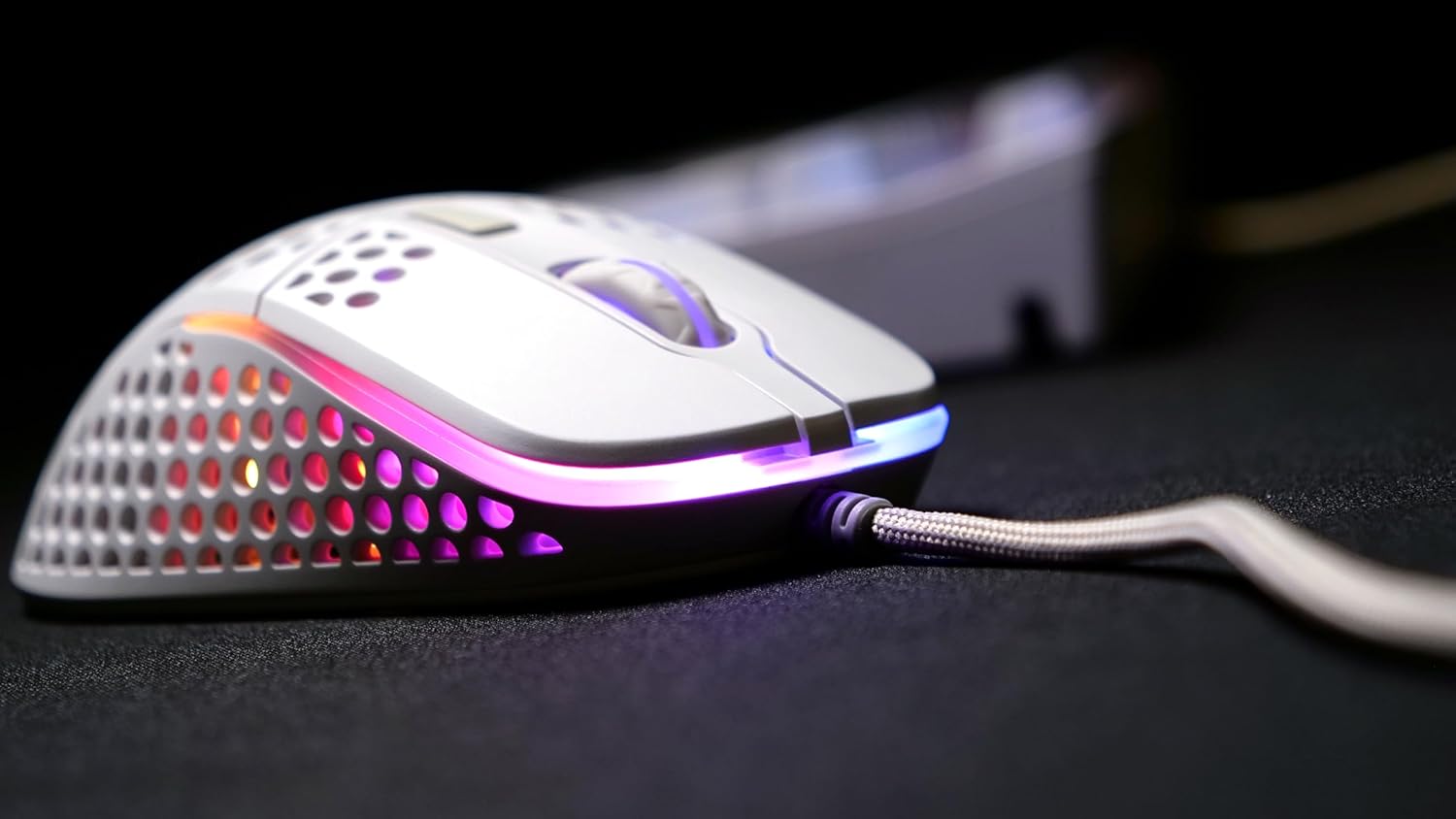
Figure 3 : Un côté view of the Xtrfy M4 RGB mouse, highlighting the ergonomic shape and the customizable RGB lighting strip along its base.
4. Mode d'emploi
4.1 Fonctions de base de la souris
- Click gauche: Bouton d'action principal.
- Clic-droit: Bouton d'action secondaire, généralement pour les menus contextuels.
- Molette: Used for vertical scrolling. Can also be clicked for a middle-mouse button function.
- Boutons latéraux : Two programmable buttons located on the left side of the mouse for quick access to in-game commands or desktop functions.
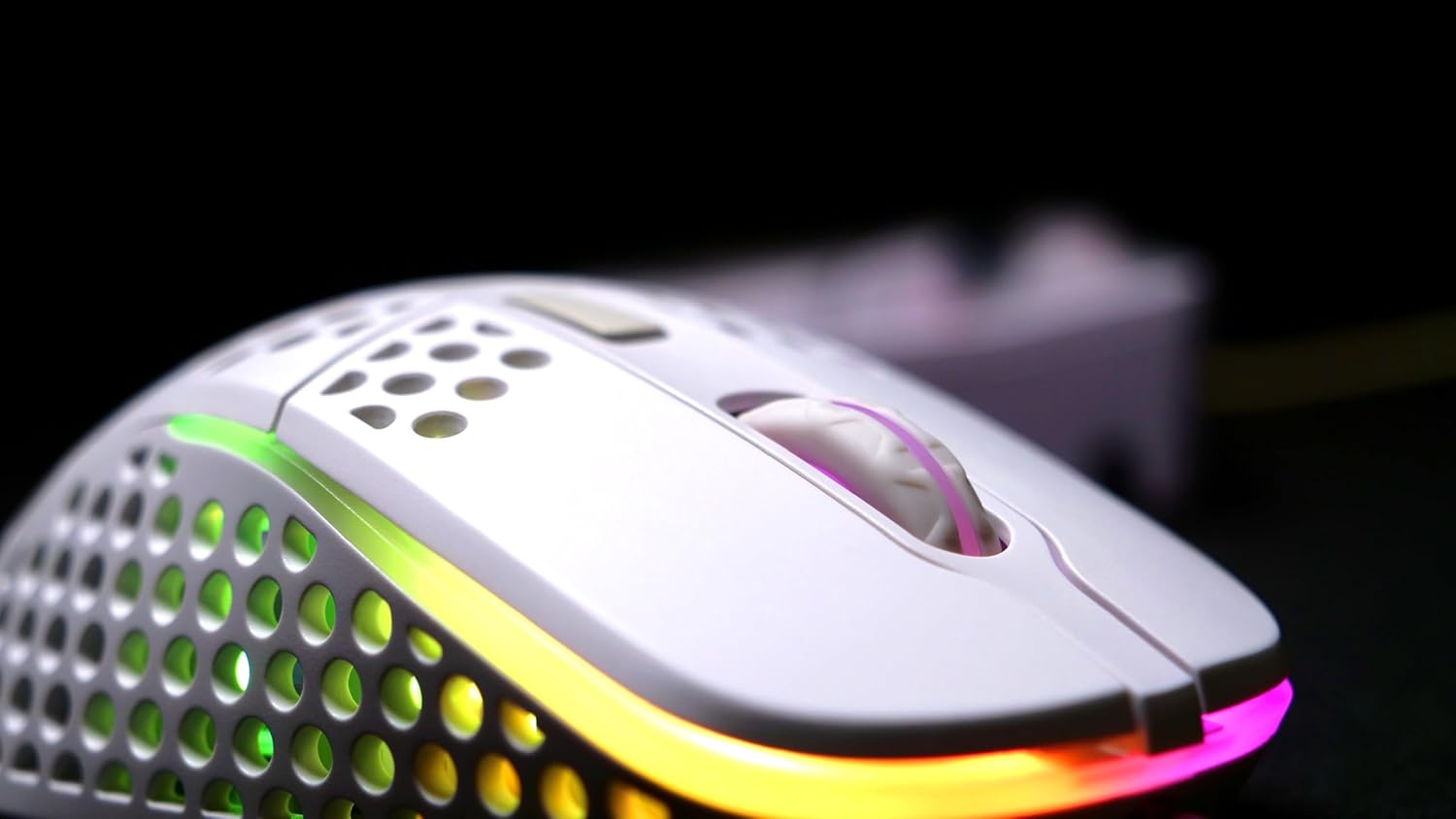
Figure 4 : Un aperçu détaillé view of the Xtrfy M4 RGB mouse's scroll wheel and primary click buttons, with subtle RGB glow.
4.2 CPI/DPI Adjustment
The mouse allows for on-the-fly adjustment of CPI (Counts Per Inch) settings, which directly affects cursor sensitivity.
- Locate the dedicated CPI button, usually on the underside of the mouse or near the scroll wheel.
- Press the CPI button to cycle through predefined sensitivity levels (e.g., 400, 800, 1200, 1600, 3200, 6400, 12000, 16000 CPI). An indicator light will typically change color to show the current setting.
4.3 Ajustement du taux de sondage
La fréquence d'interrogation détermine la fréquence à laquelle la souris communique sa position à l'ordinateur. Plus la fréquence d'interrogation est élevée, plus le suivi est fluide et réactif.
- Refer to the mouse's underside or a small button near the CPI button for polling rate adjustment.
- Cycle through available polling rates (e.g., 125 Hz, 500 Hz, 1000 Hz) to find your preferred setting.
5. Personnalisation de l'éclairage RVB
The Xtrfy M4 RGB mouse features customizable RGB lighting that can be adjusted directly on the device.
- Change Colors/Effects: Use the dedicated RGB control button (often located near the scroll wheel or on the underside) to cycle through various lighting modes, colors, and effects.
- Régler la luminosité : Some models allow brightness adjustment through specific button combinations (e.g., holding the RGB button and scrolling the wheel).
- Éteignez l'éclairage : The lighting can be switched off entirely if desired, typically by cycling through the modes or holding the RGB button.

Figure 5: An angled shot of the Xtrfy M4 RGB mouse, emphasizing its lightweight, perforated design and the dynamic RGB illumination.
6. Entretien
6.1 Nettoyage
To maintain optimal performance and hygiene, regularly clean your mouse.
- Utilisez un chiffon doux et non pelucheux légèrement dampterminer par un rinçage à l'eau ou avec une solution nettoyante douce pour essuyer l'extérieur.
- For the perforated areas, use compressed air to remove dust and debris.
- Évitez d'utiliser des produits chimiques agressifs ou des matériaux abrasifs qui pourraient endommager la finition ou les composants internes de la souris.
6.2 Protection contre la poussière et les éclaboussures
The Xtrfy M4 RGB features an internal coating designed to protect components from dust and splashes. While this offers enhanced durability, it is not fully waterproof. Avoid submerging the mouse in liquids.
7. Dépannage
- Souris ne répondant pas :
- Assurez-vous que le câble USB est correctement branché dans un port USB fonctionnel.
- Essayez de brancher la souris sur un autre port USB ou sur un autre ordinateur pour exclure tout problème lié au port ou au système.
- Redémarrez votre ordinateur.
- Suivi incohérent :
- Nettoyez la zone du capteur de la souris située sous celle-ci.
- Ensure you are using the mouse on a suitable surface, preferably a quality mouse pad.
- Adjust the CPI/DPI settings to see if it resolves the issue.
- L'éclairage RVB ne fonctionne pas :
- Cycle through the lighting modes using the dedicated RGB button.
- Vérifiez que la souris est correctement connectée et alimentée.
Si les problèmes persistent, veuillez consulter la section d'assistance pour obtenir de l'aide supplémentaire.
8. Spécifications
| Fonctionnalité | Détail |
|---|---|
| Marque | Xtrophée |
| Modèle | XG-M4-RGB |
| Technologie de connectivité | USB (filaire) |
| Technologie de détection de mouvement | Optique (Pixart 3389) |
| CPI/DPI Range | 400-16,000 |
| Taux de sondage | 125-1,000 Hz |
| Poids de l'article | 2.5 onces |
| Dimensions du produit (L x l x H) | 1.54 x 4.72 x 2.68 pouces |
| Caractéristiques spéciales | Ergonomic Design, LED Lights, Lightweight, Dust and Splash-Proof |
9. Garantie et assistance
For warranty information, please refer to the documentation included with your product at the time of purchase or visit the official Xtrfy website. If you encounter any issues not covered in this manual, please contact Xtrfy customer support for assistance.