
Introduction
This manual provides instructions for the setup, operation, and maintenance of your Cimetech 2.4GHz Wireless Ergonomic Optical Mouse. This device offers reliable wireless connectivity, ease of use, and a comfortable design for various computing tasks.
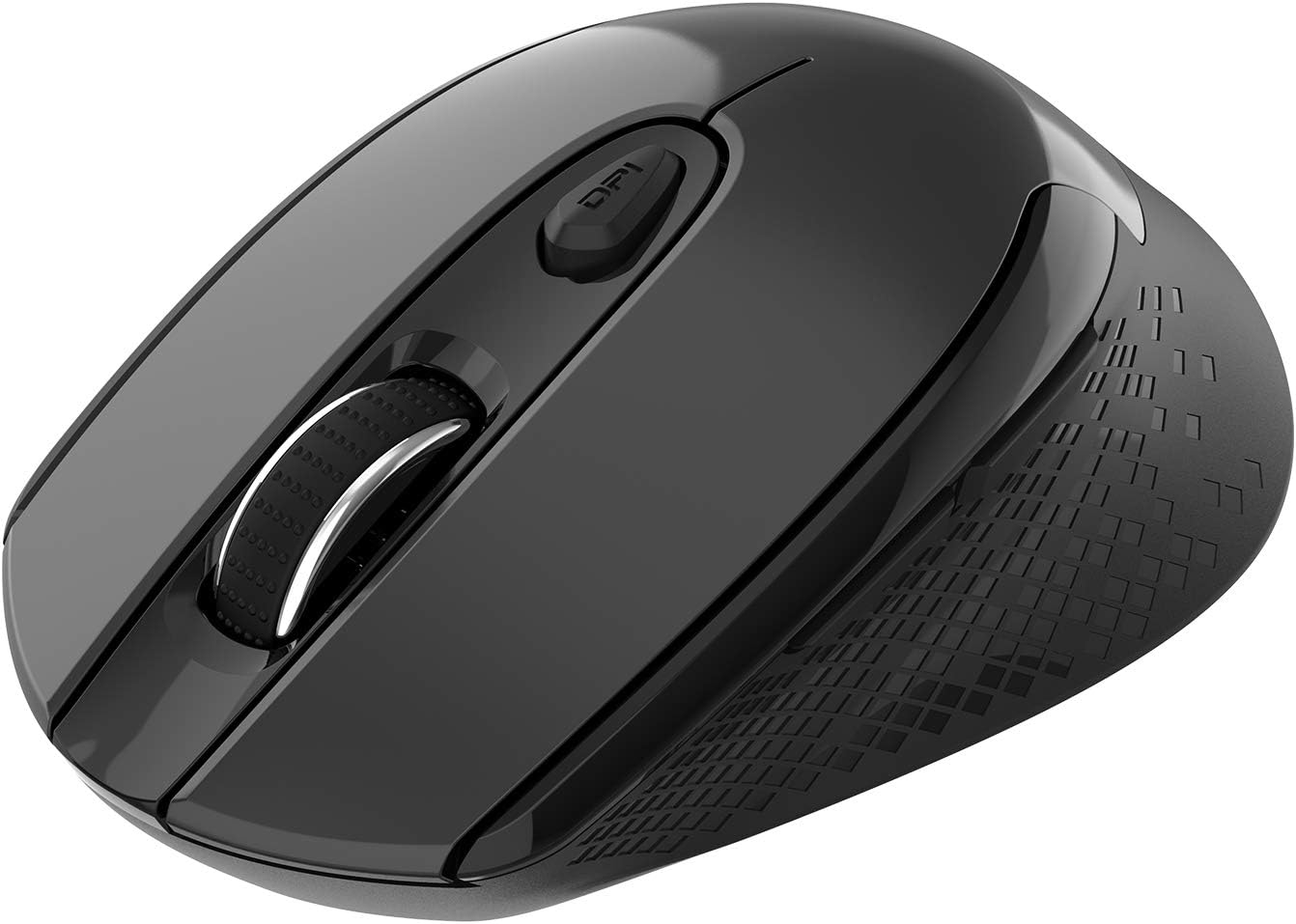
Image : Vue de dessus view of the Cimetech Wireless Ergonomic Optical Mouse.

Image: The mouse connected via 2.4G wireless technology, showing the USB receiver plugged into a laptop.
Contenu du colis
Vérifiez que tous les éléments sont présents dans le colis :
- 1 x Cimetech Cordless Mouse
- 1 x USB Receiver (stored in the battery compartment of the mouse)
- 1 x Manuel d'utilisation
Installation
1. Installation de la batterie
- Repérez le couvercle du compartiment à piles sur la face inférieure de la souris.
- Faites glisser ou soulevez délicatement le couvercle pour ouvrir le compartiment.
- Insérez une pile AA (non fournie) dans le compartiment, en veillant à respecter la polarité (+/-).
- Remettez le couvercle du compartiment à piles.
2. Connexion du récepteur USB
- Open the battery compartment cover and carefully remove the USB receiver.
- Plug the USB receiver into an available USB port on your computer (laptop, desktop, Mac, or PC).
- La souris devrait se connecter automatiquement à votre appareil. Aucun pilote supplémentaire n'est généralement requis.

Image: Visual guide for installing the AA battery and connecting the USB receiver.
Mode d'emploi
Fonctions des boutons
The Cimetech Wireless Mouse features 6 buttons for enhanced functionality:
- Bouton clic gauche : Fonction de clic principal standard.
- Bouton clic droit : Fonction de clic secondaire standard.
- Molette: Pour le défilement vertical. Peut également être utilisé pour la fonction de clic central.
- Bouton de changement de DPI : Ajuste la sensibilité de la souris (DPI).
- Bouton avant : Navigue vers l'avant dans web navigateurs ou file explorateurs.
- Bouton de retour : Navigue en arrière dans web navigateurs ou file explorateurs.

Image: Labeled diagram showing the location of the Left Click, Right Click, Scroll Wheel, DPI Switch, Forward, and Backward buttons, along with mouse dimensions.
Réglage DPI
The mouse offers three adjustable DPI (Dots Per Inch) levels to control cursor speed and sensitivity. To change the DPI setting:
- Appuyez sur le Bouton DPI once: DPI is set to 800.
- Appuyez sur le Bouton DPI a second time: DPI is set to 1200 (default setting).
- Appuyez sur le Bouton DPI a third time: DPI is set to 1600.
The mouse retains the last selected DPI setting even after being turned off and on.
Intelligent Power-Saving Modes
The mouse is designed with three power-saving stages to conserve battery life:
- Stage 1 (Standby): Enters after 3 seconds of inactivity. Move the mouse to wake it up.
- Stage 2 (Auto Shut-off): Enters after 60 seconds of inactivity. Move the mouse to wake it up.
- Stage 3 (Deep Sleep): Enters after 15 minutes of inactivity. Move the mouse to wake it up.
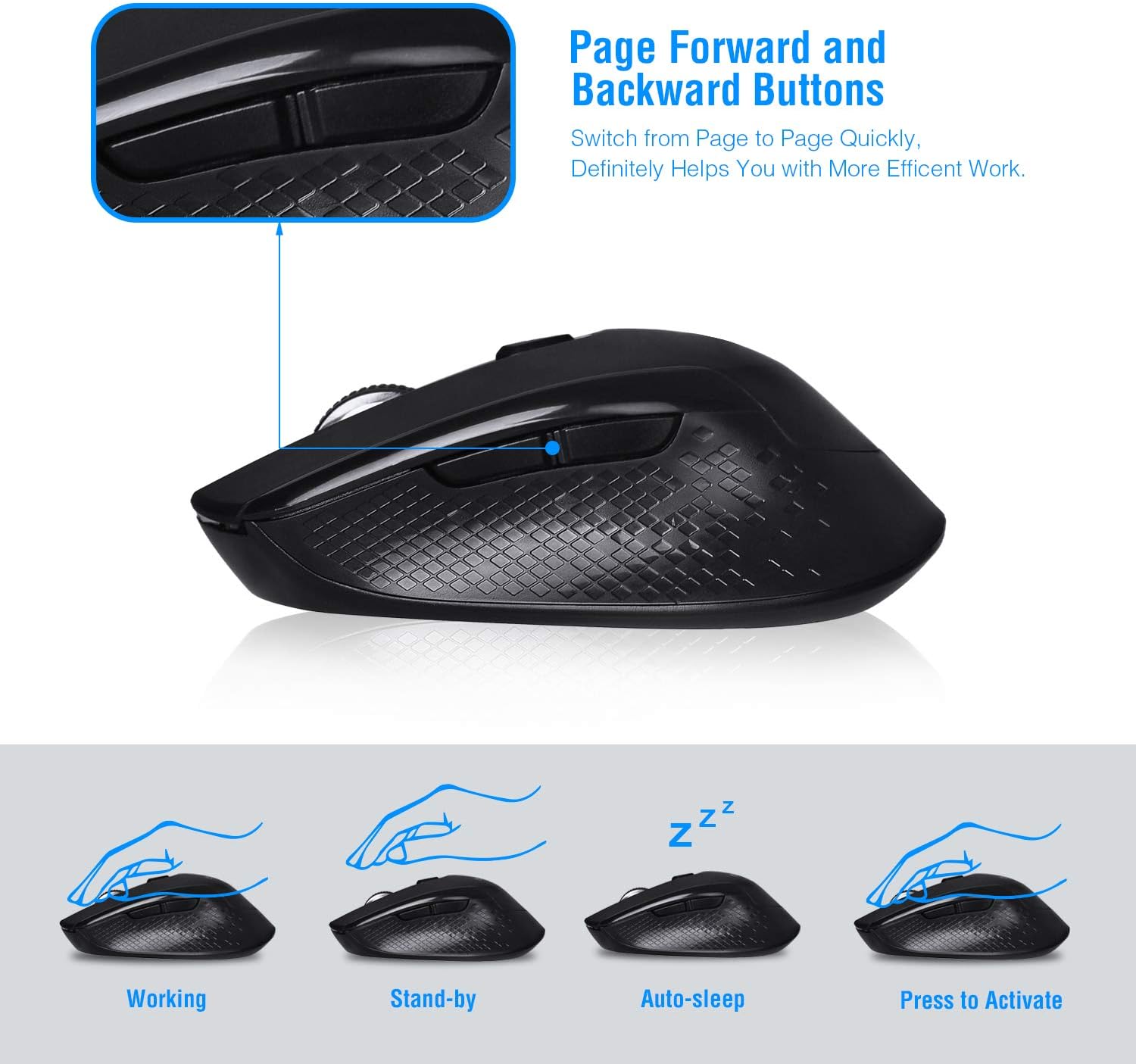
Image: Visual representation of the mouse's working, standby, auto-sleep, and activation states.
Entretien
- Gardez la souris propre en l'essuyant avec un chiffon doux et sec.
- Avoid exposing the mouse to extreme temperatures, direct sunlight, or liquids.
- En cas de non-utilisation prolongée, il est conseillé de retirer la batterie afin d'éviter les fuites.
- Store the USB receiver inside the mouse's battery compartment when traveling to prevent loss.
Dépannage
| Problème | Solution |
|---|---|
| La souris ne répond pas |
|
| Le mouvement du curseur est erratique ou imprécis. |
|
| Les boutons Suivant/Précédent ne fonctionnent pas |
|
Caractéristiques
| Numéro de modèle | CQ-TM004 |
| Niveaux de PPP | 800 / 1200 (par défaut) / 1600 |
| Taux de sondage | 125 Hz |
| Plage de fonctionnement | Jusqu'à 50 pieds (environ 15 mètres) |
| Connectivité | 2.4GHz Wireless via USB Receiver |
| Type de batterie | 1 pile AA (non incluse) |
| Compatibilité | Windows 2000/ME/XP/7/8/10, VISTA, Mac OS |
| Dimensions du produit | 4.13 x 2.64 x 0.1 pouces (10.5 x 6.7 x 0.25 cm) |
| Poids de l'article | 2.82 onces (80 grammes) |
Compatibilité
The Cimetech Wireless Mouse is compatible with a wide range of operating systems, including:
- Windows 2000
- Windows ME
- Windows XP
- Windows Vista
- Windows 7
- Windows 8
- Windows 10
- Mac OS
It is suitable for use with desktops, laptops, PCs, and MacBooks.
Garantie et assistance
Specific warranty information is not provided in this manual. For warranty details, technical support, or further assistance, please refer to the official Cimetech webconsultez le site ou contactez directement leur service client.
You can often find support resources, FAQs, and contact information on the manufacturer's product support page.