
Introduction
Thank you for choosing the Pxwaxpy 26800mAh High Capacity Power Bank. This manual provides essential information for the safe and efficient use of your device. Please read these instructions carefully before use and retain them for future reference.
Précautions de sécurité :
- N’exposez pas la batterie externe à des températures extrêmes, à la lumière directe du soleil ou à l’eau.
- Ne démontez pas, ne modifiez pas et n'essayez pas de réparer l'appareil.
- Tenir hors de portée des enfants.
- Utilisez uniquement des câbles et adaptateurs de charge certifiés.
Produit terminéview
The Pxwaxpy 26800mAh Power Bank is designed to provide portable power for your electronic devices. It features a high-capacity lithium-polymer battery and multiple output ports for versatile charging.

Image: Détaillé view of the power bank showing the power button, LED indicators, USB output ports, and Micro USB input port.
Composants:
- Bouton d'alimentation : Active la batterie externe et vérifie le niveau de la batterie.
- Indicateurs LED : Four blue LED lights display the remaining battery capacity.
- Ports de sortie USB : Two ports (5V/2.1A and 5V/1A) for charging external devices.
- Port d'entrée micro USB : Pour recharger la batterie externe.
État de l'indicateur LED :
- 1 LED : Capacité de 0 à 25 %
- 2 LED : Capacité de 26 à 50 %
- 3 LED : Capacité de 51 à 75 %
- 4 LED : Capacité de 76 à 100 %

Image: Visual representation of the power bank's high capacity, showing approximate charge cycles for different smartphone models.
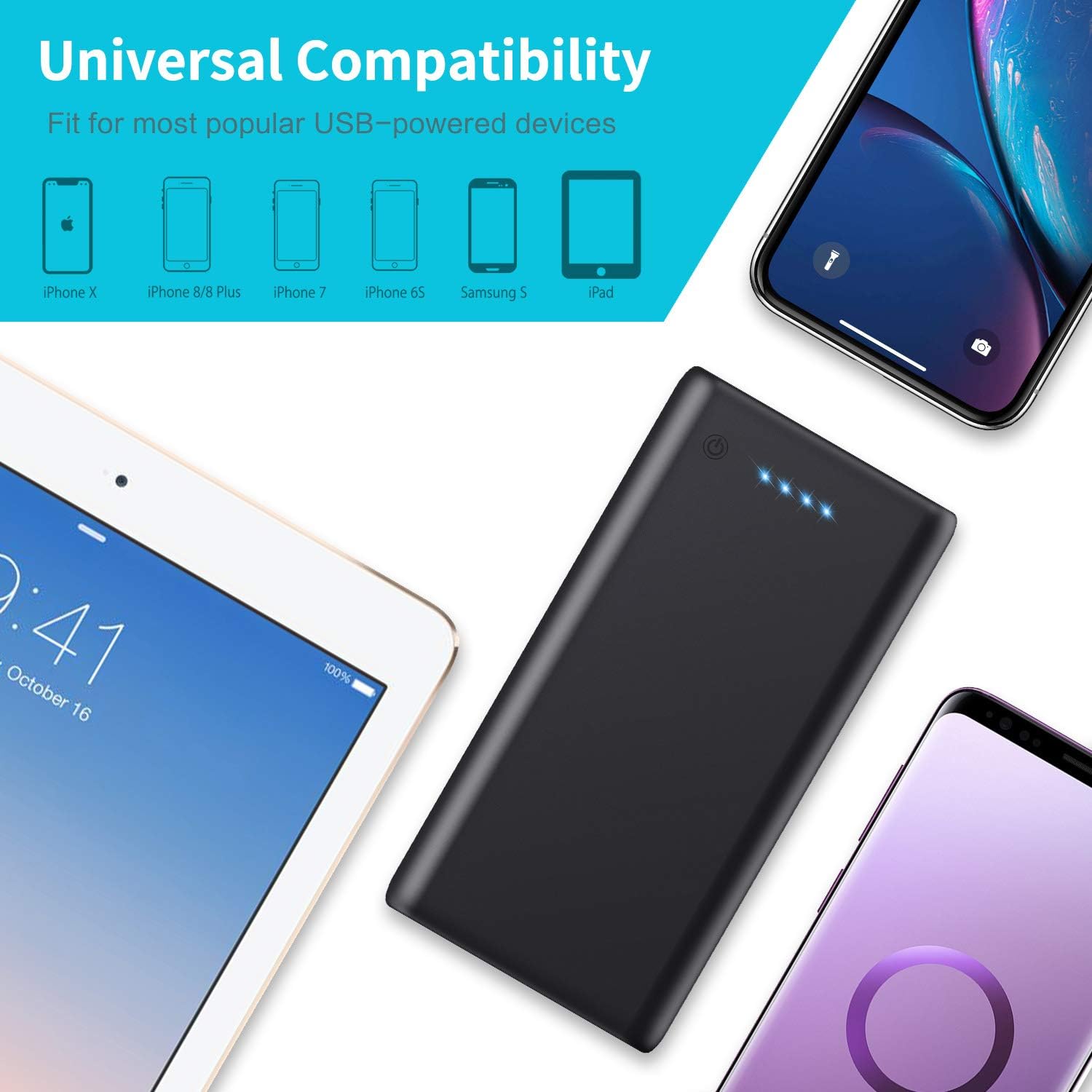
Image: The power bank shown with various compatible devices such as iPhones, Samsung phones, and iPads, highlighting its universal compatibility.
Installation
Charge initiale :
- Avant la première utilisation, chargez complètement la batterie externe.
- Connect the provided USB cable to the Micro USB input port on the power bank.
- Connectez l'autre extrémité du câble USB à un chargeur mural USB (non inclus) ou au port USB d'un ordinateur.
- Les voyants LED s'allumeront progressivement pour indiquer l'état de charge. Les quatre voyants resteront allumés en continu une fois la charge complète.
Mode d'emploi
Chargement d'appareils externes :
- Connectez le câble de chargement de votre appareil à l'un des ports de sortie USB de la batterie externe.
- Connectez l'autre extrémité du câble à votre appareil.
- La batterie externe commencera automatiquement à charger votre appareil. Si ce n'est pas le cas, appuyez une fois sur le bouton d'alimentation pour lancer la charge.
- The LED indicators will show the remaining power bank battery level during charging.

Image: A person connecting two smartphones to the power bank, demonstrating its dual output capability for simultaneous charging.
Recharger la banque d'alimentation :
- When the LED indicators show low battery (one flashing LED), it's time to recharge the power bank.
- Use the provided USB cable to connect the Micro USB input port of the power bank to a USB power source (e.g., wall adapter, computer).
- The LEDs will flash to indicate charging progress and remain solid when fully charged.

Image: The power bank connected to a laptop and a tablet, illustrating its fast charging capabilities for various devices.
Entretien
To ensure the longevity and optimal performance of your Pxwaxpy Power Bank:
- Nettoyez l'appareil avec un chiffon doux et sec. N'utilisez pas de produits chimiques agressifs ni de matériaux abrasifs.
- Rangez la batterie externe dans un endroit frais et sec, à l'abri de la lumière directe du soleil et des températures extrêmes.
- Si vous n'utilisez pas la batterie externe pendant une période prolongée, rechargez-la au moins une fois tous les trois mois afin de préserver sa durée de vie.
- Évitez de laisser tomber ou de soumettre la batterie externe à des impacts violents.
Dépannage
Si vous rencontrez des problèmes avec votre batterie externe, consultez les solutions courantes suivantes :
- La batterie externe ne charge pas : Ensure the charging cable is securely connected to both the power bank's Micro USB input and the power source. Try a different cable or power adapter.
- L'appareil ne se charge pas à partir de la batterie externe : Ensure the power bank has sufficient charge (check LED indicators). Verify the charging cable is properly connected to both the power bank's output port and your device. Try a different USB output port or cable.
- Charge lente : Ensure you are using a high-quality charging cable. Some devices may charge slower if multiple devices are connected simultaneously.
- Les voyants LED ne fonctionnent pas : Press the power button to activate the display. If still unresponsive, the power bank may be fully discharged or require service.
Caractéristiques

Image: The power bank displayed next to a smartphone, illustrating its physical dimensions and compact size.
| Fonctionnalité | Détail |
|---|---|
| Numéro de modèle | HX160Y1 |
| Capacité de la batterie | 26800 mAh |
| Type de batterie | Lithium-Polymère |
| Saisir | 5V/2.1A (Max) |
| Sortie 1 | 5V/2.1A (Max) |
| Sortie 2 | 5 V/1 A |
| Dimensions (L x l x H) | 150 x 75 x 15 mm (5.91 x 2.95 x 0.59 pouces) |
| Poids | 350 grammes |
| Type de connecteur | Micro USB (entrée), USB-A (sortie) |
Garantie et assistance
Informations sur la garantie :
This Pxwaxpy product is covered by a 90-day full refund policy and a 24-month replacement warranty from the date of purchase. Please retain your proof of purchase for warranty claims.
Assistance clientèle :
For any questions, concerns, or technical assistance, please contact Pxwaxpy customer service. Our support team is available to assist you.
Please refer to the product packaging or the official Pxwaxpy website pour les informations de contact les plus récentes.