
Introduction
This manual provides detailed instructions for the installation, operation, and maintenance of your Utilitech 1.0-Sone 150-CFM White Bathroom Fan with integrated LED light. This ventilation fan is designed to provide efficient air movement and illumination in your bathroom, featuring an energy-efficient DC brushless motor and a dimmable LED light. Please read these instructions thoroughly before installation and use to ensure safe and optimal performance.
Informations importantes sur la sécurité
AVERTISSEMENT : Pour réduire le risque d'incendie, de choc électrique ou de blessures corporelles, respectez les consignes suivantes :
- Les travaux d'installation et le câblage électrique doivent être effectués par une ou des personnes qualifiées conformément à tous les codes et normes applicables, y compris les codes et normes de construction coupe-feu.
- N'utilisez cet appareil que de la manière prévue par le fabricant. Pour toute question, contactez le fabricant.
- Avant d'entretenir ou de nettoyer l'unité, coupez l'alimentation au niveau du panneau de service et verrouillez les moyens de déconnexion de service pour empêcher toute mise sous tension accidentelle. Lorsque les moyens de déconnexion de service ne peuvent pas être verrouillés, fixez solidement un dispositif d'avertissement proéminent, tel qu'un tag, au panneau de service.
- N’utilisez pas ce ventilateur avec un dispositif de contrôle de vitesse à semi-conducteurs, sauf s’il est spécifiquement approuvé pour une utilisation avec ce modèle.
- This product is designed for general ventilating use only. Do not use to exhaust hazardous or explosive materials and vapors.
- Always wear safety glasses and gloves during installation and maintenance.
Contenu du colis
Vérifiez que tous les composants sont présents avant de commencer l'installation :
- Utilitech Bathroom Fan with Integrated LED Light
- 6-inch to 4-inch Duct Adapter
- Quick Connect Wire Nuts
- Installation Hardware (screws, etc., if applicable)

Image 1: The Utilitech bathroom fan unit, showing the main housing, LED light panel, and the attached duct connector.
Configuration et installation
This fan can be installed in both new construction (with attic access) and existing construction (without attic access). Professional installation is recommended for electrical wiring.
Étapes de pré-installation :
- Coupure de courant : Ensure power is turned off at the circuit breaker before starting any installation work.
- Sélection de l'emplacement : Choose a suitable ceiling location for the fan, ensuring adequate space for the housing and ductwork.
- Ducting Preparation: Prepare the ductwork. The fan is designed for 6-inch ducts, but a 6-inch to 4-inch duct adapter is included for compatibility with 4-inch systems.
Procédure d'installation :
- Montage du boîtier : Secure the fan housing to the ceiling joists using appropriate fasteners. Ensure the housing is level and firmly attached.
- Raccordement des conduits : Connect the ventilation duct to the fan's duct connector. Use duct tape or clamps to ensure a secure and airtight seal. The fan includes a plastic duct connector and damper to prevent backdraft.
- Câblage électrique: Connect the electrical wiring to the fan using the provided quick connect wire nuts. Follow local electrical codes and the wiring diagram provided with the unit. Ensure proper grounding.
- Installing the Grille/Light Panel: Once the housing and wiring are complete, attach the integrated LED light panel/grille to the fan housing.
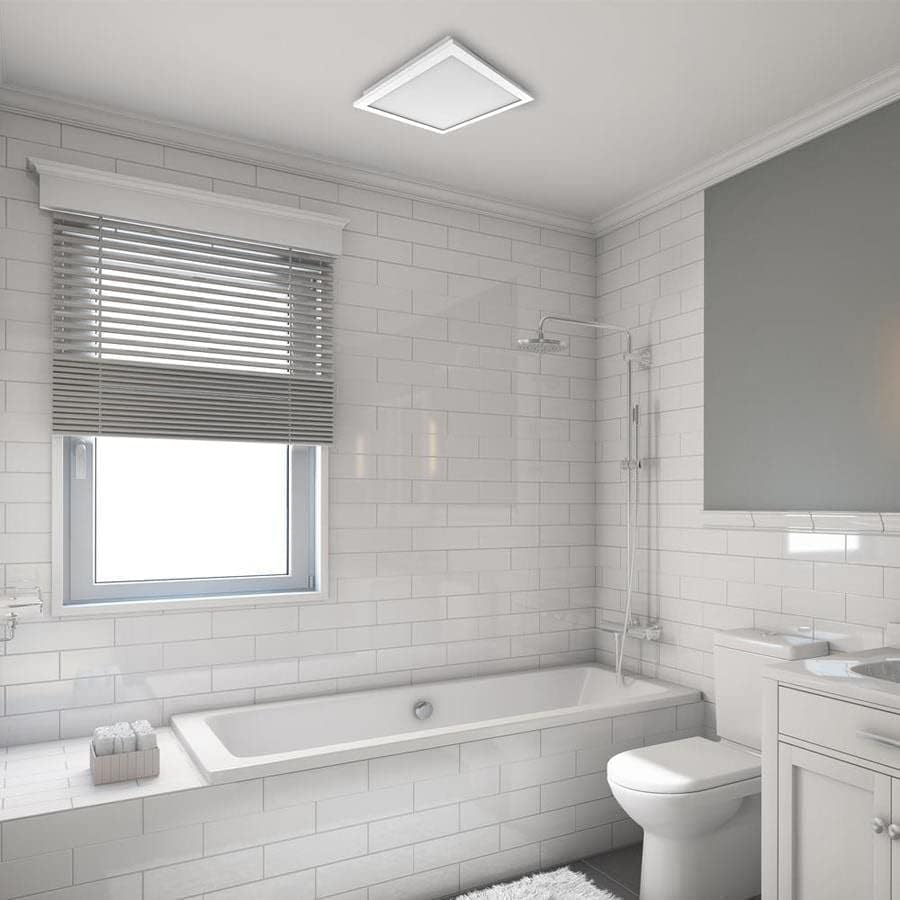
Image 2 : Un example of the Utilitech bathroom fan with LED light installed flush in a white ceiling, providing both ventilation and illumination.
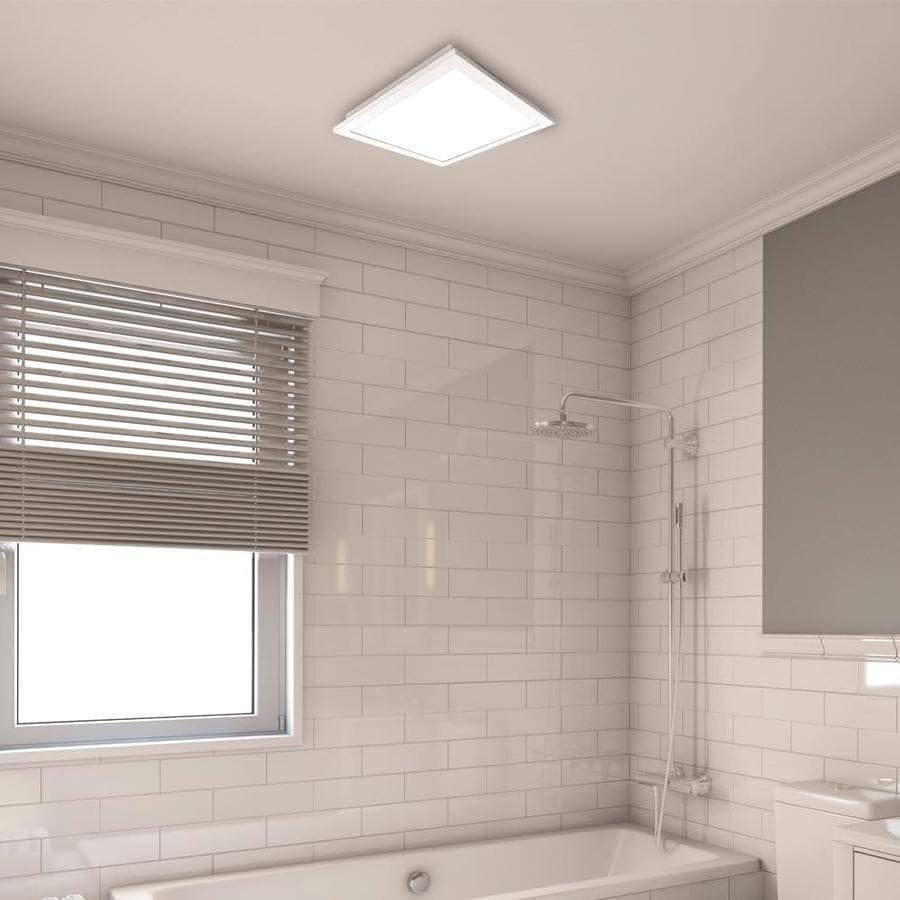
Image 3 : Un gros plan view of the installed fan's LED light panel, showing its sleek, white finish integrated into the ceiling.
Mode d'emploi
The Utilitech bathroom fan is designed for simple operation, providing effective ventilation and lighting for your bathroom.
- Marche/Arrêt : The fan and light are typically controlled by a standard wall switch. Flip the switch to turn the unit on or off.
- Ventilation: The fan operates at a single speed, moving 150 cubic feet per minute (CFM) of air at a quiet 1.0 sone level.
- Lumière LED : The integrated 13-watt LED light provides room illumination. This light is dimmable, requiring a compatible dimmer switch (sold separately) for dimming functionality.
- Contrôle de l'application : This model supports app control. Refer to the manufacturer's website or included documentation for details on connecting and controlling the fan via a smartphone application, if applicable.
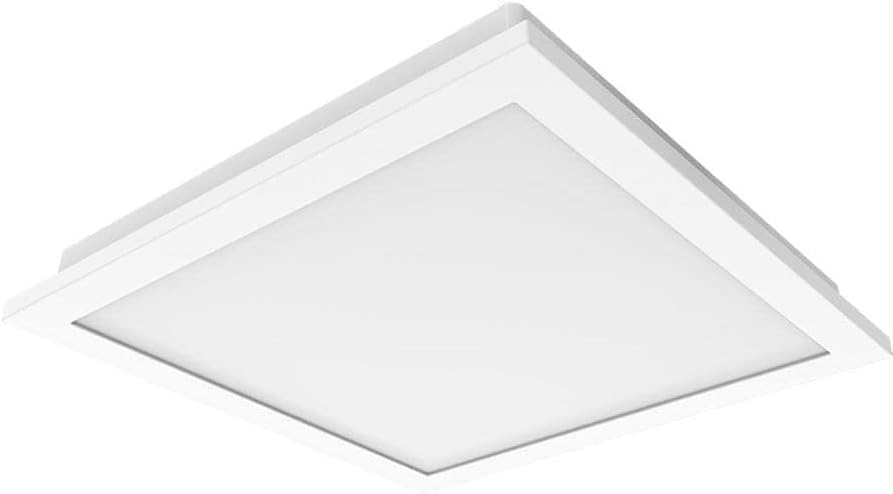
Image 4 : A view of the fan's LED light panel from below, showcasinson design épuré et minimaliste.
Entretien
Regular maintenance ensures the longevity and efficient operation of your Utilitech bathroom fan. Always disconnect power at the circuit breaker before performing any maintenance.
Cleaning the Fan and Light Grille:
- Coupez l'alimentation du ventilateur au niveau du panneau de service.
- Carefully remove the LED light panel/grille from the fan housing.
- Wipe the grille and light panel with a soft, damp chiffon. N'utilisez pas de nettoyants abrasifs ou de solvants.
- If necessary, use a vacuum cleaner with a brush attachment to remove dust from the fan blades and interior of the housing.
- Laissez toutes les pièces sécher complètement avant de les remonter.
- Reattach the LED light panel/grille and restore power.
The fan's DC brushless motor is designed for long-term operation, capable of running continuously for up to 70,000 hours, and the integrated LED light has a lifespan of up to 30,000 hours, minimizing the need for frequent internal maintenance.
Dépannage
If you experience issues with your Utilitech bathroom fan, refer to the following common problems and solutions. Always disconnect power before inspecting the unit.
| Problème | Cause possible | Solution |
|---|---|---|
| Le ventilateur ne fonctionne pas. | Pas d'alimentation électrique à l'unité. Connexion de câblage desserrée. Interrupteur mural défectueux. | Vérifiez le disjoncteur et l'interrupteur mural. Vérifiez que toutes les connexions des câbles sont bien fixées (assurez-vous que l'alimentation est coupée). Tester ou remplacer l'interrupteur mural. |
| La lumière LED ne s'allume pas. | Pas d'alimentation électrique à l'unité. Connexion de câblage desserrée. Faulty LED driver/light panel. | Vérifiez l'alimentation électrique. Vérifiez les connexions de câblage. Contact customer support if the LED panel is faulty. |
| Le ventilateur est excessivement bruyant. | Montage lâche. Obstruction des pales du ventilateur. Problèmes de conduits d'aération. | Assurez-vous que le boîtier du ventilateur est bien fixé. Remove grille and check for debris. Inspect ductwork for kinks or blockages. |
| Mauvaise circulation de l'air. | Conduits d'aération obstrués. Les pales du ventilateur sont sales. Improperly sized ducting. | Check ductwork for obstructions. Nettoyer les pales du ventilateur et la grille. Ensure ducting matches recommended size or use adapter correctly. |
If problems persist after attempting these solutions, contact a qualified electrician or the manufacturer's customer support.
Caractéristiques
| Fonctionnalité | Détail |
|---|---|
| Marque | Utilitech |
| Nom du modèle | 7116-02 |
| Capacité de débit d'air | 150 piXNUMX / min (pieds cubes par minute) |
| Niveau de bruit | 1.0 sons |
| Type de lumière | LED intégrée à intensité variable |
| Lampe LEDtage | 13 watts |
| Durée de vie des LED | Jusqu'à 30,000 XNUMX heures |
| Type de moteur | Moteur CC sans balais |
| Durée de vie du moteur | Jusqu'à 70,000 heures de fonctionnement continu |
| Taille du conduit | 6-inch (includes 6-inch to 4-inch adapter) |
| Source d'énergie | AC |
| Type d'installation | Ceiling Mount (retrofit capable) |
| Méthode de contrôle | Wall Switch, App Control |
| Certifications | UL Certified, HVI Listed, ENERGY STAR Compliant, Title 24 Compliant |
| Dimensions du produit | 9.68 x 9.68 x 7.88 pouces |
| Poids de l'article | 14.22 livres |
Informations sur la garantie
Utilitech products are manufactured to high-quality standards and are warranted to be free from defects in materials and workmanship for a specified period from the date of purchase. For specific warranty terms and conditions, please refer to the warranty card included with your product or visit the official Utilitech webConsultez le site. Conservez votre reçu d'achat comme preuve d'achat pour toute réclamation au titre de la garantie.
Assistance clientèle
If you have any questions regarding the installation, operation, or maintenance of your Utilitech bathroom fan, please contact Utilitech customer support. You can typically find contact information, including phone numbers and email addresses, on the manufacturer's official websur le site ou dans la documentation fournie avec votre produit.
Pour obtenir de l'aide supplémentaire, veuillez consulter le Utilitech website.