
UDIRC U46
Manuel d'utilisation du mini-drone UDIRC U46
Modèle: U46
1. Introduction
The UDIRC U46 Mini Drone is a compact quadcopter designed for beginners and recreational flying. It features user-friendly controls and safety mechanisms to ensure an enjoyable experience. This manual provides essential information for operating and maintaining your drone.

Image 1.1: The UDIRC U46 Mini Drone, its remote controller, and three included batteries.
2. Consignes de sécurité
- Recommandation d'âge : Ce produit est recommandé aux utilisateurs âgés de 14 ans et plus.
- Utilisation en intérieur : The U46 drone is primarily designed for indoor use. Avoid flying in windy conditions outdoors, as this can lead to loss of control.
- Zone dégagée: Operate the drone in an open area free from obstacles, people, and pets.
- Sécurité de l'hélice : Tenez vos doigts, vos cheveux et vos vêtements amples éloignés des hélices en rotation. Le drone est équipé de protections d'hélices pour une sécurité accrue.
- Sécurité des batteries : Do not overcharge batteries. Use only the provided USB charger. Discontinue use if batteries show signs of damage or swelling.
- Exposition à l'eau : Évitez tout contact avec l'eau ou l'humidité afin de prévenir tout dommage aux composants électroniques.
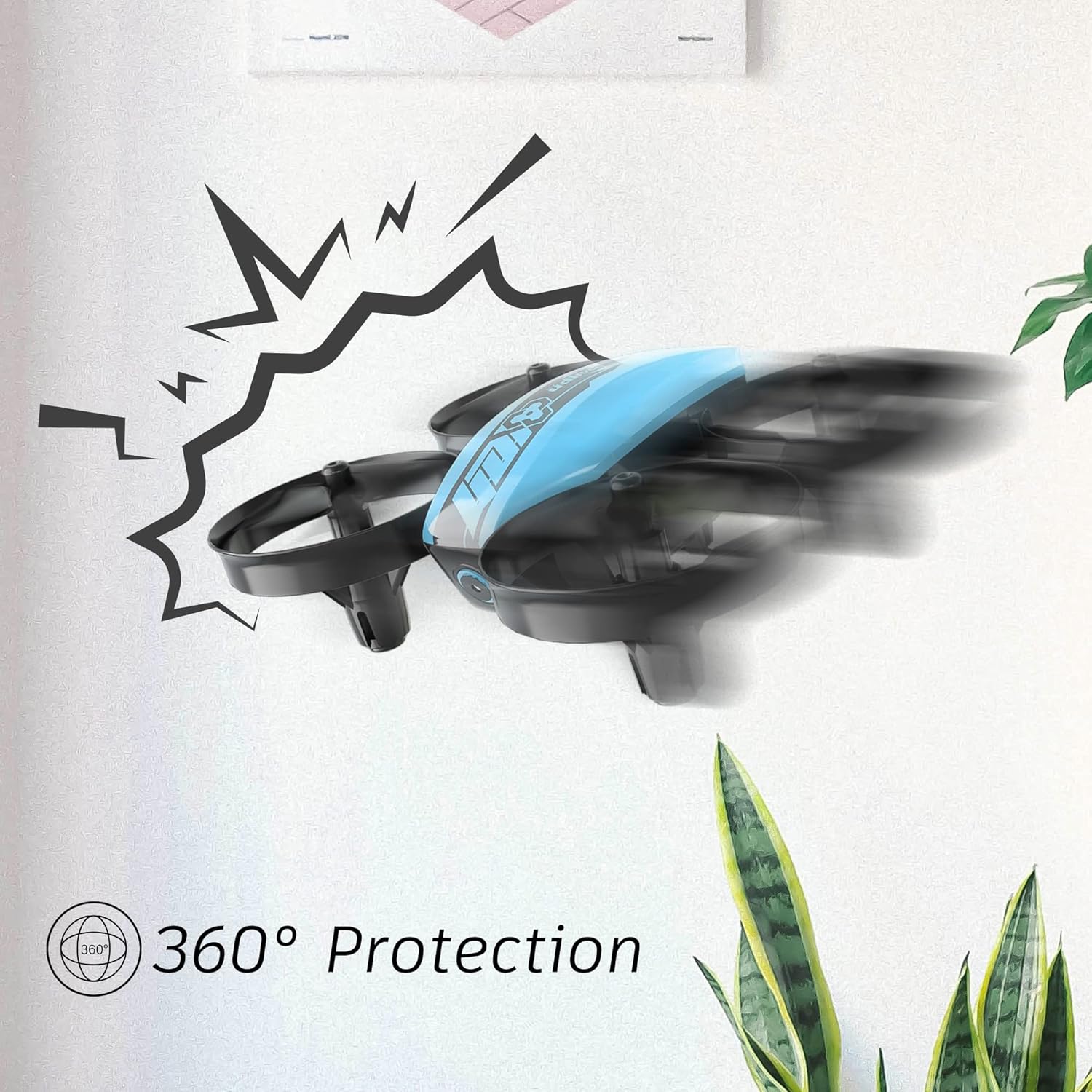
Image 2.1: The drone's 360-degree propeller protection guards help prevent damage during minor collisions.
3. Contenu du colis
Vérifiez que tous les éléments sont présents dans le colis :
- 1 x U46 Mini Drone
- 1 x Controller
- 3 batteries pour drone
- 1 x chargeur USB
- 4 hélices supplémentaires
- 1 x Manuel d'utilisation

Image 3.1: All components included in the UDIRC U46 Mini Drone package.
4. Composants terminésview
Familiarize yourself with the drone and controller components.
4.1 Composants du drone
- Hélices: Quatre pales rotatives pour le levage et le déplacement.
- Protections d'hélice : Integrated protective rings around each propeller.
- Corps principal : Houses the electronics and battery.
- Voyants lumineux : Provide status information (e.g., pairing, low battery).
4.2 Composants du contrôleur
- Joystick gauche (accélérateur/lacet) : Contrôle l'altitude et la rotation.
- Joystick droit (tangage/roulis) : Permet de contrôler les déplacements avant/arrière et gauche/droite.
- Bouton unique de décollage/atterrissage : Déclenche le décollage ou l'atterrissage automatique.
- Bouton Mode de vitesse : Permet de basculer entre différentes vitesses de vol.
- Bouton Mode sans tête : Active le vol sans tête.
- Interrupteur: Allume/éteint la manette.
- Voyant lumineux : Shows controller status.
5. Installation
5.1 Chargement de la batterie du drone
- Connect the drone battery to the USB charger.
- Plug the USB charger into a USB power source (e.g., computer, USB wall adapter).
- The indicator light on the USB charger will illuminate during charging and turn off when fully charged.
- Charging time is approximately 30 minutes per battery.
5.2 Installation des piles du contrôleur
- Ouvrez le compartiment à piles situé à l'arrière de la manette.
- Insert 3 x 1.5V AA batteries (not included), ensuring correct polarity.
- Fermez soigneusement le compartiment à piles.
5.3 Appairage du drone et de la télécommande
- Placez le drone sur une surface plane et de niveau.
- Mettez le drone sous tension. Les voyants du drone clignoteront.
- Turn on the controller's power switch. The controller's indicator light will flash.
- Poussez le joystick gauche (manette des gaz) à fond vers le haut, puis à fond vers le bas.
- The drone and controller indicator lights will become solid, indicating successful pairing.
Video 5.1: This video demonstrates the simple frequency pairing process, one-key take-off/landing, headless mode, altitude hold, and low battery alarm features of the UDI U46 Mini Drone.
6. Utilisation du drone
6.1 Décollage et atterrissage en une seule clé
- After pairing, press the One Key Take-off/Landing button. The drone will automatically ascend to a stable hovering altitude.
- To land, press the One Key Take-off/Landing button again. The drone will slowly descend and land.
6.2 Commandes de vol
- Joystick gauche (manette des gaz) : Poussez vers le haut pour augmenter l'altitude, tirez vers le bas pour la diminuer.
- Joystick gauche (lacet) : Push left or right to rotate the drone horizontally.
- Right Joystick (Pitch): Poussez vers le haut pour voler vers l'avant, tirez vers le bas pour voler vers l'arrière.
- Right Joystick (Roll): Poussez à gauche pour voler à gauche, poussez à droite pour voler à droite.
6.3 Mode sans tête
- Press the Headless Mode button to activate. In this mode, the drone's orientation is irrelevant; it will always move relative to the pilot's position.
- Appuyez de nouveau sur le bouton pour quitter le mode sans écran.
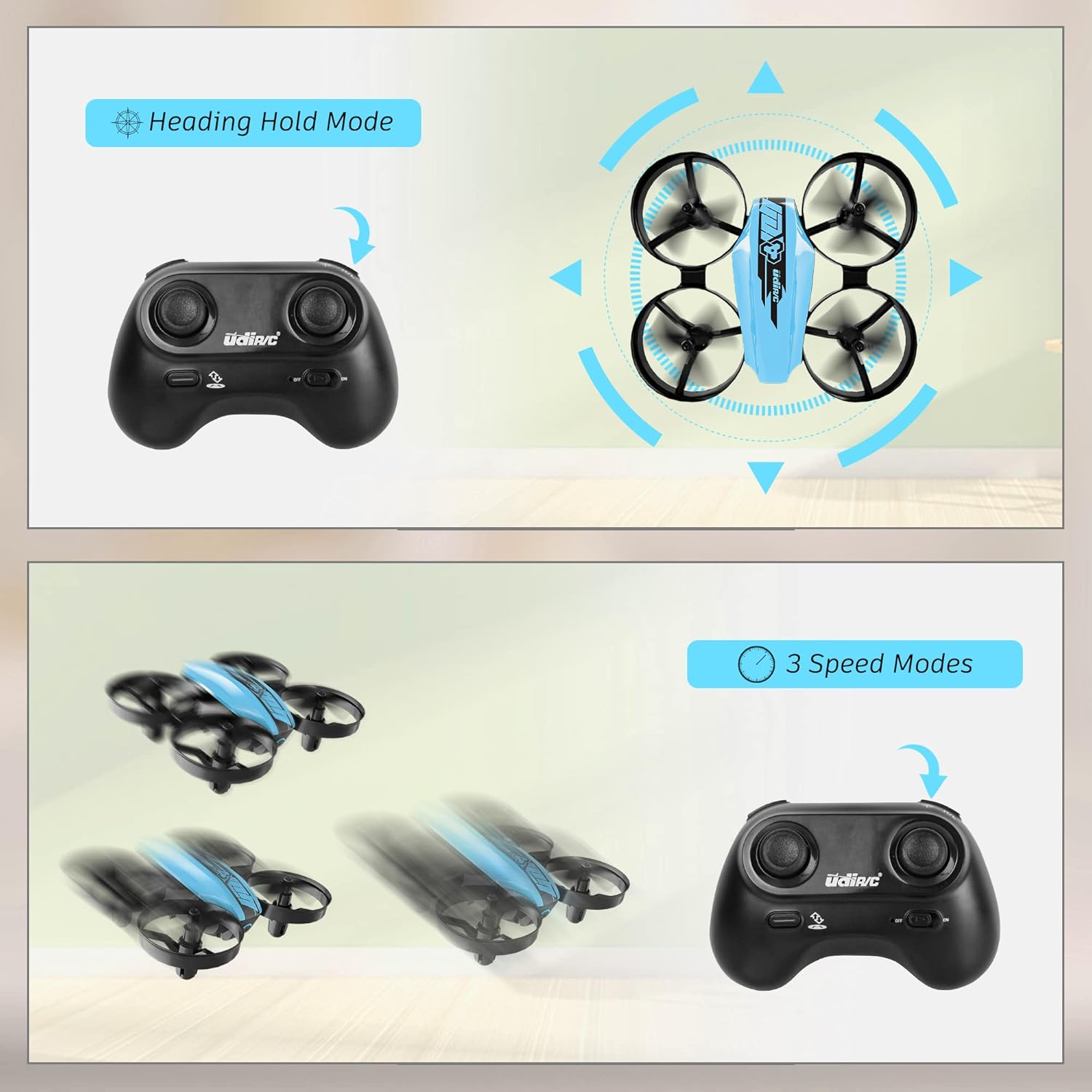
Image 6.1: Illustration of the Headless Mode feature and its activation on the controller.
6.4 Fonction de maintien d'altitude
- The U46 drone features an altitude hold function, allowing it to maintain a stable height automatically. This simplifies control, especially for beginners.

Image 6.2: Visual representation of Altitude Hold Mode, One Button Take Off/Landing, and Emergency Stop features.
6.5 modes de vitesse
- The drone has three speed modes (low, medium, high). Press the Speed Mode button to cycle through them.
- Start with low speed for learning and gradually increase as you gain proficiency.
6.6 Arrêt d'urgence
- In case of an emergency or loss of control, press and hold the One Key Take-off/Landing button for a few seconds to perform an emergency stop. The propellers will immediately cease rotation.
7. Entretien
7.1 Remplacement de l'hélice
- If a propeller is damaged, carefully remove it and replace it with a new one from the spare parts. Ensure the correct propeller (A or B) is installed on the corresponding motor.
7.2 Nettoyage et stockage
- Wipe the drone with a soft, dry cloth after use. Avoid using water or cleaning agents.
- Store the drone and controller in a cool, dry place, away from direct sunlight and extreme temperatures.
- Remove batteries from the controller if storing for extended periods.
8. Dépannage
- Drone ne répondant pas : Ensure both drone and controller are powered on and successfully paired. Check controller batteries.
- Le drone dérive en vol : Perform calibration on a flat surface. Use the trim buttons on the controller to adjust for minor drifts.
- Durée de vol courte : Assurez-vous que les batteries sont complètement chargées. La durée du vol peut varier en fonction du style de vol et des facteurs environnementaux.
- Hélices ne tournant pas : Check for obstructions or damage to propellers. Ensure they are correctly installed.
- Alarme de batterie faible : The controller will emit an alarm sound when the drone's battery is low, indicating it's time to land and recharge.
9. Spécifications
| Marque | UDIRC |
| Nom du modèle | U46S |
| Poids du drone | 0.05 livres (environ 22.68 grammes) |
| Dimensions du drone | 3.54"L x 3.54"l x 1.25"H |
| Durée du vol | 6 à 7 minutes par batterie (jusqu'à 21 minutes avec 3 batteries) |
| Fréquence du contrôleur | 2.4 GHz |
| Batterie du contrôleur | 3 piles AA de 1.5 V (non incluses) |
| Capacité de la batterie | 180 millièmeamp Heures (Li-Po) |
| Niveau de compétence | Débutant |
| Caractéristiques spéciales | Altitude Hold, Headless Mode, One Key Take-off/Landing, 3 Speed Modes, 360° Protection |

Image 9.1: Flight time illustration, showing extended flight with multiple batteries.

Image 9.2: Dimensions of the UDIRC U46 Mini Drone, shown next to a smartphone for size comparison.
10. Garantie et assistance
For warranty information or technical support, please refer to the contact details provided with your purchase or visit the official UDIRC webConsultez le site. Conservez votre preuve d'achat pour toute réclamation au titre de la garantie.
Ask a question about this manual
Ask about setup, troubleshooting, compatibility, parts, safety, or missing instructions. Manuals+ will review the question and use this page’s manual context to help answer it.