
Introduction
This manual provides detailed instructions for the setup, operation, maintenance, and troubleshooting of your ARRIS SURFboard SBR-AC3200P AC3200 Wi-Fi Router. The SBR-AC3200P is designed to deliver high-speed Wi-Fi performance for various home networking needs, including gaming, streaming, and general internet use. It features tri-band concurrent operation and integrated RipCurrent G.hn Powerline technology for extended network coverage.
Contenu du colis
- SURFboard WiFi Router SBR-AC3200P
- Câble Ethernet
- Cordon d'alimentation secteur
- Guide de démarrage rapide
Installation
1. Connexions physiques
Before powering on your router, ensure all necessary cables are connected securely. Refer to the diagram below for port identification.
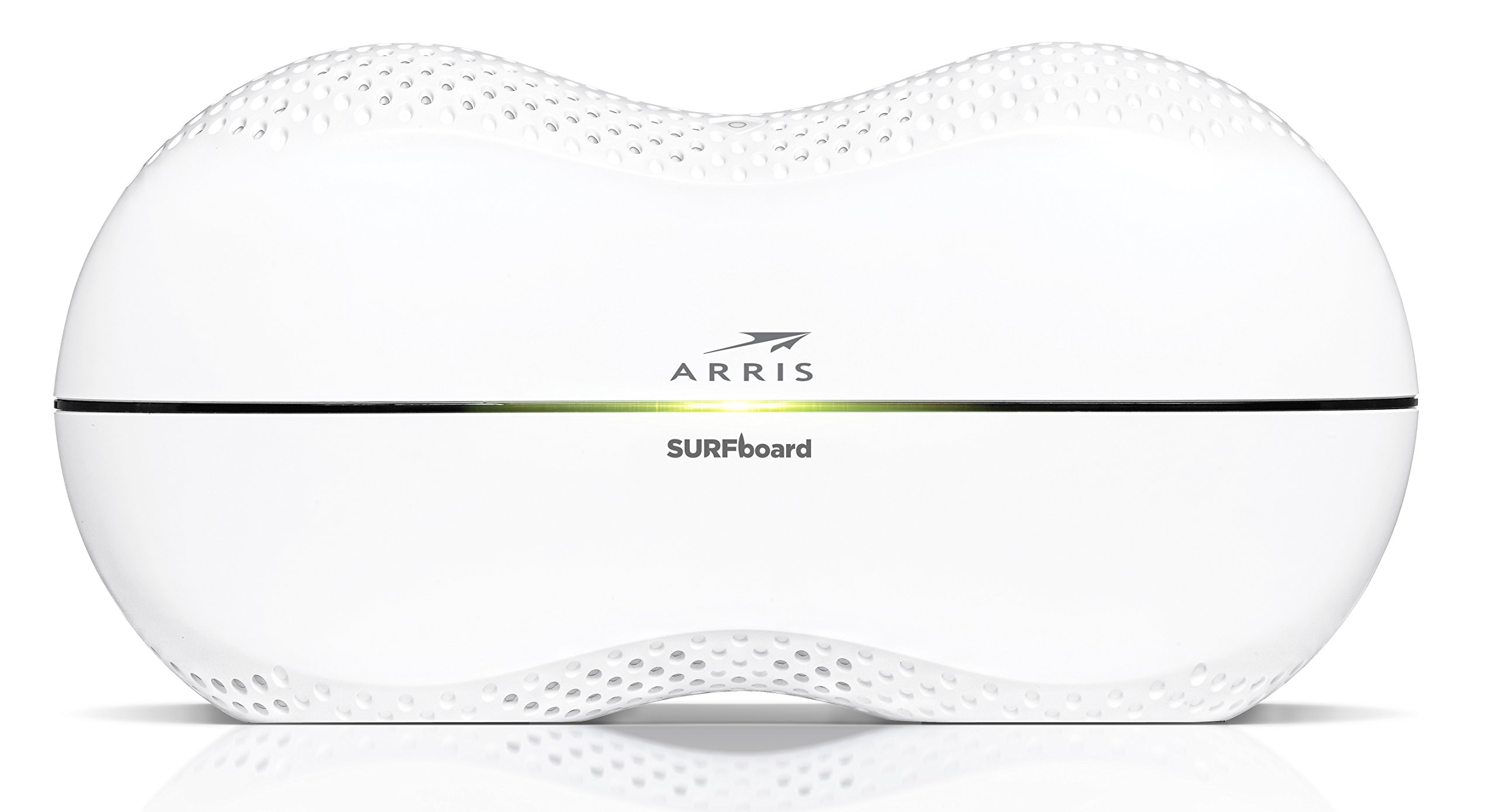
Image : Arrière view of the ARRIS SURFboard SBR-AC3200P AC3200 Wi-Fi Router. From left to right, the ports include the Power input, two USB ports (one USB 2.0, one USB 3.0), a blue WAN port for connecting to a modem, four yellow LAN ports (1-4) for wired devices, and a small recessed Reset button.
- Se connecter au modem : Connect one end of the provided Ethernet cable to the WAN port (blue) on the back of the SBR-AC3200P router and the other end to your cable/DSL/fiber modem.
- Connecter l'alimentation : Plug the AC power cord into the Power input on the router and then into an electrical outlet. The router will begin its startup sequence.
- Mise sous tension : Wait for the router's indicator lights to stabilize. Refer to the Operating section for LED indicator meanings.
2. Configuration initiale
Vous pouvez configurer votre routeur à l'aide d'un web browser or the dedicated mobile application.
- En utilisant un Web Navigateur:
- Connect a computer to one of the router's LAN ports (yellow) using an Ethernet cable, or connect wirelessly to the default Wi-Fi network (SSID and password typically found on a label on the router).
- Ouvrir un web Dans votre navigateur, saisissez l'adresse IP par défaut du routeur (par exemple,
192.168.0.1or192.168.1.1) into the address bar. Consult the Quick Start Guide for the exact IP address and default login credentials. - Follow the on-screen instructions to set up your internet connection and customize your Wi-Fi network name (SSID) and password.
- Utilisation de l'application mobile : Download the ARRIS SURFboard Manager app from your device's app store. Follow the in-app instructions to set up and manage your router.
Opérationnel
Indicateurs LED
The front panel of the SBR-AC3200P features several LED indicators that provide status information:
- Voyant d'alimentation : Indique l'état d'alimentation de l'appareil.
- Voyant Internet : Affiche l'état de la connexion Internet.
- Wi-Fi LEDs (2.4 GHz and 5 GHz): Indicate the activity of the wireless networks.
- RipCurrent LED: Displays the status of the G.hn Powerline network.
Refer to the Quick Start Guide for specific color and blinking patterns and their meanings.
Connexion des appareils
- Appareils sans fil: Rechercher your customized Wi-Fi network name (SSID) on your device and enter the password you created during setup.
- Appareils câblés : Connect devices such as computers, gaming consoles, or smart TVs to the LAN ports (yellow) on the back of the router using Ethernet cables.
RipCurrent G.hn Technology
The SBR-AC3200P integrates RipCurrent G.hn Powerline technology, allowing you to expand your network coverage using your home's existing electrical wiring. This feature enables compatible SURFboard RipCurrent Wi-Fi Hotspots and network extenders (sold separately) to connect to your network through any electrical outlet, providing seamless Wi-Fi extension throughout your home.
Entretien
- Mises à jour du micrologiciel : Periodically check the ARRIS support website for firmware updates. Keeping your router's firmware up-to-date ensures optimal performance, security, and access to new features. Firmware updates are typically performed through the router's web interface or the mobile app.
- Nettoyage: Keep the router in a clean, dust-free environment. Use a soft, dry cloth to clean the exterior. Do not use liquid cleaners or abrasive materials. Ensure ventilation openings are not blocked.
- Réinitialisation du routeur : If you experience persistent issues, you may need to reset the router. A soft reset (power cycle) can often resolve minor problems. For a factory reset, locate the recessed Reset button on the back of the router. Use a paperclip or similar pointed object to press and hold the button for approximately 10-15 seconds until the LEDs indicate a reset. Avertissement: A factory reset will erase all custom settings, including your Wi-Fi name and password, reverting the router to its default factory settings.
Dépannage
- Pas de connexion Internet:
- Vérifiez que votre modem fonctionne correctement et qu'il dispose d'une connexion internet active.
- Check all Ethernet cable connections between the modem and the router's WAN port.
- Restart both your modem and router by unplugging them from power for 30 seconds and then plugging them back in, starting with the modem.
- Débit Wi-Fi lent ou déconnexions intempestives :
- Veillez à placer le routeur dans un endroit central, loin des obstacles et des sources d'interférences (par exemple, les fours à micro-ondes, les téléphones sans fil).
- Vérifiez les mises à jour du micrologiciel.
- Consider using RipCurrent extenders to improve coverage in dead zones.
- Effectuez une réinitialisation d'usine si les problèmes persistent après les autres étapes de dépannage.
- Impossible d'accéder aux paramètres du routeur :
- Assurez-vous que votre appareil est connecté au réseau du routeur (filaire ou sans fil).
- Verify the correct IP address for the router's web interface.
- Videz le cache de votre navigateur ou essayez un autre navigateur.
Caractéristiques
| Fonctionnalité | Description |
|---|---|
| Marque | ARRIS |
| Nom du modèle | SBR-AC3200P |
| norme sans fil | 802.11ac |
| Classe de bande de fréquence | Tri-Band (N450 + AC1350 + AC1350) |
| Taux de transfert de données | Jusqu'à 3200 mégabits par seconde |
| Ports Ethernet | 4 ports Gigabit Ethernet |
| Ports USB | 1x USB 2.0, 1x USB 3.0 |
| Caractéristiques spéciales | RipCurrent G.hn Powerline Technology, Wi-Fi Beamforming |
| Protocole de sécurité | WPA2, WPA3 |
| Méthode de contrôle | Application |
| Poids de l'article | 3.8 livres |
Informations sur la garantie
The ARRIS SURFboard SBR-AC3200P AC3200 Wi-Fi Router comes with a Garantie limitée de 2 ans. For detailed terms and conditions, please refer to the warranty documentation included with your product or visit the official ARRIS support website.
Soutien
Pour obtenir de l'aide supplémentaire, un support technique ou accéder à des ressources additionnelles, veuillez consulter le support officiel d'ARRIS. website. You can find FAQs, updated documentation, and contact information for customer service.