
1. Produit terminéview
The Karlsson LED Alarm Clock KA5653DW is a stylish and functional timepiece designed to display time and temperature. Crafted from wood, its LED display illuminates through the material, offering a clear view of information. This clock features multiple alarm settings and an energy-saving mode.

Figure 1 : Face avant view of the Karlsson LED Alarm Clock KA5653DW.
2. Contenu du colis
- Réveil LED Karlsson KA5653DW
- Manuel d'instructions
Note: 1 AA battery is required for operation and is not included.
3. Installation
3.1 Installation de la batterie
- Repérez le compartiment à piles à l'arrière du réveil.
- Ouvrez le couvercle du compartiment à piles.
- Insérez 1 pile AA en veillant à respecter la polarité (+/-).
- Fermez soigneusement le couvercle du compartiment à piles.
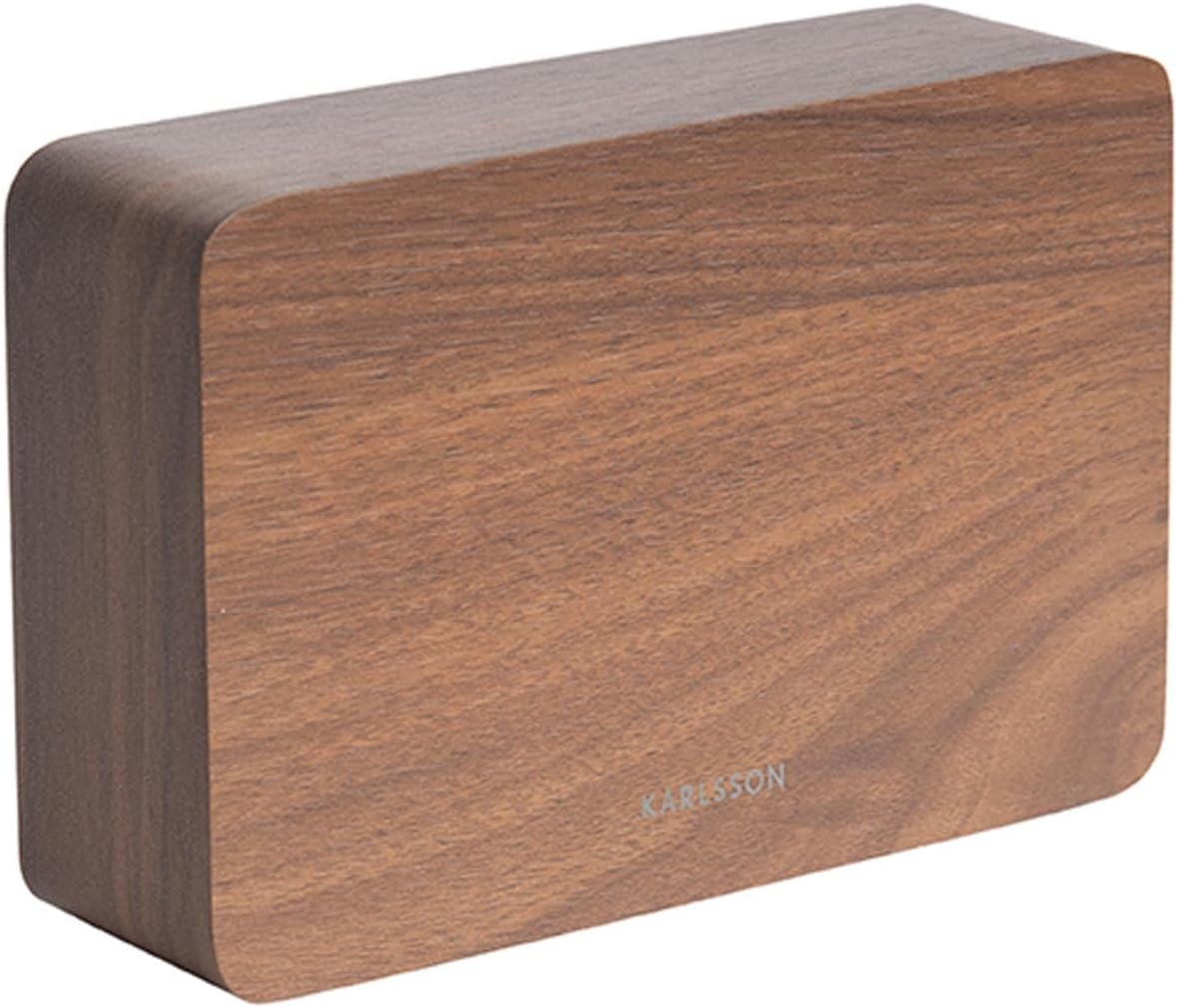
Figure 2 : Retour view of the alarm clock, indicating control buttons and battery compartment.
3.2 Mise sous tension initiale
Upon successful battery installation, the LED display will illuminate, showing the current time and temperature.
4. Mode d'emploi
The alarm clock features several buttons, typically located on the back or bottom, for setting time, alarms, and other functions. Refer to the labels on your device for specific button identification (e.g., SET, UP, DOWN, ALARM).
4.1 Réglage de l'heure
- Appuyez sur le ENSEMBLE Appuyez une fois sur le bouton pour accéder au mode de réglage de l'heure. Les chiffres des heures clignoteront.
- Utilisez le UP or VERS LE BAS boutons pour régler l'heure.
- Presse ENSEMBLE Confirmez à nouveau l'heure et passez au réglage des minutes. Les chiffres des minutes clignoteront.
- Utilisez le UP or VERS LE BAS boutons pour régler les minutes.
- Presse ENSEMBLE a third time to confirm the minutes and exit time setting mode.
4.2 Setting Alarms (Up to 3 Alarms)
The clock supports setting up to three independent alarms (AL1, AL2, AL3).
- Appuyez sur le ALARME button repeatedly to cycle through AL1, AL2, AL3, and alarm off modes.
- When the desired alarm (e.g., AL1) is displayed, press and hold the ALARME appuyer sur le bouton jusqu'à ce que les chiffres de l'heure clignotent.
- Utilisez le UP or VERS LE BAS boutons pour régler l'heure de l'alarme.
- Presse ALARME à nouveau pour confirmer l'heure et passer au réglage des minutes.
- Utilisez le UP or VERS LE BAS buttons to set the alarm minutes.
- Presse ALARME a third time to confirm the alarm and exit setting mode.
- Pour activer ou désactiver une alarme, appuyez sur le bouton. ALARME button briefly until the alarm indicator (e.g., AL1) appears or disappears from the display.
4.3 Affichage de la température
The clock automatically detects and displays the ambient room temperature. The temperature reading updates approximately every 60 seconds.
4.4 Mode économie d'énergie
To conserve battery life and prevent light disturbance during the night, the clock features an energy-saving mode that turns off the LED display.
- To activate energy-saving mode: Locate the ÉCONOMIE D'ÉNERGIE or similar button/switch (refer to your device's specific markings). Press or toggle it to turn off the display.
- To reactivate the display: Press any button, or make a sound (some models feature sound activation). The display will light up for a few seconds before turning off again.
5. Entretien
- Nettoyage: Wipe the clock surface with a soft, dry cloth. Avoid abrasive cleaners or solvents.
- Remplacement de la batterie : Replace the AA battery when the display dims or functions become erratic. Always use a fresh, high-quality AA battery.
- Stockage: Si vous rangez la pendule pendant une période prolongée, retirez la pile pour éviter les fuites.
6. Dépannage
| Problème | Cause possible | Solution |
|---|---|---|
| L'écran est faiblement lumineux ou éteint. | Le mode batterie faible ou le mode économie d'énergie est activé. | Replace the AA battery. Press any button to temporarily activate the display if in energy-saving mode. |
| L'alarme ne sonne pas. | L'alarme n'est pas activée ou est mal réglée. | Ensure the alarm indicator (AL1, AL2, or AL3) is visible on the display. Verify the alarm time is set correctly. |
| Time or temperature is incorrect. | Time needs adjustment or temperature sensor interference. | Reset the time as per section 4.1. Ensure the clock is not placed near heat sources or vents for accurate temperature readings. |
| Difficulty setting time/alarms. | Méconnaissance des commandes. | Carefully follow the steps in section 4.1 and 4.2. Practice the button presses. |
7. Spécifications
| Fonctionnalité | Détail |
|---|---|
| Numéro de modèle | PTG-KA5653DW |
| Marque | Karlsson |
| Type d'affichage | LED numérique |
| Matériel | Bois |
| Dimensions (L x l x H) | 10 x 3.81 x 2 cm |
| Poids | 310 grammes |
| Source d'énergie | 1 piles AA (non incluses) |
| Caractéristiques spéciales | Time display, Temperature display, Up to 3 Alarms, Energy-saving mode |
| Usage | Intérieur |
8. Garantie et assistance
For warranty information and customer support, please refer to the documentation provided with your purchase or visit the official Karlsson webConsultez le site. Conservez votre preuve d'achat pour toute réclamation au titre de la garantie.