
1. Introduction
This manual provides essential information for the proper use and maintenance of your Transcend 8GB SDHC Class 4 Memory Card, model HDR-XR160-KSD48GB. This memory card is designed for compatibility with devices such as the Sony HDR-XR160 Camcorder, offering reliable storage for your digital content.
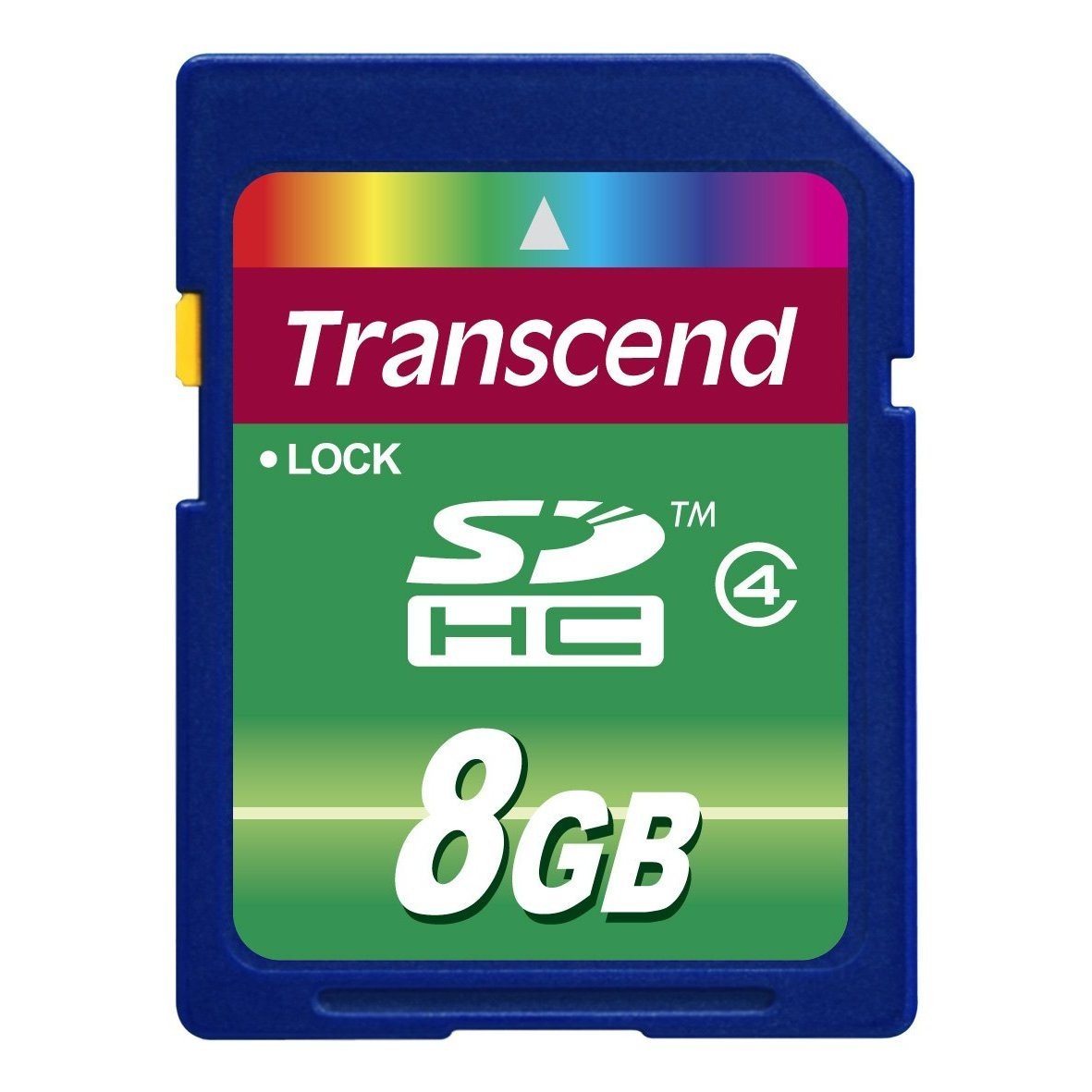
Image 1: Transcend 8GB SDHC Class 4 Memory Card. This image displays the physical appearance of the memory card, highlighting its compact design and branding.
2. Caractéristiques
The Transcend 8GB SDHC Class 4 Memory Card offers the following key features:
- Capacité: 8GB (Gigabytes) of storage, suitable for recording videos and storing photos.
- Taper: SDHC (Secure Digital High Capacity) format, designed for larger storage needs.
- Classe de vitesse : Class 4 rating, ensuring a minimum write speed of 4 MB/s, which is suitable for standard definition video recording and continuous shooting of still images.
- Compatibilité: Specifically designed for use with compatible devices such as camcorders, including the Sony HDR-XR160.
- Durabilité: Conception légère pour une manipulation facile.
3. Configuration et installation
Follow these steps to properly install your memory card into a compatible device:
- Appareil hors tension : Ensure your camcorder or other compatible device is powered off before inserting the memory card. This prevents potential data corruption or damage to the card or device.
- Emplacement de la carte : Identify the SD card slot on your device. Refer to your device's user manual for the exact location.
- Insérer la carte mémoire : Gently slide the Transcend SDHC card into the slot with the gold contacts facing down (or as indicated by your device's manual). Push until it clicks into place. Do not force the card, as this may cause damage.
- Appareil sous tension: Turn on your device. It should recognize the newly inserted memory card.
- Format Card (Optional but Recommended): For optimal performance and to ensure compatibility, it is recommended to format the memory card using your device's internal formatting function before first use. Note: Formatting will erase all data on the card. Back up any important data before proceeding.
4. Mode d'emploi
Once installed and formatted, your Transcend SDHC memory card is ready for use.
- Recording/Storing Data: Use your device's functions to record videos, capture photos, or store other digital files directly onto the memory card. The Class 4 speed rating supports standard video recording and photo capture.
- Accès aux données : À view or transfer data, connect your device to a computer, or insert the memory card into a compatible card reader connected to a computer. The card will appear as a removable storage device.
- Safely Removing Card: Before physically removing the memory card from your device or card reader, always ensure that all data transfer operations are complete and safely eject the card through your operating system (e.g., "Safely Remove Hardware" on Windows, "Eject" on macOS). This prevents data corruption.
5. Maintenance et entretien
Proper care extends the life of your memory card and protects your data.
- Protection physique : Store the memory card in a protective case when not in use to prevent scratches, dust, and static discharge. Avoid bending or dropping the card.
- Conditions environnementales : Do not expose the card to extreme temperatures, direct sunlight, moisture, or strong magnetic fields.
- Nettoyage: If necessary, gently wipe the gold contacts with a clean, dry, lint-free cloth. Avoid using harsh chemicals or abrasive materials.
- Sauvegarde des données : Sauvegardez régulièrement les données importantes de votre carte mémoire sur un autre périphérique de stockage (par exemple, le disque dur de votre ordinateur, le stockage en nuage) afin d'éviter toute perte de données.
6. Dépannage
If you encounter issues with your Transcend memory card, consider the following:
- Carte non reconnue :
- Ensure the card is fully inserted into the device slot.
- Power off and restart your device.
- Essayez la carte dans un autre appareil compatible ou un autre lecteur de cartes pour déterminer si le problème vient de la carte ou de l'appareil.
- Check your device's manual for maximum supported memory card capacity and type (SD, SDHC, SDXC).
- Erreurs de transfert de données :
- Ensure the card is securely connected.
- Avoid disconnecting the card during data transfer.
- Try a different USB port or card reader.
- Check for sufficient free space on both the card and the destination device.
- Performances lentes :
- Assurez-vous que votre appareil est compatible avec la classe de vitesse de la carte.
- Format the card periodically (after backing up data) to optimize performance.
- Évitez de remplir la carte à sa capacité maximale absolue.
7. Spécifications
| Fonctionnalité | Détail |
|---|---|
| Numéro de modèle | HDR-XR160-KSD48GB |
| Type de mémoire flash | SDHC (Secure Digital High Capacity) |
| Capacité de stockage de la mémoire | 8 Go |
| Classe de vitesse de l'association numérique sécurisée | Class 4 (Minimum 4 MB/s write speed) |
| Interface matérielle | SDHC, Secure Digital Card |
| Appareils compatibles | Camcorders (e.g., Sony HDR-XR160) |
| Dimensions du produit | 0.08 x 1.26 x 0.94 pouces (environ) |
| Poids de l'article | 0.16 onces (environ) |
| Code UPC | 876544745239 |
8. Garantie et assistance
For information regarding warranty coverage, technical support, or frequently asked questions, please visit the official Transcend webConsultez le site. Conservez votre reçu d'achat comme preuve d'achat pour toute réclamation au titre de la garantie.
Transcender Officiel Website: www.transcend-info.com