
1. Instructions de configuration
Before operating your NuWave Infrared Oven, please follow these setup instructions carefully to ensure proper function and safety.
1.1 Déballage
- Retirez soigneusement tous les composants de l'emballage.
- Inspect all parts for any damage. If any damage is found, do not use the appliance and contact customer support.
- Conservez les matériaux d'emballage pour un stockage ou un transport ultérieur.
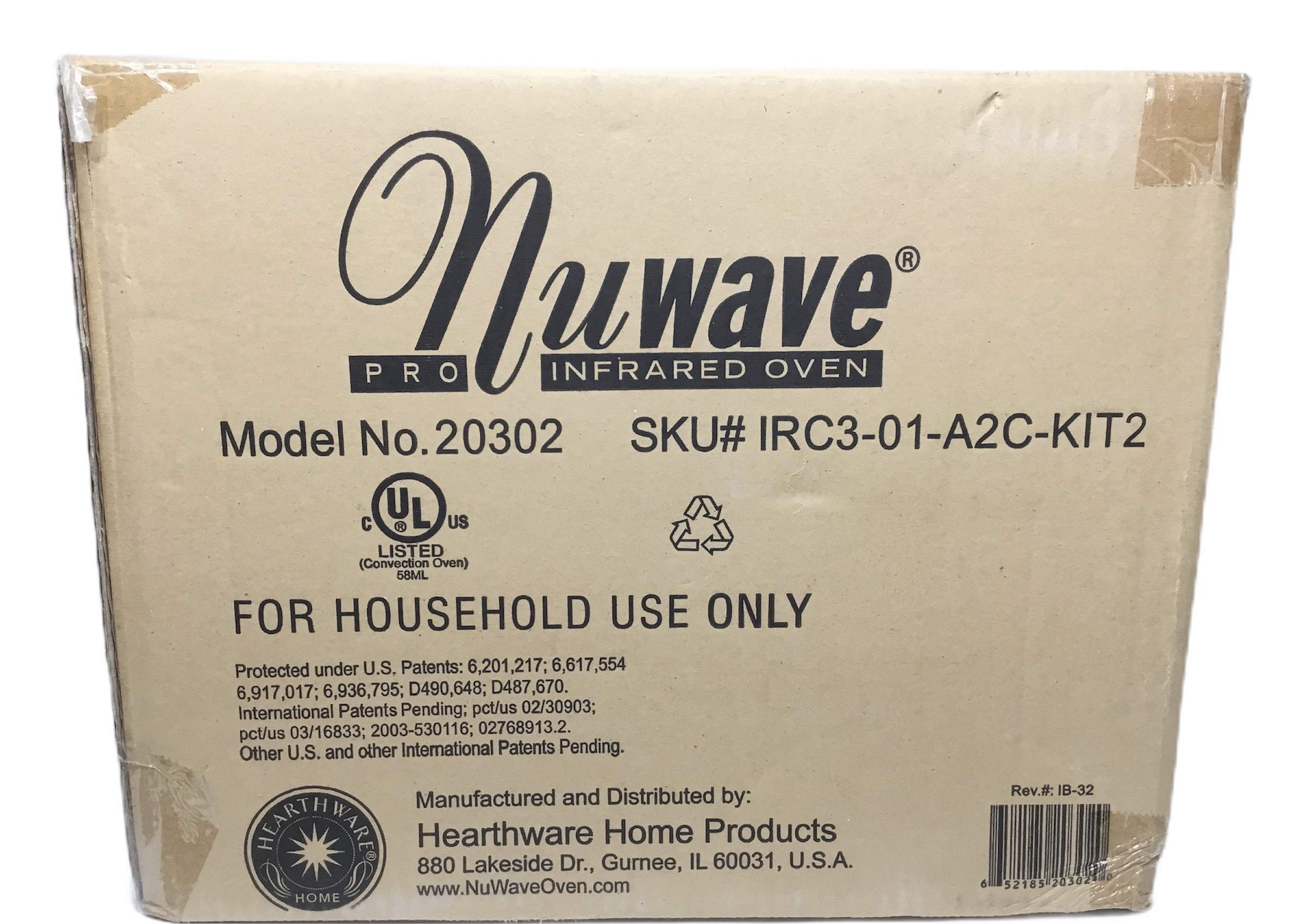
Image 1.1: The NuWave Infrared Oven packaging box. Note: While the image displays Model No. 20302, this manual pertains to Model 20301 as per product specifications.
1.2 Assemblage
- Place the oven base on a stable, heat-resistant surface.
- Insert the cooking rack(s) into the base.
- Place the dome over the base, ensuring it is seated correctly.
- Attach the power head securely on top of the dome.
- If using the extender ring, place it between the base and the dome before placing the power head.
1.3 Utilisation initiale
- Before first use, wash all removable parts (dome, racks, extender ring) with warm, soapy water. Rinse thoroughly and dry.
- Wipe the power head with a damp cloth. Do not immerse the power head in water.
- Branchez le four sur une prise électrique standard.
2. Mode d'emploi
The NuWave Infrared Oven utilizes infrared and convection technology for efficient cooking. Follow these guidelines for optimal results.
2.1 Fonctionnement de base
- Place food on the appropriate cooking rack. For best results, ensure even spacing for air circulation.
- Close the dome and ensure the power head is properly seated.
- Set the desired cooking temperature and time using the control knob.
- The oven will begin cooking once settings are applied.
- Always use oven mitts when handling hot parts of the oven or food.
2.2 Temperature and Time Control
The NuWave Infrared Oven features a control knob for adjusting cooking temperature and time. Refer to the included recipe guide for recommended settings for various foods. Adjust settings as needed based on food type, quantity, and desired doneness.
2.3 Using the Extender Ring
The extender ring increases the oven's capacity, allowing you to cook larger items such as whole chickens or roasts. To use, place the extender ring on the oven base, then place the dome on top of the extender ring, and finally the power head. This elevates the dome, providing more vertical cooking space.
3. Entretien et maintenance
Regular cleaning and proper maintenance will extend the life of your NuWave Infrared Oven and ensure continued performance.
3.1 Nettoyage
- Débranchez toujours le four et laissez-le refroidir complètement avant de le nettoyer.
- The dome, cooking racks, and extender ring are dishwasher safe. Alternatively, wash them by hand with warm, soapy water and a non-abrasive sponge.
- Wipe the exterior of the power head and base with a damp cloth. Do not immerse the power head or base in water.
- For stubborn food residue, soak removable parts in warm, soapy water before cleaning.
3.2 Stockage
Store the NuWave Infrared Oven in a clean, dry place when not in use. Ensure all components are dry before storing. The oven can be disassembled for more compact storage if desired.
4. Guide de dépannage
If you encounter any issues with your NuWave Infrared Oven, refer to the following guide. If the problem persists, contact customer support.
| Problème | Cause possible | Solution |
|---|---|---|
| Le four ne s'allume pas. | Non branché ; alimentation coupéetage; prise défectueuse. | Assurez-vous que le four est bien branché sur une prise fonctionnelle. Vérifiez le disjoncteur de votre installation électrique. |
| Les aliments ne cuisent pas uniformément. | Food overcrowded; incorrect rack placement; dome not sealed properly. | Ensure food is spaced for air circulation. Use appropriate rack. Verify dome is seated correctly. Flip food halfway through cooking if necessary. |
| Dome appears cracked or damaged. | Impact damage; thermal stress over time. | Discontinue use if cracks compromise safety. Contact customer support for replacement parts or warranty information. |
| Heating element sparking or melting. | Faulty element; extreme overheating. | Immediately unplug the oven. Do not use. Contact customer support for assistance. This is a serious safety concern. |
5. Spécifications du produit
- Nom du modèle : 20301
- Marque: Nuwave
- Couleur: Blanc
- Dossier spécial : Infrared Convection Oven
- Quoitage: 1500 watts
- Matériel: Plastique (pour certains composants)
- Type de contrôle : Bouton
- Source d'alimentation : Électrique
- Composants inclus : Oven Racks, User Manual (this document)
- Code à barres : 652185203020 735533119959
6. Garantie et assistance
6.1 Informations sur la garantie
Your NuWave Infrared Oven is covered by a manufacturer's warranty. Please refer to the warranty card included with your purchase for specific terms, conditions, and duration. Keep your proof of purchase for warranty claims.
6.2 Assistance clientèle
For technical assistance, replacement parts, or warranty service, please contact Nuwave customer support. Contact details can typically be found on the official Nuwave websur votre site ou sur l'emballage de votre produit.